Participant
January 31, 2022
Question

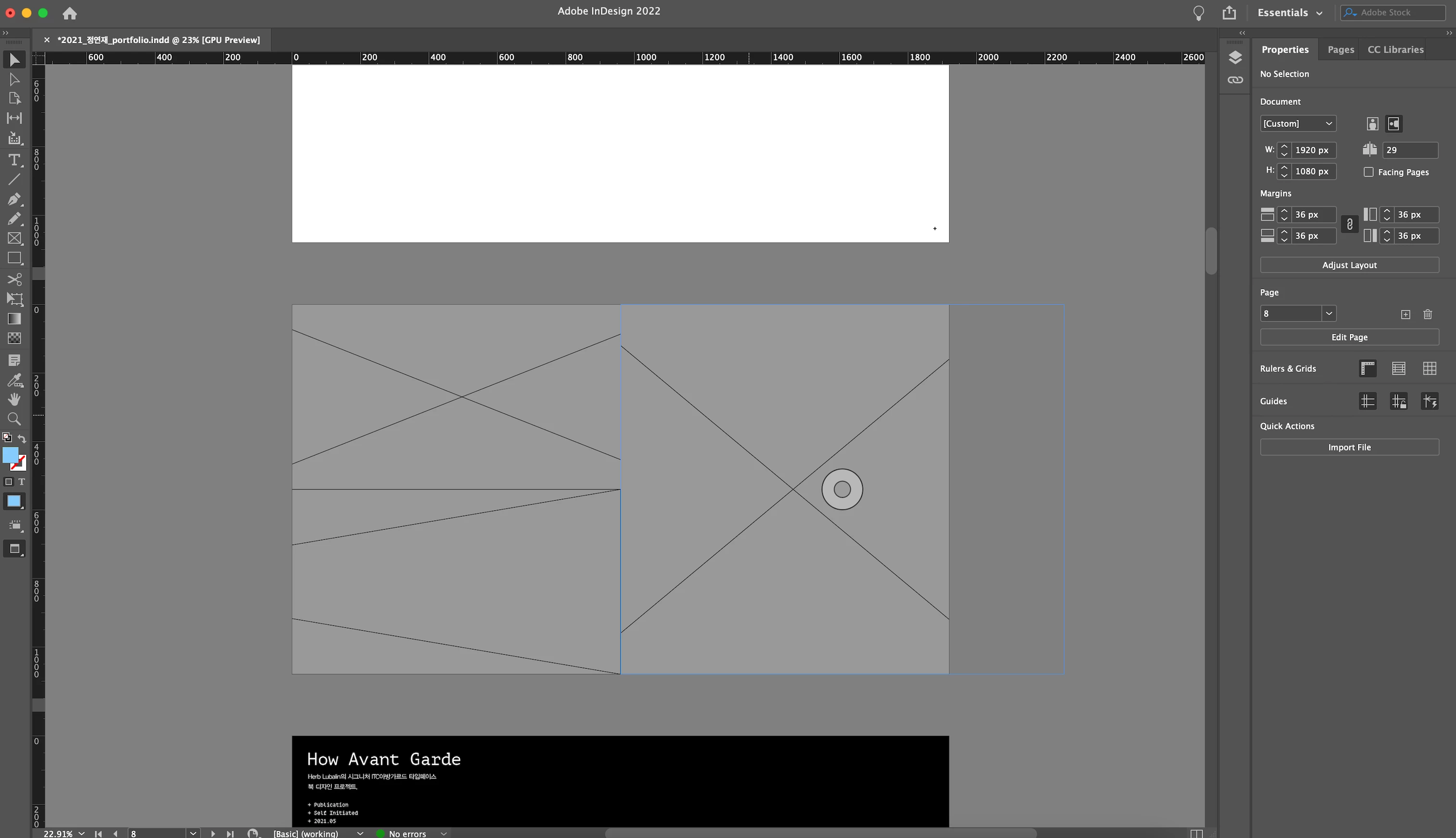
Image in gray box

  • January 31, 2022
  • 2 replies
  • 192 views

Hi,

My indeisgn is showing all images in gray box.

I've noticed there are recomendations of settings

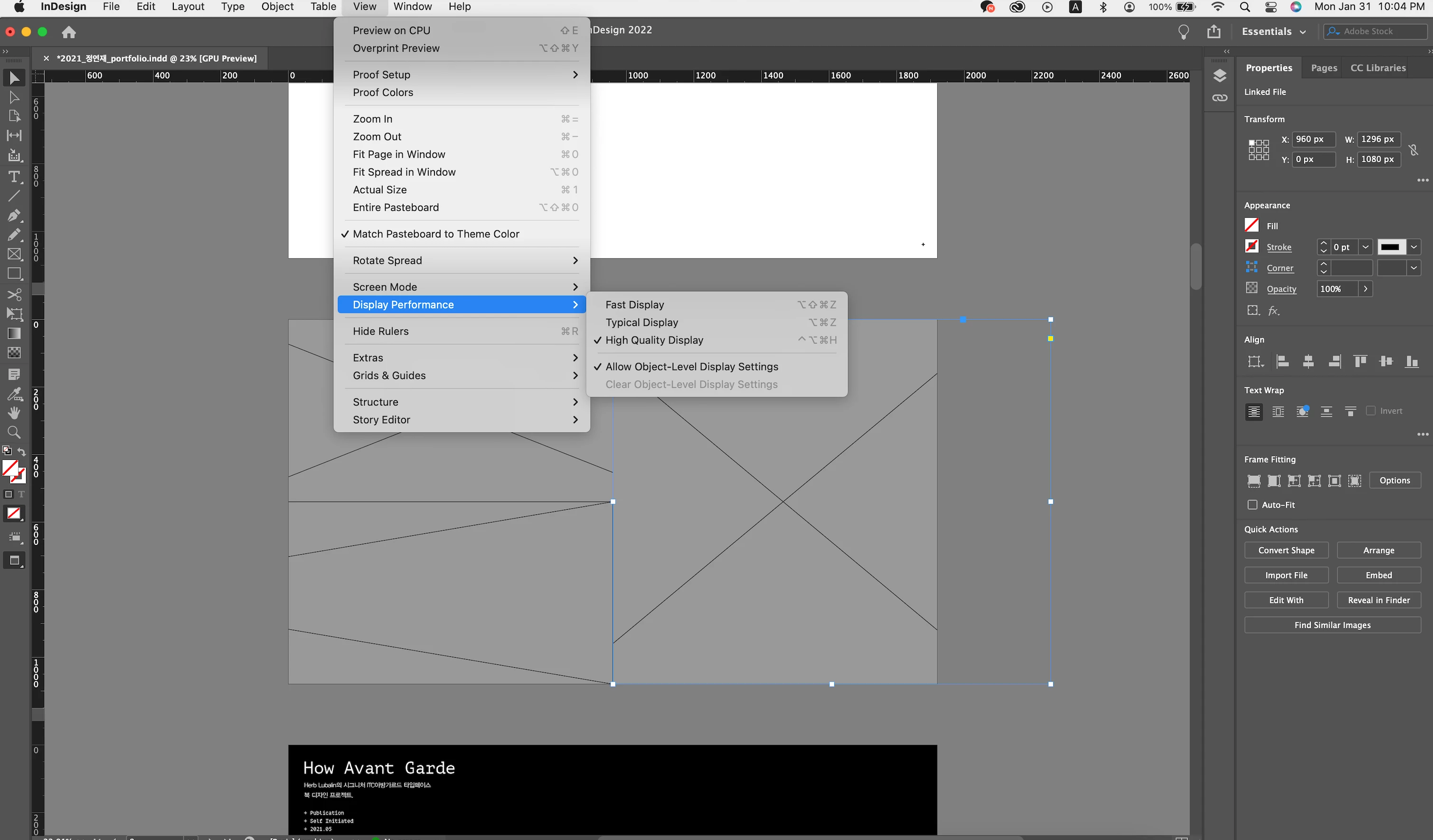
View -> Display Performance

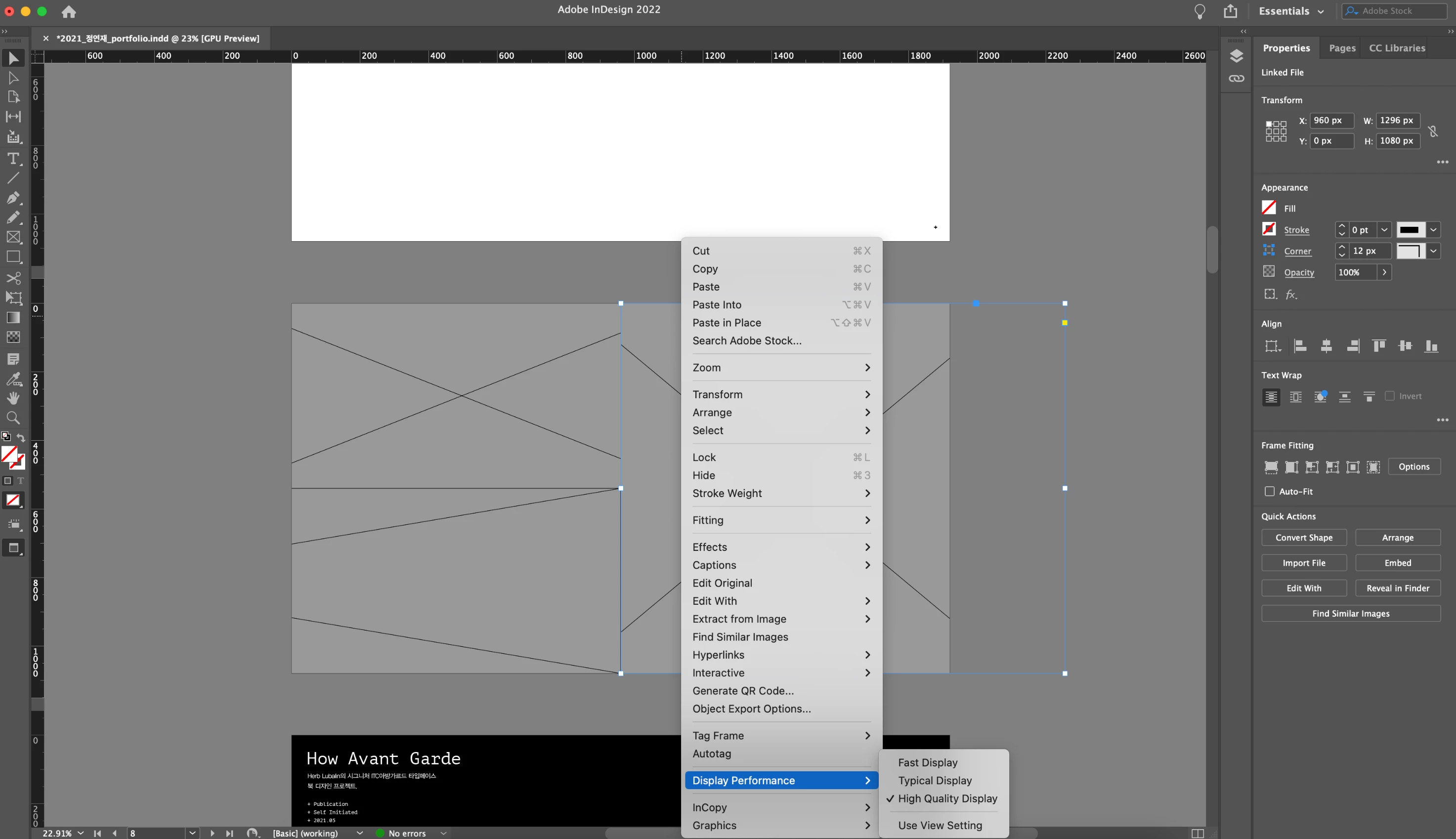
Right Click gray box -> Display Performance -> High Quality Display


Both doesn't work..

I;m not sure if this is why but, as soon as the program starts, the program asked me if indesign could access my files, I accidentally clicked N0. Could this be reason? If so how can I change the setting?

I've attached streenshots below, PLZ HELP


This topic has been closed for replies.

2 replies

Scott Falkner
Community Expert
Community Expert
January 31, 2022

It is posilbe that the preferences for display performance have been changed. Below you can see my preferences for Typical Display. Perhaps the Raster Images preferene has changed for one of your display options.

Anshul_Saini
Community Manager
Community Manager
January 31, 2022

Hi there,


Sorry to hear about your experience. It is possible that InDesign is unable to read the images. I would suggest you try the following:

  1. Go to System Preferences
  2.  Security & Privacy
  3.  Click the "Unlock button" & enter your user account credential to make changes.
  4.  Go to Privacy Tab
  5.  Full Disk Access & Files & Folders
  6.  Click "+" to add InDesign 2022.app manually
  7.  Restart InDesign


If this doesn't help, then you may keep the images (links) in the same folder as the file.


If that doesn't help either, then you may try testing the InDesign Preferences (https://helpx.adobe.com/indesign/kb/indesign-preferences-support-file-locations.html) and see if that helps to resolve the issue.


Let us know how it goes. We will be looking forward to your response.


Thanks & Regards,

Anshul Saini