Participant
January 23, 2023
Answered

Image inverting colour of shapes

  • January 23, 2023
  • 3 replies
  • 459 views

I don't know why or how it happened, but suddenly, all the images in my InDesign document are randomly inverting and changing the colours of my shapes.

I don't know why, and I don't know how to fix it.

This topic has been closed for replies.
Correct answer jmlevy

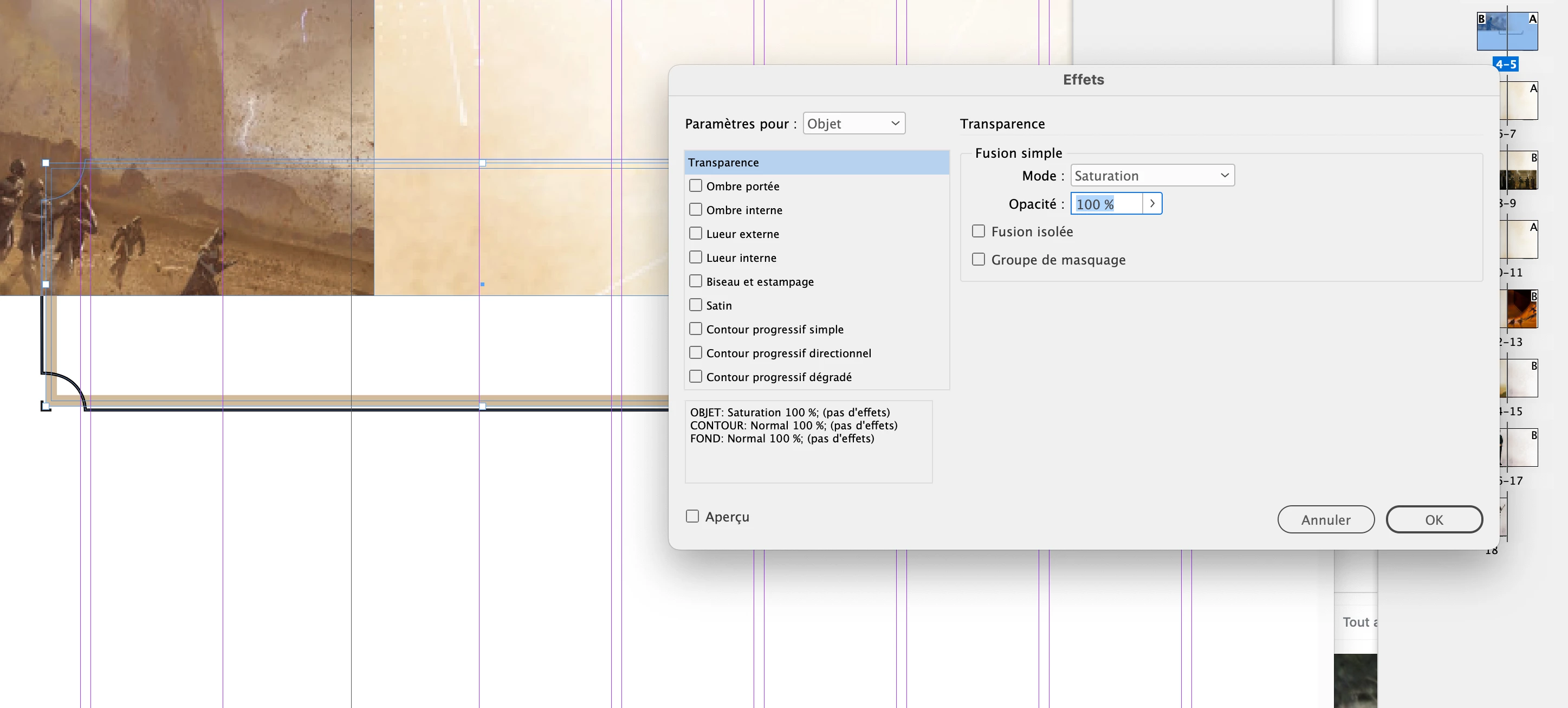
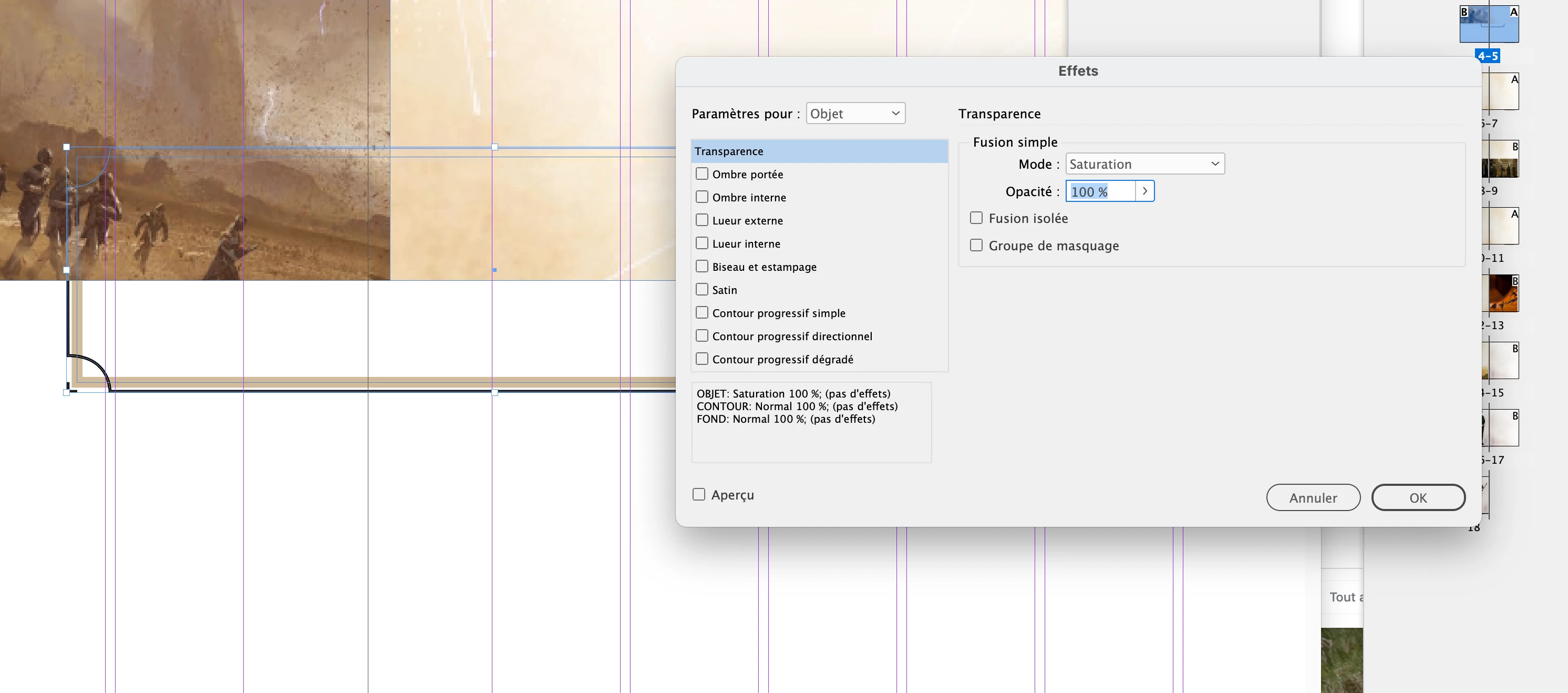
Il y a des effets de transparence appliqués individuellement sur les objets (pas sur le groupe) des pages 4-5 (le rectangle noirà coins arrondis inversés et le rectangle à contour beige).
3 replies

jmlevy
Community Expert
Community Expert
January 24, 2023

Can you share the file? Or a part of it, even with dummy text if you prefer.

fwiedAuthor
Participant
January 24, 2023
Manuel_de_Jeu.indd
jmlevy
Community Expert
jmlevyCommunity ExpertCorrect answer
Community Expert
January 24, 2023

Il y a des effets de transparence appliqués individuellement sur les objets (pas sur le groupe) des pages 4-5 (le rectangle noirà coins arrondis inversés et le rectangle à contour beige).

Brad @ Roaring Mouse
Community Expert
Community Expert
January 24, 2023

Have you inadvertently applied a Transparency effect (e.g Screen) to your image?

fwiedAuthor
Participant
January 24, 2023

I checked all the imges, but there was no sign of any sort of effect being applied. Thank you for your suggestion.

Steve Werner
Community Expert
Community Expert
January 24, 2023

If it's happening in just one file, there may be corruption in the file. Sometimes this can be fixed by saving the file as an IDML file. Choose File > Save As > InDesign CS4 or Later [IDML]. Then open the IDML file in InDesign and see if it has solved the problem.

fwiedAuthor
Participant
January 24, 2023

Hello,

Thank you for your suggestion, but it doesnt seem to be an issue with the file. I exported it as you said and it has unfortunately not resolved the issue.
