
Image not loading
Hello everyone!
I am an not an expert in scripting and I have a little problem that is driving me crazy. Any help will be very appreciated.
I have a script that: opens a template (.indt), imports a XML file and saves a .indd file.
One of the pages of my document has a background image. This image could be bg_Masculino.jpg or bg_Feminino.jpg, depending on what is in the XML file. If the XML file has bg_Masculino.jpg, that is what happens (image does not load):
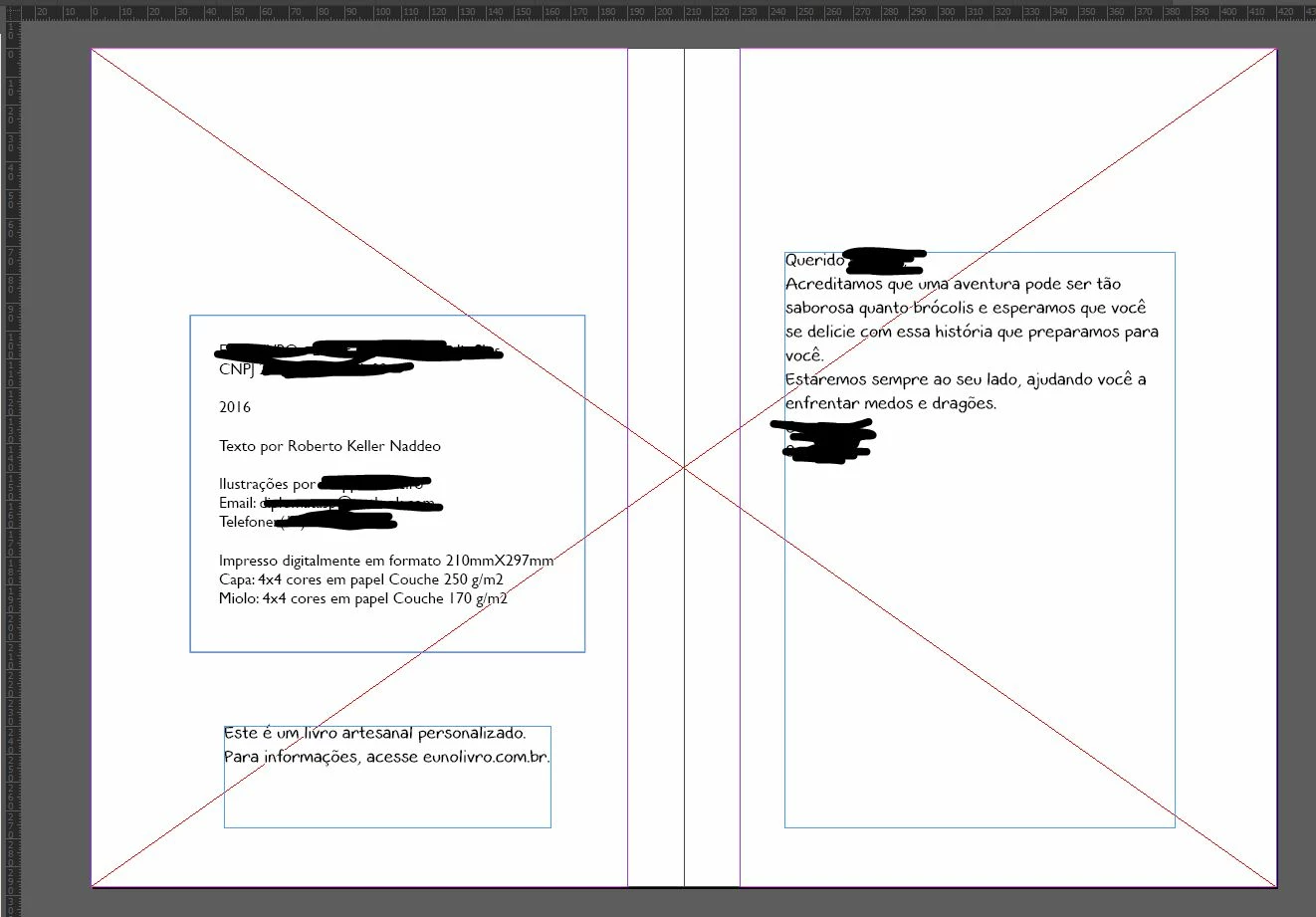
This does not happen if the file is bg_Feminino.jpg.
This does not happen in my other computer.
This does not happen if I import the XML file manually.
This is my script:
main ()
function main () {
var template;
var template_1 = "/V/Documents/EUnoLIVRO/Template InDesign/eu_e_o_dragão_img_retrato_xml_v6.indt";
var template_2 = "/V/Documents/EUnoLIVRO/Template InDesign/livro_da_crianca_template_v5.indt";
var template_3 = "/V/Documents/EUnoLIVRO/Template InDesign/criava_mundos_v6.indt";
var template_5 = "/V/Documents/EUnoLIVRO/Template InDesign/O_natal_da_crianca_v2.indt";
// open the file
var myFolder = Folder.selectDialog("Selecione a pasta com XML");
if (!myFolder)
exit(0);
var myFileList = myFolder.getFiles("*.xml");
for (var i = 0; i < myFileList.length; i++) {
var myFile = myFileList;
var filename = myFile.path+'/'+ myFile.name.substring(2,10)+".indd" ;
// seleciona template
if (myFile.name.substring(2,6) === "0207") {
template = template_1;
}
if (myFile.name.substring(2,6) === "2009") {
template = template_2;
}
if (myFile.name.substring(2,6) === "2018") {
template = template_3;
}
if (myFile.name.substring(2,6) === "2012") {
template = template_5;
}
// abre template
var curFile = File (template);
// check if the file exists
if (!curFile.exists) {
alert ( "no template!" );
exit();
}
var curDoc = app.open( curFile );
// create a new file object
var inddFile = new File ( filename );
if (!inddFile.exists) {
var doc = app.activeDocument;
doc.importXML( myFile );
// save the file
curDoc.save( inddFile );
}
curDoc.close();
}
}
The error I showed before happens when it is a "template 1", but similar errors occur with template 2 with other images. Templates 3 and 4 are fine.
Everything looks normal with files:
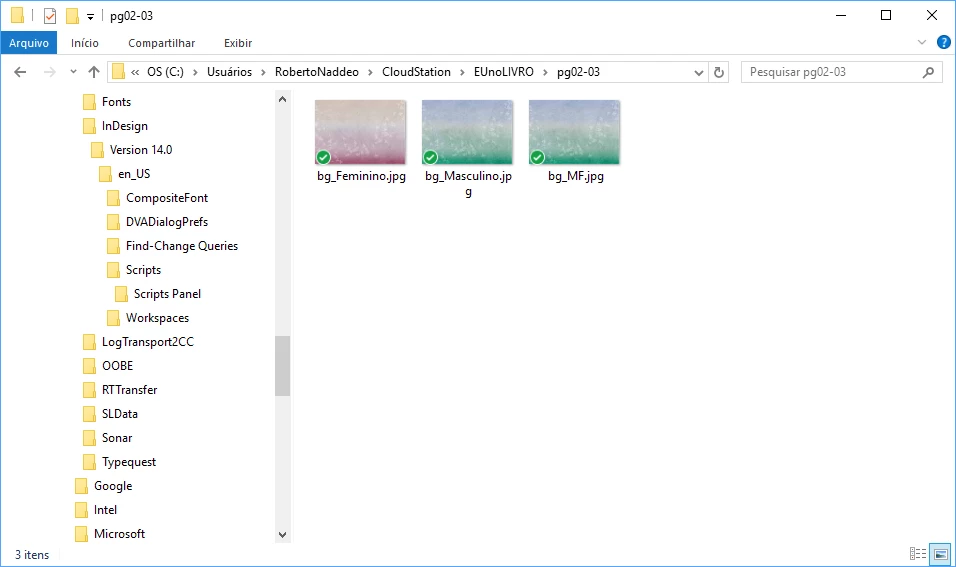
... and with structure:
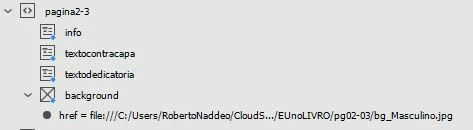
... and with XML:

As I said, I am not an experienced programmer and maybe it is a silly error. Anyway, I have been unable to solve it for some weeks.
Again, thank you very much for any help!
Regards,
Roberto
 AdChoices