
Participant
February 3, 2025
Question

Image resolution issue whilst exporting

  • February 3, 2025
  • 4 replies
  • 696 views

Hi!


My team and I are facing an issue with the quality of images when exporting a document from InDesign or Illustrator. Despite the images being high resolution when added to the working file, their quality decreases when converting the file to a PDF. We have tried exporting the file in high resolution, but nothing seems to fix the problem.


Before:
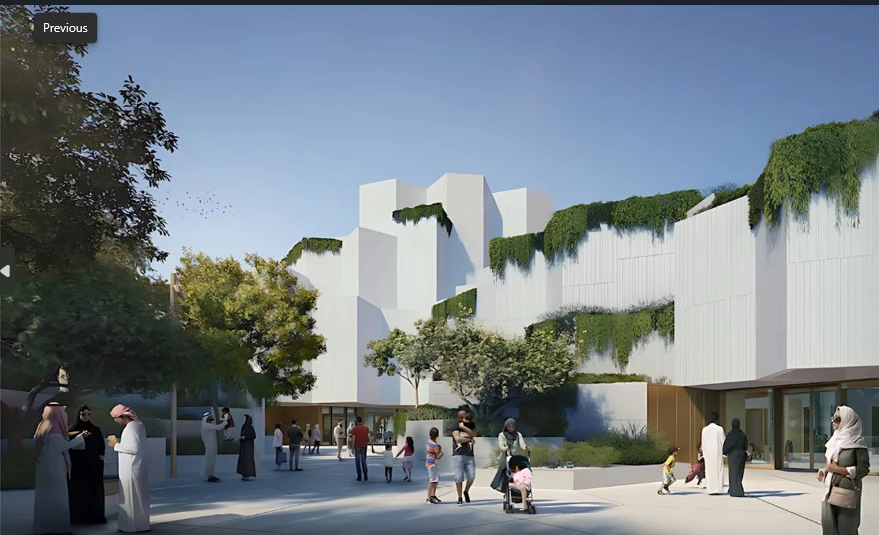
 

After:

 

Before:
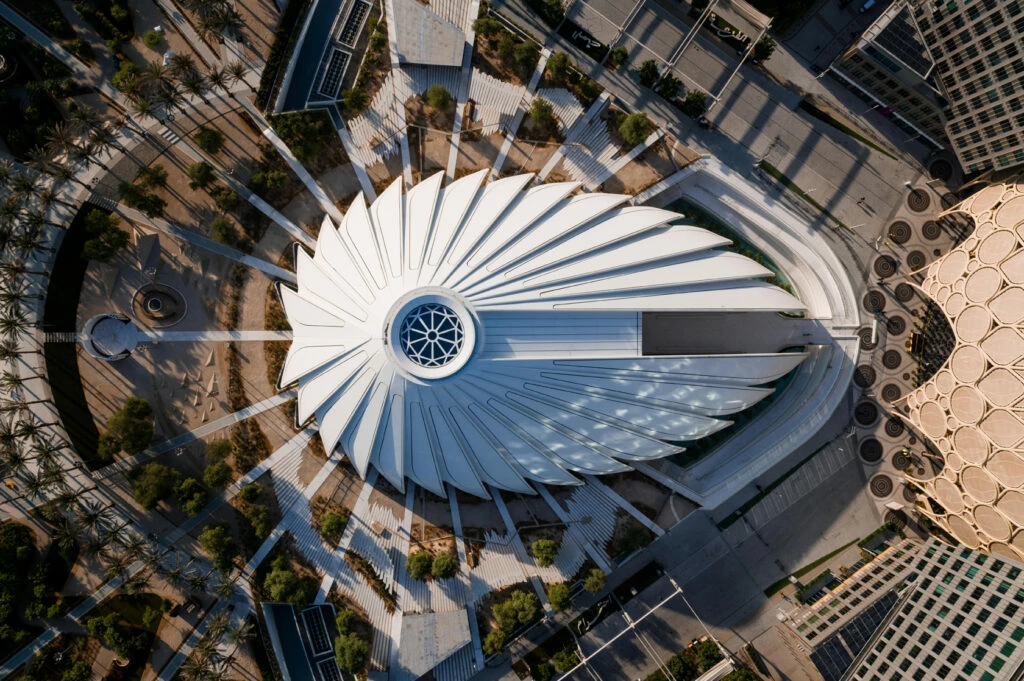


After:
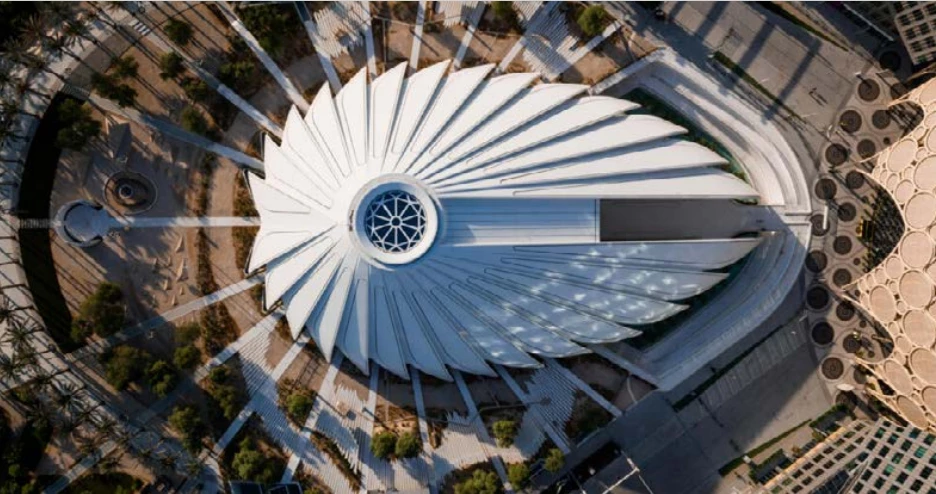


4 replies

Mike Witherell
Community Expert
Community Expert
February 3, 2025

Your basic problem is exporting to 72ppi, thereby making the image too low-rez and crunchy. Increase that to the number you wish. Old industry habits are 300ppi for print.

For digital print, I generally opt for 200ppi, but each project has its own needs/arguments.

Also, you are using the export to interactive PDF. Is that what you want? Or are you trying to make a PDF that is suitable for the commercial printer? Or are you trying to make a PDF that is suitable for linking on a website, as well as also suitable for the end-user to print?

Mike Witherell
Willi Adelberger
Community Expert
Community Expert
February 3, 2025
  1. How did you import images to InDesign? Do you place or copy & paste?
  2. What is the effective resolution?
  3. What file types are the images?
Participant
February 3, 2025


Robert at ID-Tasker
Legend
February 3, 2025

@sakina_8260


You're exporting as 72ppi. 


And you're exporting INTERACTIVE PDF - not for PRINT. 


Robert at ID-Tasker
Legend
February 3, 2025

Instead of screenshots of the files - which are downgraded / resample during uploading here anyway - could you please post screenshots with the export settings? 


Participant
February 3, 2025


jane-e
Community Expert
Community Expert
February 3, 2025

@sakina_8260 


InDesign and Illustrator each have their own forums and we can only move your post to one of them. I've moved your post from Creative Cloud Desktop to the InDesign forum.


Can you show your settings in the Export to PDF dialog from InDesign?


Jane


Participant
February 3, 2025


jane-e
Community Expert
Community Expert
February 3, 2025

Thank you for the screen shots, although you only need to post them once instead of three times. We can all see them.


As others have said:

  • Export to Print, not Interactive
  • Enable hyperlinks
  • Export to 300 ppi instead of 72


Jane