
Known Participant
November 24, 2022
Question

image size issue on a epub flutter reader app

  • November 24, 2022
  • 8 replies
  • 1284 views

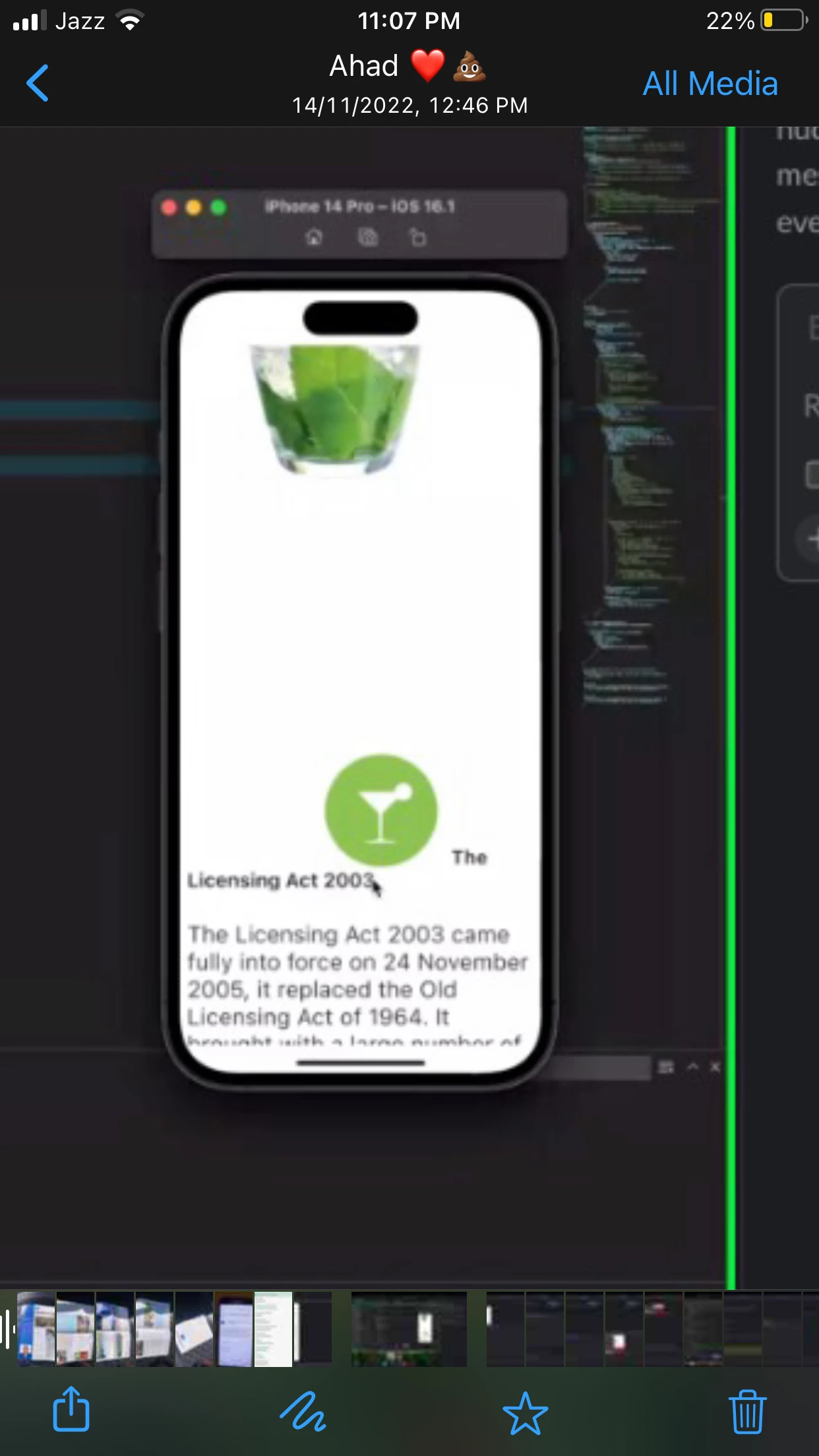
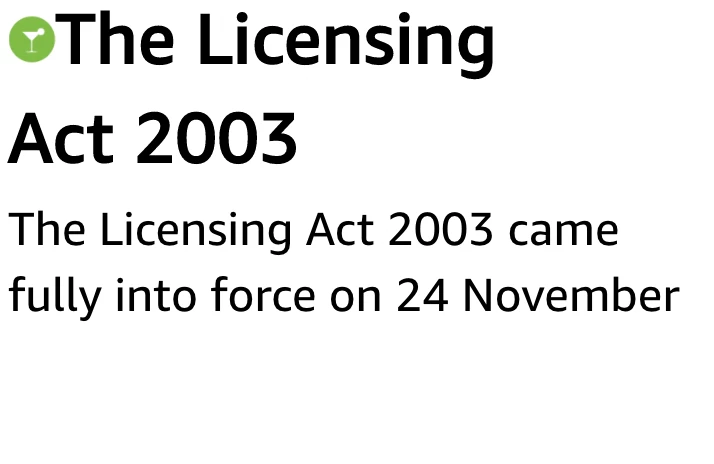
So I designed a reflowable epub through InDesign. There is a green martini glass on the left of the text which turns out fine when I export the file and open it on kindle. However the epub is to be put up on an app developed using Flutter, when I do so the glass goes out of propotion.


Attaching images 

What could be the problem.


P.s someone designed a dummy epub and no such problem appeared with that file even after uploading it on the app. I am attaching my epub as 'amna' and the one that works fine as 'working' can someone help me find the problem
This topic is closed to new replies. Start a new post to keep the conversation going.

8 replies

James Gifford—NitroPress
Legend
November 24, 2022

Anyway, rants aside, you are probably going to have to assign an object style to that icon and manage its behavior at the CSS level. With luck, you will be able to get the intended behavior on your target reader/platform, AND on a general reader like Thorium.


Kindle Previewer is a good EPUB proof/tester in many ways, but it's quite different in many ways as well and no guarantee that the source EPUB will display that way even on a compliant reader.


AmnaAbbasAuthor
Known Participant
November 24, 2022

Dear James, 

I understand your pain! Having to juggle between multiple readers and each showing me a different layout really boils my blood. I did assign it an object style with a generic code but it still doesn't seem to work 

James Gifford—NitroPress
Legend
November 24, 2022

EPUB is 100% dependent on the (app) reader. And there are hardly any two readers that handle EPUB rendering the same way, and to the same degree.


Since there is no enforcing body for the EPUB standard, not even an ad-hoc public one, there is nothing preventing each implementation of a reader from being as rigid or as loose with respect to the standard as the developer chooses. Some developers may laboriously follow every point of the standard, but not keep up with changes. Some developers may follow the standard, but leave "loose edges" that don't properly handle exceptions, rare document elements or certain combinations of features.


But most developers cannot resist the urge to make their reader "better," and modify standardized features or add their own, to the detriment of pretty much all users and docs that don't specifically follow their ideas and ideals.


There is nothing — nothing — an EPUB developer can do about this. (And there should be; we should be able to draw a line in the sand over compliance.)


So the working practice is this: develop so that Thorium Reader (and to a very slightly lesser degree, Calibre — which does not have a rendering fault that plagues Thorium right now but has some other issues) shows your book correctly. And let all other reader/users limp along with their crummy, "improved" or otherwise noncompliant readers. (They'll blame you anyway.)


Or, if you are bound to a particular reader — the usual ones being Kindle and iBooks — then develop so that your book renders perfectly on those, try to keep things so that Thorium still does a good job, and let the chips fall that way. In your case, I'd tweak the EPUB code at the CSS level to make it work perfectly on the reader you're targeting, and then try to work back to compatiblity for more general readers, or even release an alternate version for the more general market if you prefer.


But all of this is exactly like the web/browser situation of maybe ten or so years back, where every browser builder had their own ideas about how to "improve" things, and you either wrote to suite IE or Firefox or Safari, or wrote tons and tons of 'conditional' code to try and make the site come out the same on all three. It was a tiresome task and era.


And EPUB really needs to get past this tiresome, free-for-all, we're-better era. Too bad the official committee is absorbed in little more than the nits and bits of accessibility these days, and not the larger issues.