Image swapping script scale issue question
Hello
I have a script below which I have been working on - it allows the user to select two things and swap the sizes.
For example you need to swap the main image with a drop in image - this allows for the swap to happen with one shortcut.
The bad news is I am having a hard time getting the images inside frames to fit portionally once swapped they still have the old sizing and do not adapt for the changing frame sizes.
Any help on this would be great!
Many thanks
Smyth
The samples below show the script before and after using coloured boxes and then a sample with phototos and the issue that arrises.
Before
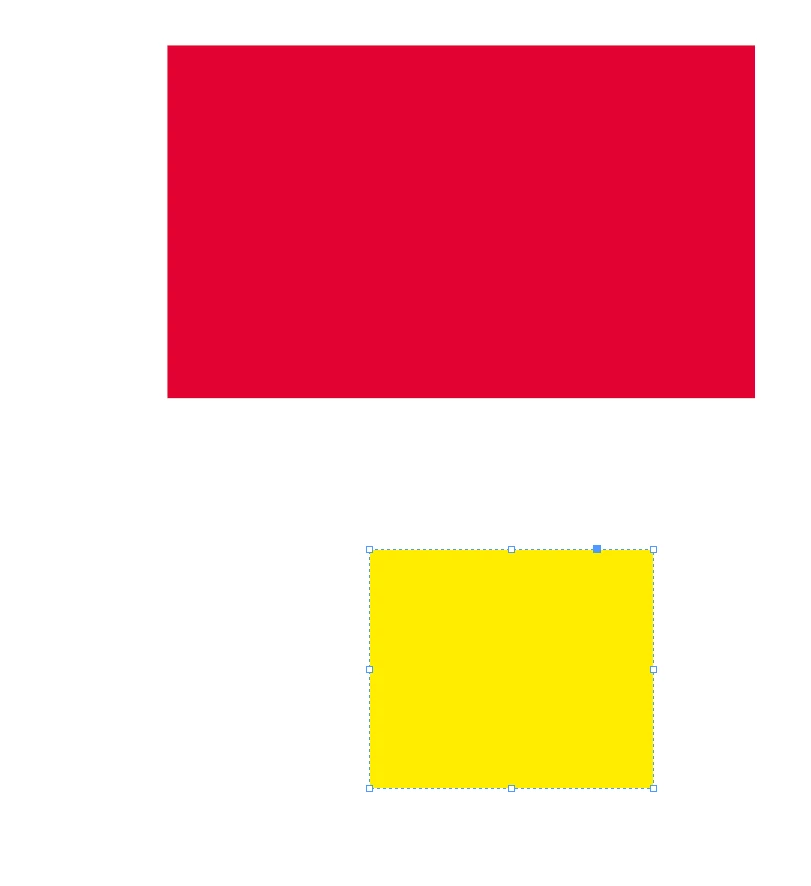
After
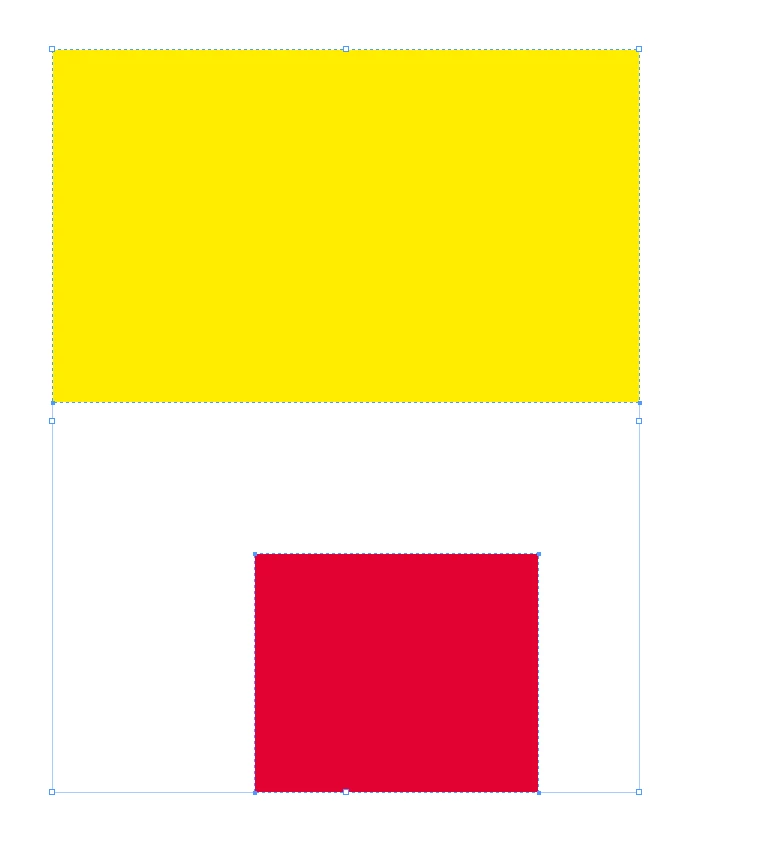
they have swaped placed
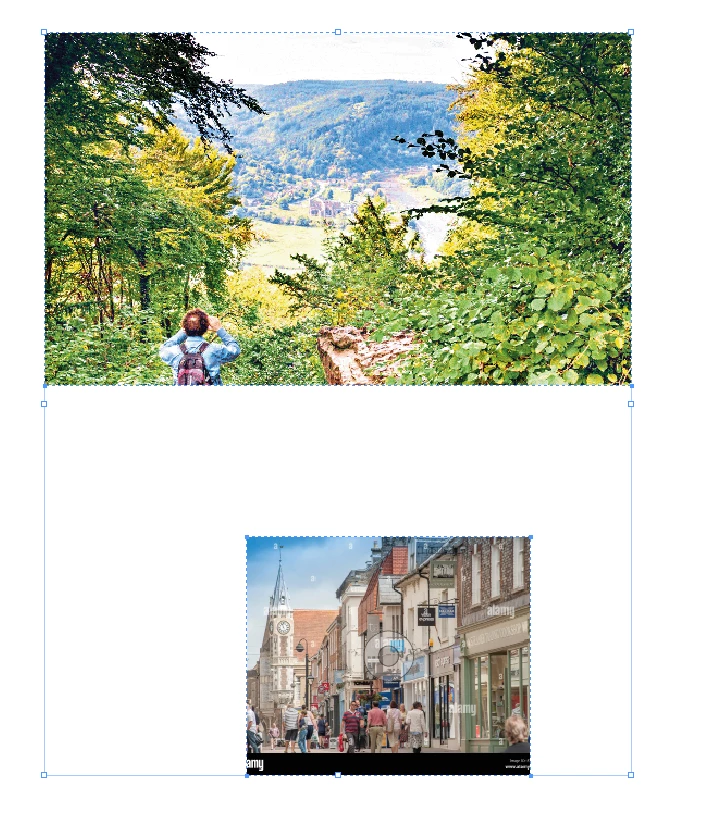
and an example with photos below
before
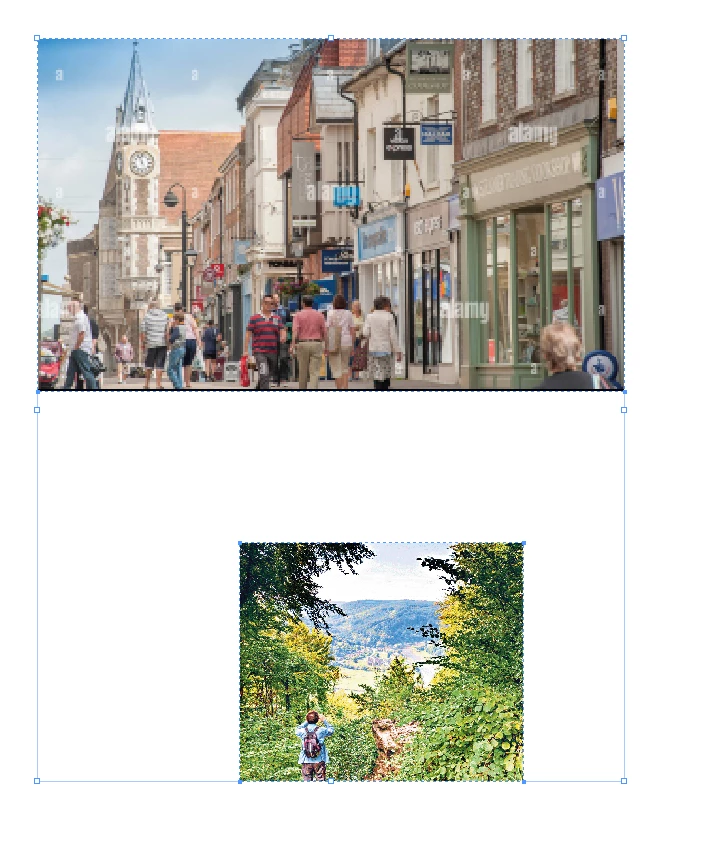
after - it looks like there is nothing there but it because the images have not fitted proportionality
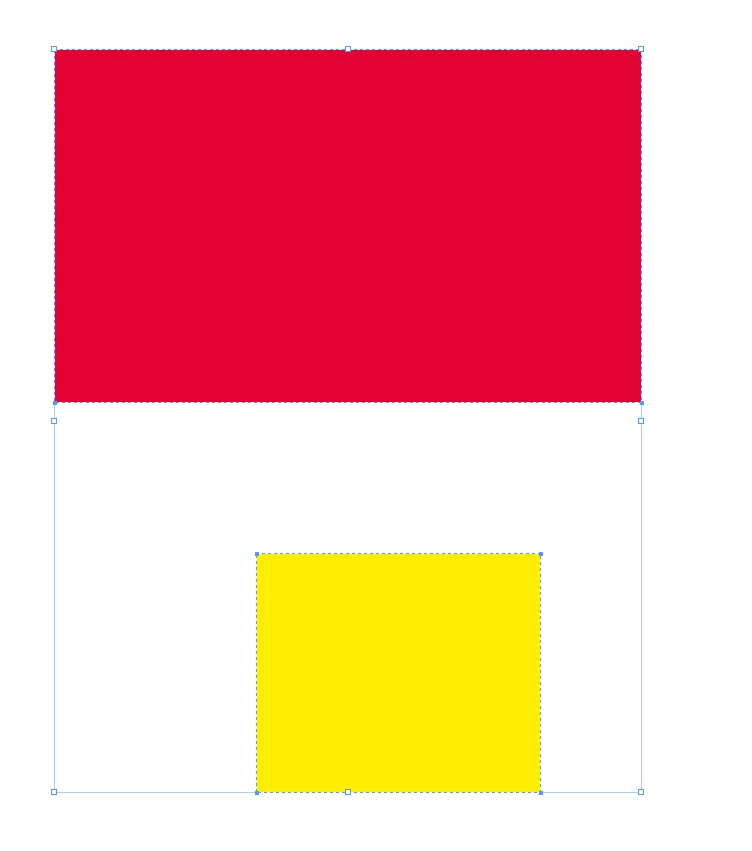
when I fit them myself i can see that they are there - would be good if the script could also do this part so then the user only needs to adjust the crop to their liking
#target indesign

app.doScript(function() {
    if (app.selection.length !== 2) {
        alert("Please select exactly two objects.");
    } else {
        var firstObject = app.selection[0];
        var secondObject = app.selection[1];

        // Ensure both objects are valid
        if (!firstObject.isValid || !secondObject.isValid) {
            alert("Invalid selection. Please select two valid objects.");
        } else {
            // Get the geometric bounds of both objects
            var firstBounds = firstObject.geometricBounds;
            var secondBounds = secondObject.geometricBounds;

            // Swap the geometric bounds (sizes and positions)
            firstObject.geometricBounds = secondBounds;
            secondObject.geometricBounds = firstBounds;

            // Adjust images within the swapped rectangles
            adjustImage(firstObject);
            adjustImage(secondObject);
        }
    }
}, ScriptLanguage.JAVASCRIPT, null, UndoModes.ENTIRE_SCRIPT, "Swap Object Sizes and Positions");

function adjustImage(rect) {
    if (rect.constructor.name === "Rectangle" && rect.graphics.length > 0) {
        var graphic = rect.graphics[0];
        if (graphic && graphic.itemLink && graphic.itemLink.isValid) {
            // Get the new dimensions of the rectangle
            var rectWidth = rect.geometricBounds[3] - rect.geometricBounds[1];
            var rectHeight = rect.geometricBounds[2] - rect.geometricBounds[0];

            // Get the current dimensions of the image
            var imageWidth = graphic.itemLink.imageProxy.width;
            var imageHeight = graphic.itemLink.imageProxy.height;

            // Calculate the scaling ratios
            var ratioWidth = rectWidth / imageWidth;
            var ratioHeight = rectHeight / imageHeight;

            // Determine the scaling ratio to fit the image proportionally within the rectangle
            var scaleRatio = Math.min(ratioWidth, ratioHeight);

            // Resize the image proportionally
            graphic.horizontalScale = scaleRatio * 100;
            graphic.verticalScale = scaleRatio * 100;
        }
    }
}
 AdChoices