
Images and text pixelating, colors changing at random times
Hi, my first post on here. I'll try to be as specific, but I'm not really sure what information people need and how to describe what's happening or if theres a specific instance that's causing it.
I'm using ID 2020 on Windows 10. At random times, all the images and text in a document I'm working on appear to become more pixelated and the image colors seem to change. See screenshots please 🙂
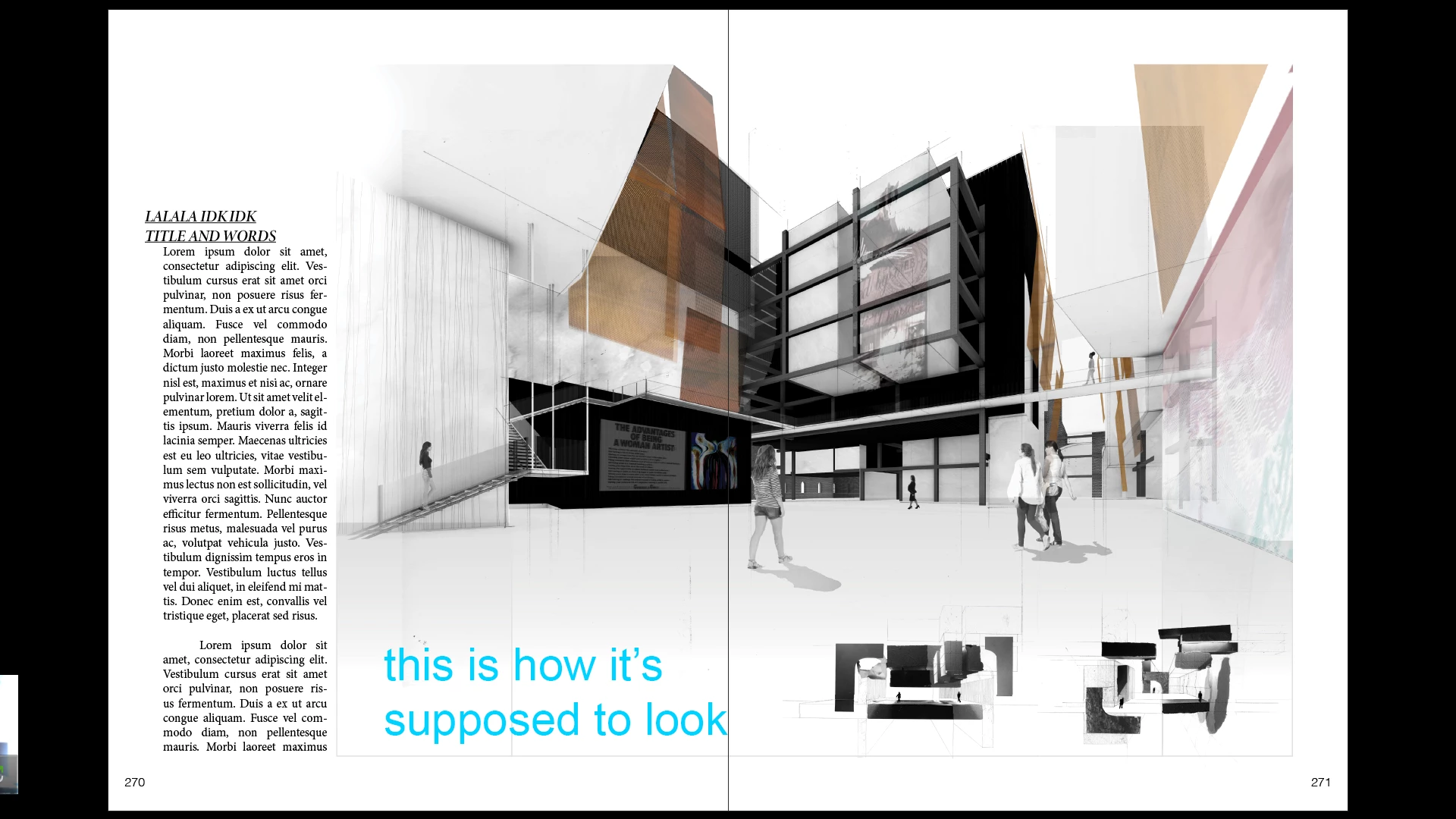
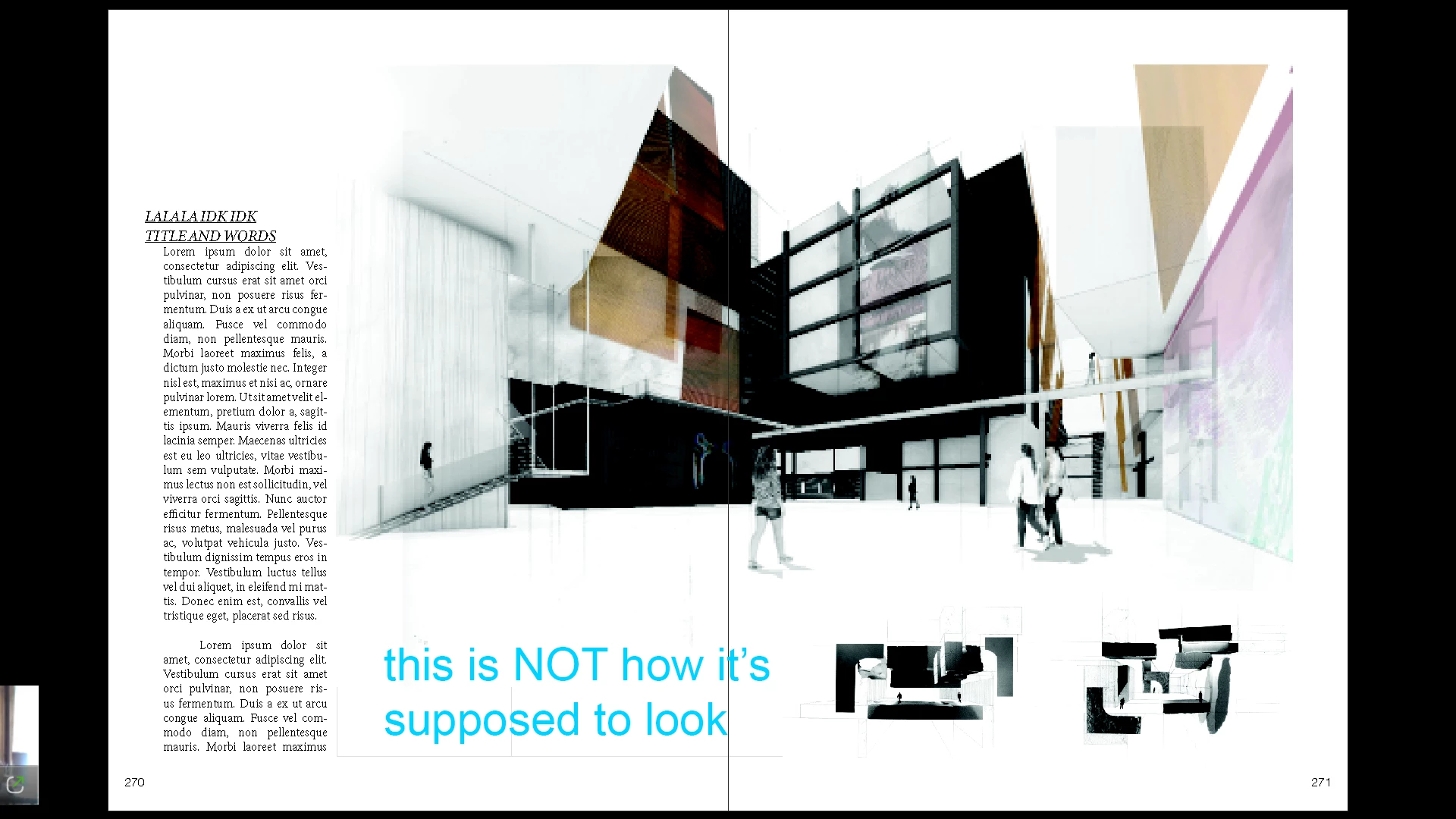
It will stay like this for a while and then randomly switch back. Closing indesign and reopening will also switch it back. I've tried poking around preferences but nothing seems out of the ordinary, but I don't know what I'm looking for. Changing the screen mode or display performance doesn't fix it.
It's not the end of the world, just a little annoying and makes it hard to assess how the layout is looking and I don't like wasting time saving and closing and reopening. Any idea what's going?
 AdChoices