
Participant
November 20, 2019
Answered

Images are not showing up after the new update

  • November 20, 2019
  • 1 reply
  • 404 views

Hey there,


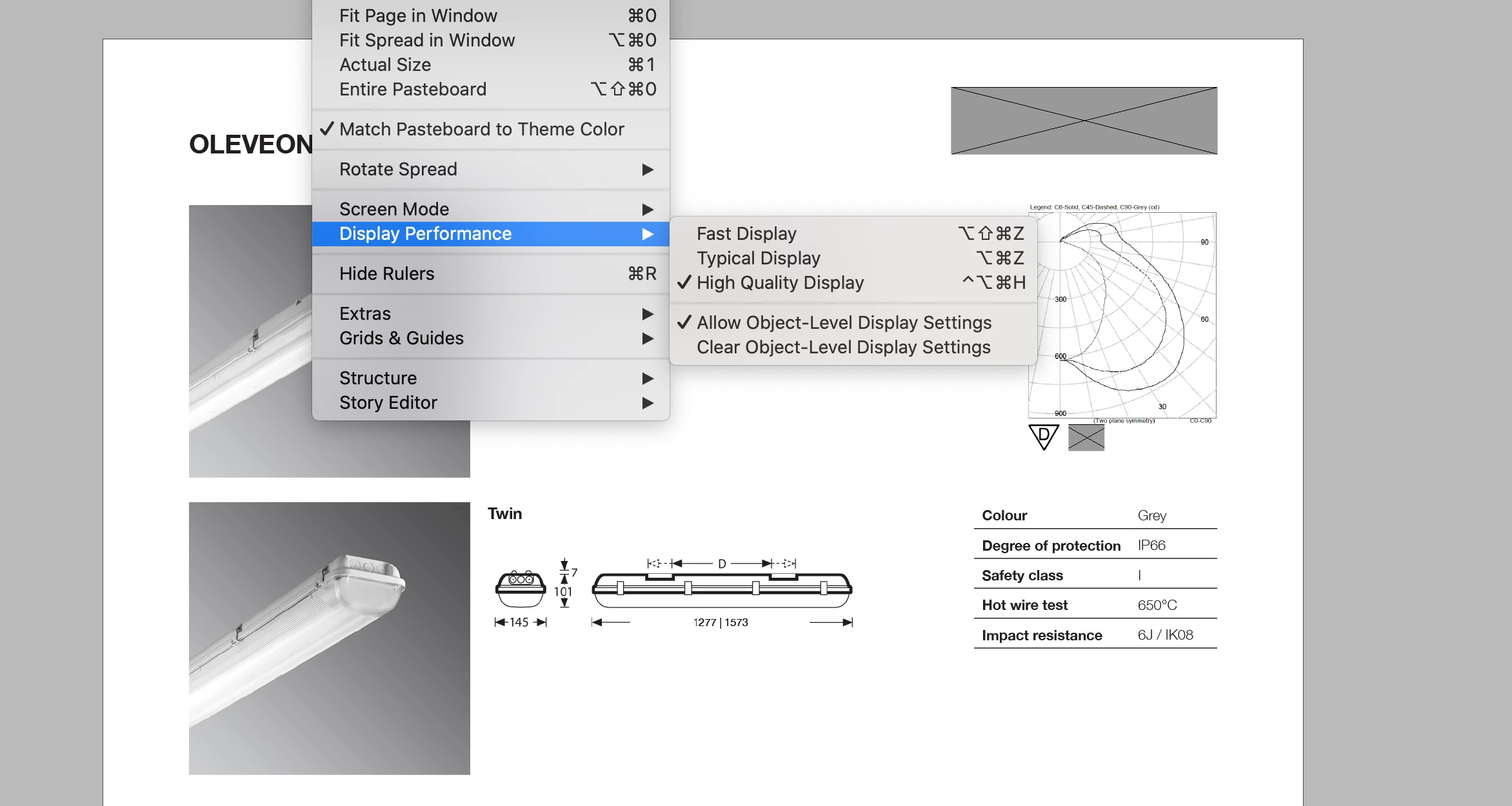
I have updated my iOS and Indesign program 14.0.3. and now when I open a document, it doesn't show images, they are either black or just blank. I tried changing the display performance, but it doesn't help. Some images come back, but some leave black, blank or grey. This is with all my InDesign files, and I work with them all, this is very frustrating. If I place that image again, it shows up, but this would be a disaster to replace all the images on hundreds of files.Any ideas? Thanks
This topic has been closed for replies.
Correct answer Mike Witherell

Close the file. Go to Preferences > Display Performance > and set to High Quality in the 2 places. Do not allow object level display settings. Restart InDesign. Re-open the file.

1 reply

Mike Witherell
Community Expert
Mike WitherellCommunity ExpertCorrect answer
Community Expert
November 20, 2019

Close the file. Go to Preferences > Display Performance > and set to High Quality in the 2 places. Do not allow object level display settings. Restart InDesign. Re-open the file.

Mike Witherell
AJacksonPR
Participant
July 10, 2023

This worked for me. Thanks!