


Question
Images Displaying Without Links in InDesign and Exporting Pixelated
I'm confused. I thought that if a link was missing from an InDesign document, it would alert me with an error. In this document, there are dozens of images that display on the page, but don't have a corresponding link in the Links panel. The document also indicates that there are no errors. If the images were embedded, they would still show in the Links panel. When I export the document for printing, these images are all pixelated, obviously. How does this happen? Another agency set up the document and claim to have sent us all the links for the translation, but I can't find these ghost images in the folder. Any ideas?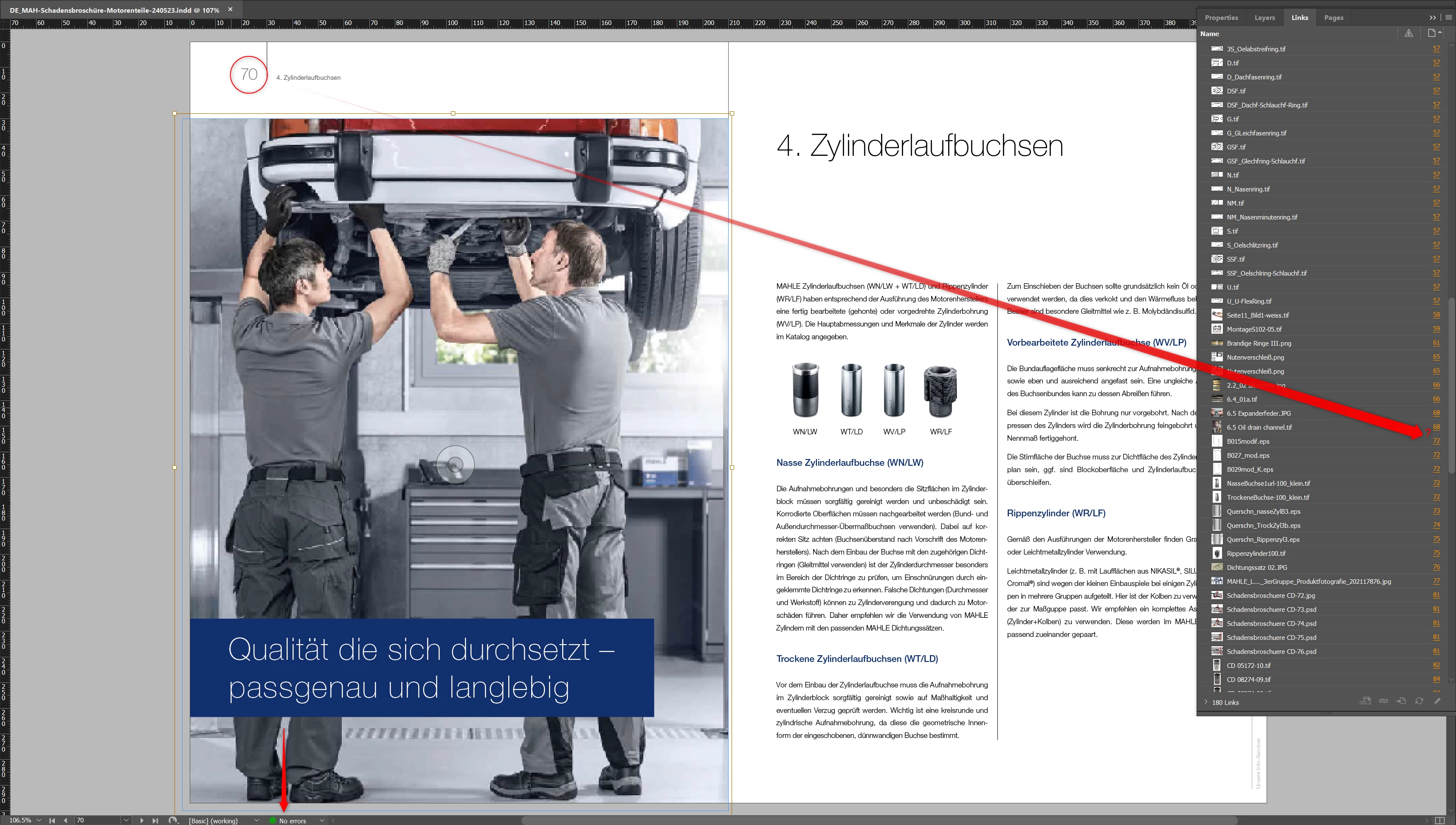
<Title renamed by MOD>
 AdChoices