Dopamin3
Participant
May 20, 2022
Answered

Images during save start clipping over to the right

  • May 20, 2022
  • 1 reply
  • 132 views

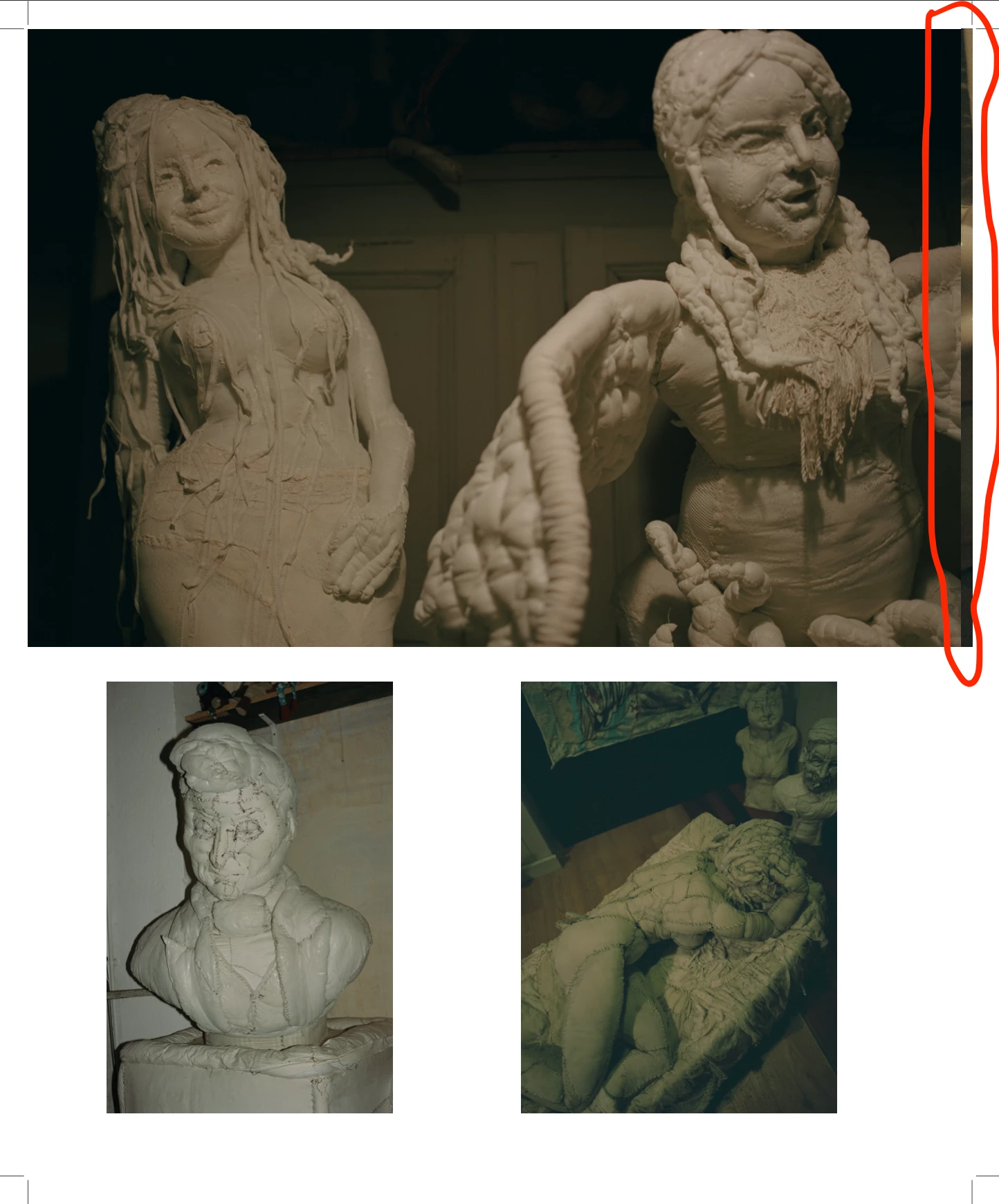
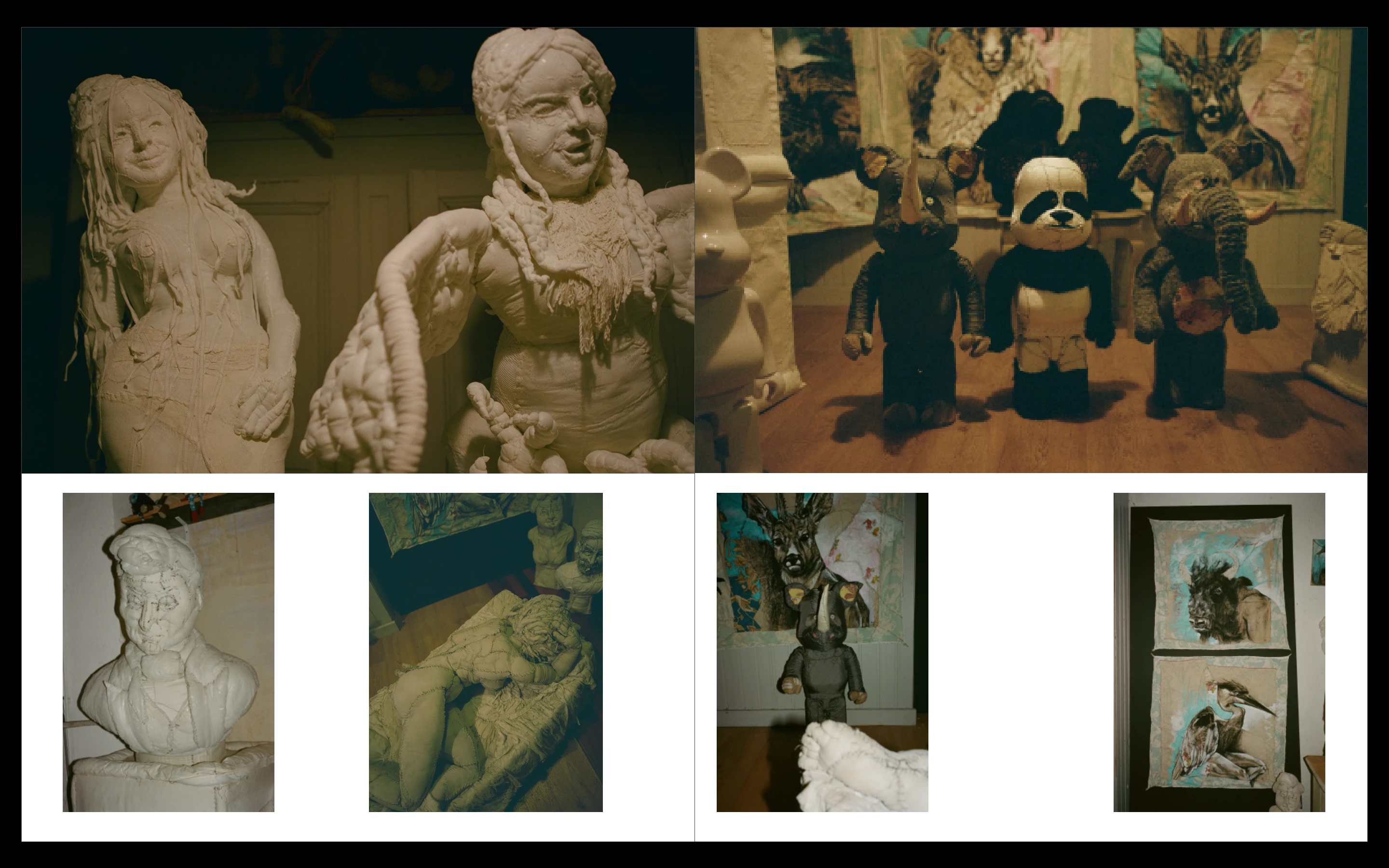
Currently working on a magazine in my Indesign it shows the image perfectly aligned to the the border but when. But when I export it thru Pages; cause the printer requested the pages saved in pages rather than spreads, it shows the image on the left hand side slightly moved over to the right; vice versa. I have provided images to show what i am talking about is there anyway to fix this? 
This topic has been closed for replies.
Correct answer Kevin Stohlmeyer

Check your document bleed settings.

In cases like this where you have butted images on a spread, I would split the pages out in the page panel and adjust the images indivudally for bleed before exporting as single pages.


1 reply

Kevin Stohlmeyer
Community Expert
Kevin StohlmeyerCommunity ExpertCorrect answer
Community Expert
May 20, 2022

Check your document bleed settings.

In cases like this where you have butted images on a spread, I would split the pages out in the page panel and adjust the images indivudally for bleed before exporting as single pages.