lbsurfergirl13
Participating Frequently
Jun 30, 2025 5:24 PM UTC
Question

Images Glitching in High Quality Display – Only Visible on Zoom in InDesign (Mac)

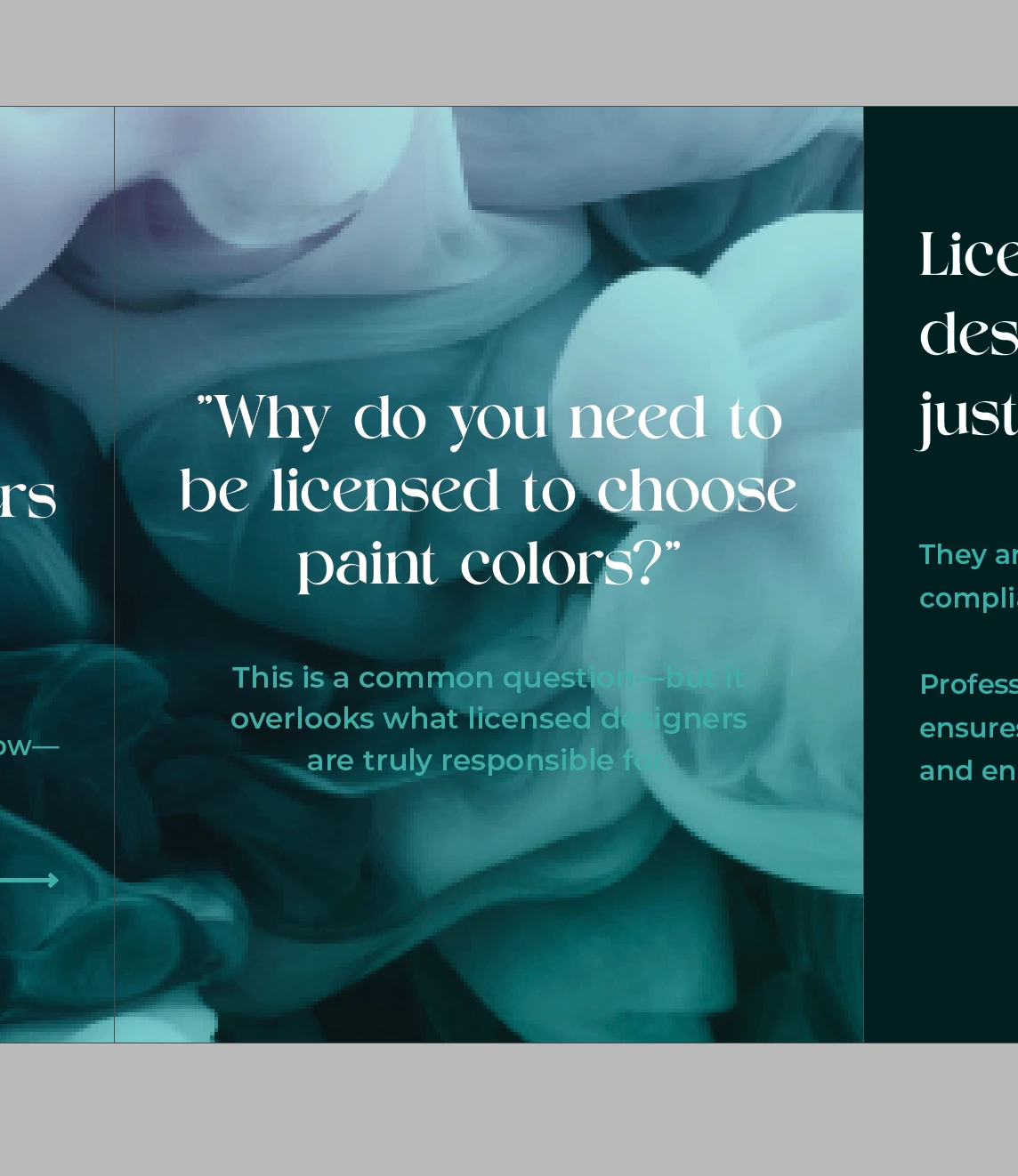
Im having a problem that all my settings are on high quality display performance, images are linked but only show up not glitchy when I zoom in and out on it. Using a Mac and the newest adobe update. Any Ideas? It's making it very dificult and ruining my work flow. Need help resolving this ASAP.  Thans!
  

<Title renamed by MOD>

26 replies

camden_481
Participant
May 5, 2026 2:28 PM UTC

Did you ever find a solution?

Translate
Abhishek Rao
Community Manager
Community Manager
May 5, 2026 7:41 PM UTC

Hi ​@camden_481,


Thanks for reaching out, and I’m sorry you’re experiencing this issue. I understand how frustrating it can be when images don’t render properly while working.

Could you please confirm the version of InDesign you’re using along with your OS details? In the meantime, try toggling the GPU Performance setting in InDesign Preferences and check if that makes any difference.

Also, if possible, share a screenshot of how the images appear on your end. That will help me understand the behavior better and guide you more accurately.


Looking forward to your update.

Abhishek

Translate
Abhishek Rao
Community Manager
Community Manager
Jul 1, 2025 1:19 PM UTC

Hi @lbsurfergirl13,


I hope the suggestions shared by experts helped, especially trying to export as IDML and checking with PSD files. If not, could you please confirm if you're using an external monitor and if the glitch only happens there? Also, let me know if the issue stays after rebuilding the file or if it appears again when reopening.


Looking forward to your update. 

Abhishek 

Translate
lbsurfergirl13
Participating Frequently
Jul 2, 2025 4:46 PM UTC

Hello, I appreciate the suggestions but I still havent figured out my issue. I tried exporting as IDML and opening it back up in indesign, didn't help. I am using a macbook pro, no external monoter. I've never had this issue before. I noticed that if I create the file and link the images and stuff its fine but if my team creates or makes it It glitches out. initially when opening I'm abel to see them but if I move withing the file or zoom in or out it glitches. 

Translate
Anubhav M
Community Manager
Community Manager
Jul 2, 2025 8:50 PM UTC

Hello @lbsurfergirl13,

I'm sorry to hear the suggestions did not help. To investigate this better, could you try running InDesign under a different administrator account (macOS) and checking if it works better there?

Looking forward to hearing from you.
Anubhav

Translate
rob day
Community Expert
Community Expert
Jun 30, 2025 7:36 PM UTC

Hi @lbsurfergirl13 , What format are the images? does it happen if you place PSDs?

Translate
lbsurfergirl13
Participating Frequently
Jun 30, 2025 9:35 PM UTC

Im pulling the images from my work's photo library. therye all high rez images..

Translate
rob day
Community Expert
Community Expert
Jun 30, 2025 9:41 PM UTC

Did the JPEGS originate from Photoshop? See if PSD format has the same problem.

Translate
davecourtemanche
Legend
Jun 30, 2025 7:11 PM UTC

Display settings were set with no docs open & you can confirm the are the same on the doc you have open? What is the format / resolution of your images?

Translate
lbsurfergirl13
Participating Frequently
Jun 30, 2025 9:34 PM UTC

I closed out the file and adjusted the settings without a project open. Still glitching. the images are Jpgs and rez is high as well. I'm only able to see them when i zoom it in and out of the photo frame. 

Translate
jmlevy
Community Expert
Community Expert
Jun 30, 2025 6:02 PM UTC

Turn OFF GPU performance (in preferences).

Translate
lbsurfergirl13
Participating Frequently
Jun 30, 2025 6:14 PM UTC

Unchecked it and its still glitching. 


Translate
Anubhav M
Community Manager
Community Manager
Jun 30, 2025 7:00 PM UTC

Hello @lbsurfergirl13,

I'm sorry to hear the suggestions did not help. Could you check if there are any pending macOS updates (https://adobe.ly/45PG0bY) and install them to see if they help? Also, try running InDesign under a different administrator account (macOS) and share your observations.

Looking forward to hearing from you.

Anubhav

Translate
lbsurfergirl13
Participating Frequently
Jun 30, 2025 5:27 PM UTC

For Adobe Indesign. 

Translate