
Participant
February 6, 2018
Answered

Images importing at wrong size

  • February 6, 2018
  • 2 replies
  • 3021 views

I have two images with very similar resolution/ppi that are being placed into InDesign at wildly different size, and I can't figure out why.
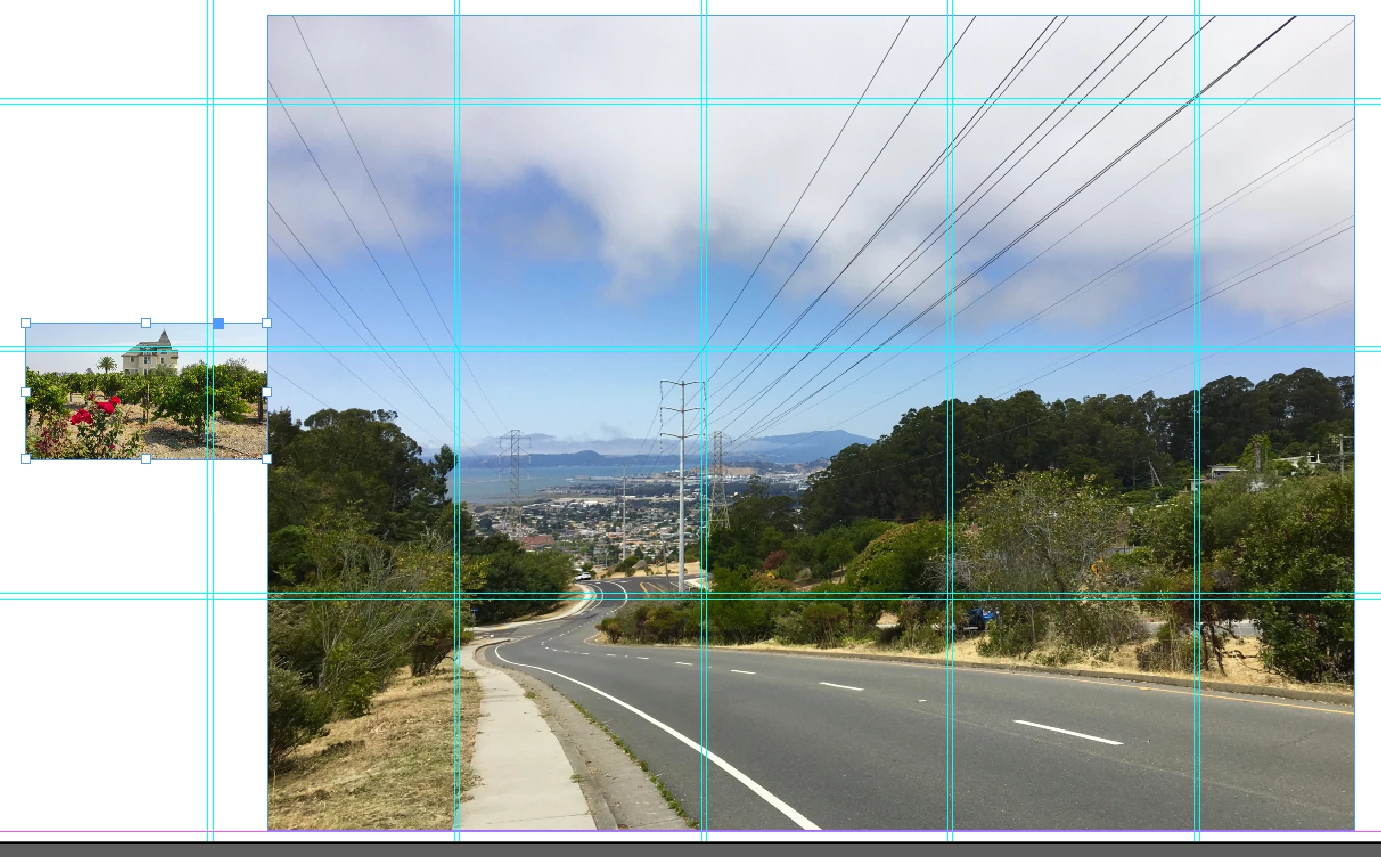
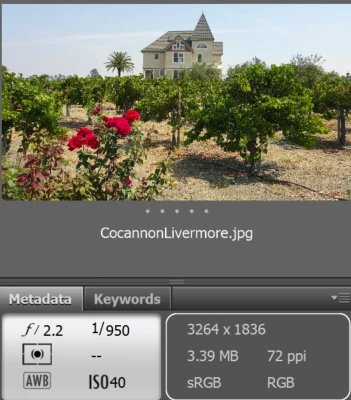
What is it about the BerkelyHills.jpg image that makes InDesign decide it's so much bigger than the other one?
This topic has been closed for replies.
Correct answer rob day

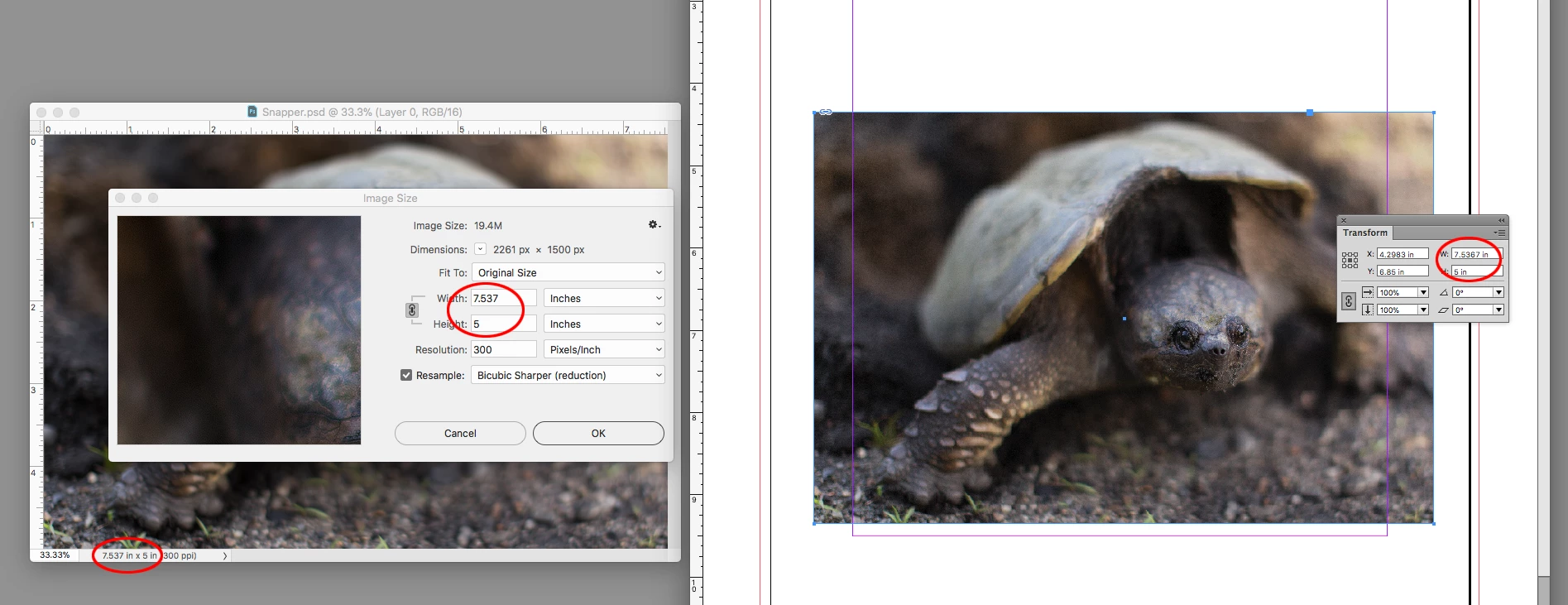
By default InDesign places an image at 100% of its output dimensions—the pixel dimensions are not considered. Your captures are showing the camera metadata, but you have to open the images in Photoshop and check their output dimensions (not the pixel dimensions) via Image Size or Document Dimensions.

2 replies

rob day
Community Expert
Community Expert
February 6, 2018

Also if you drag as you place you can change the image scaling. Direct select the images and check if their scales are the same:

rob day
Community Expert
rob dayCommunity ExpertCorrect answer
Community Expert
February 6, 2018

By default InDesign places an image at 100% of its output dimensions—the pixel dimensions are not considered. Your captures are showing the camera metadata, but you have to open the images in Photoshop and check their output dimensions (not the pixel dimensions) via Image Size or Document Dimensions.