Participant
November 29, 2021
Answered

Images in Indesign aren't showing up properly

  • November 29, 2021
  • 5 replies
  • 938 views

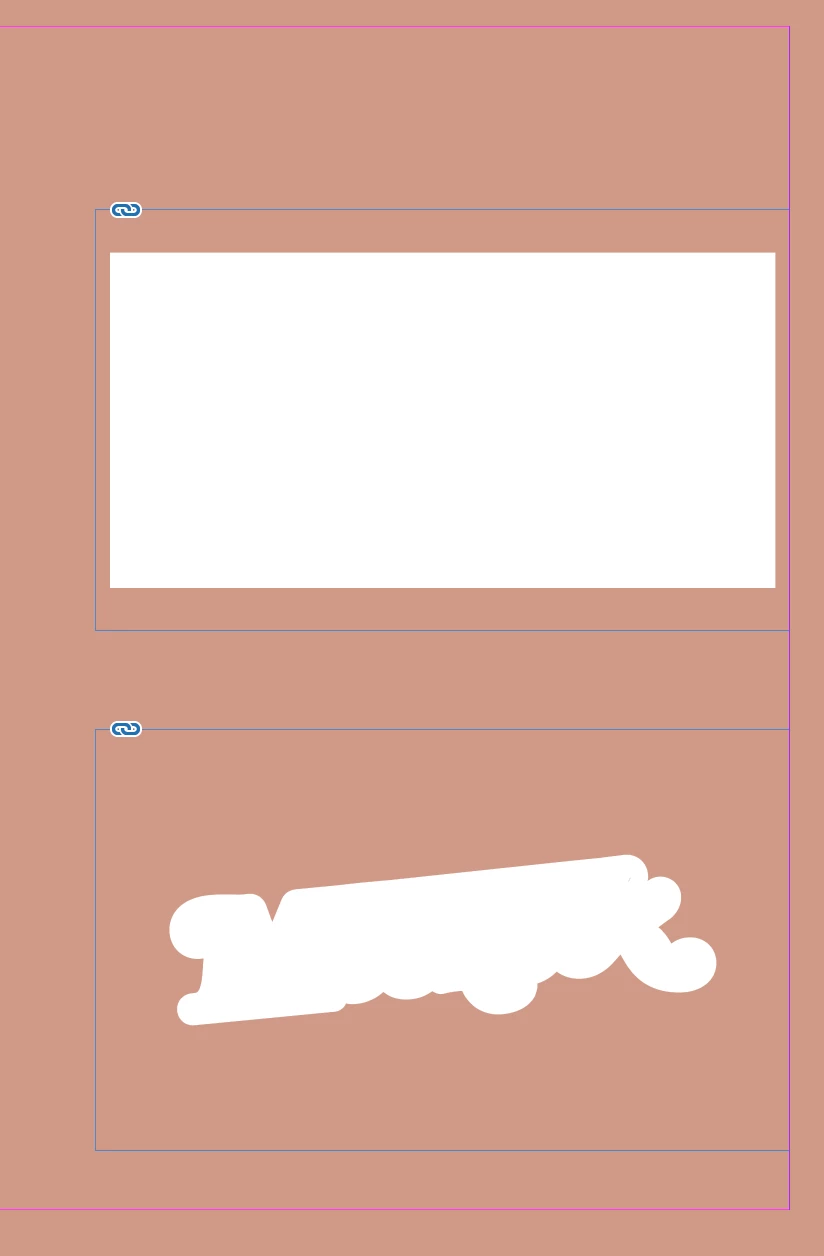
I am trying to place images into my Indesign file and they either come up completely white or with hashed bits of black. I have tried turning off GPU performance but that hasn't fixed the issue! This has never happened to me before so I have no clue how to fix it....Attached is what I am seeing.
 

This topic has been closed for replies.
Correct answer Anshul_Saini

Thanks for describing the issue. You may try the following steps:


Regards,

Anshul Saini

5 replies

Community Expert
November 30, 2021

Hi Sophie,

question again:

Will it help if you turn on Overprint Preview?

( Together with High Quality View. )


Regards,
Uwe Laubender

( ACP )

Participant
November 30, 2021

My images aren't made by myself, this is for a company. All the images are jpg or png's. I have been playing around a bit and in my image colour settings its profile default is black scaled, which seems to be the issue. I have been manually changing this to Adobe InDesign Default RGB, which fixes the issue but it's a bit tedious having to do this everytime I import an image. If anyone knows how to change the profile of the image colours premanaetly that would be a great help. This is InDesign 2022. I think this might be an issue with the images themselves as I've tested importing other images from my computer and these work just fine. 


Anshul_Saini
Community Manager
Anshul_SainiCommunity ManagerCorrect answer
Community Manager
December 1, 2021

Thanks for describing the issue. You may try the following steps:


Regards,

Anshul Saini

Anshul_Saini
Community Manager
Community Manager
November 29, 2021

Hi there,


Sorry to hear about the trouble you are facing. Could you please share a few more details in addition to the ones asked by @Laubender & @Scott Falkner:

  • OS and version of InDesign
  • Is the issue related to a specific document or image? If yes, could you please share the document & image with us? You can upload it to the Creative Cloud (https://helpx.adobe.com/in/creative-cloud/help/share.html) and share the download link. We'll take a look at it.
  • Where is the file & images are saved (Network Drive/ System HDD/ Shared Folder on System/ External HDD)?
  • When did this start happening? Are there any recent changes made to your system? For example, any antivirus, system updates, plugins, or web extensions installed recently.
  • Does resetting InDesign Preferences (https://helpx.adobe.com/indesign/kb/indesign-preferences-support-file-locations.html) help to resolve the issue?
    Disclaimer: Please note that resetting preferences will remove all the custom settings, and InDesign will launch with default settings. You can also take a backup of the folders in case you want to. Location is mentioned in the article.


We are here to help. We just need more information.


Regards,

Anshul Saini

Community Expert
November 29, 2021

Hi Sophie,

will it help if you turn on Overprint Preview?


Regards,
Uwe Laubender

( ACP )

Scott Falkner
Community Expert
Community Expert
November 29, 2021

What program was used to greate the graphic? What format is it in? What happens if you click Show Import Options?