Thanks Rob, I see what you mean.
The Link info is still saying 'Document CMYK' when I've gone through in PS + ID and chosen 'FOGRA39..' as much as possible.
Is there something else that could be overriding it?
Thanks again 🙂
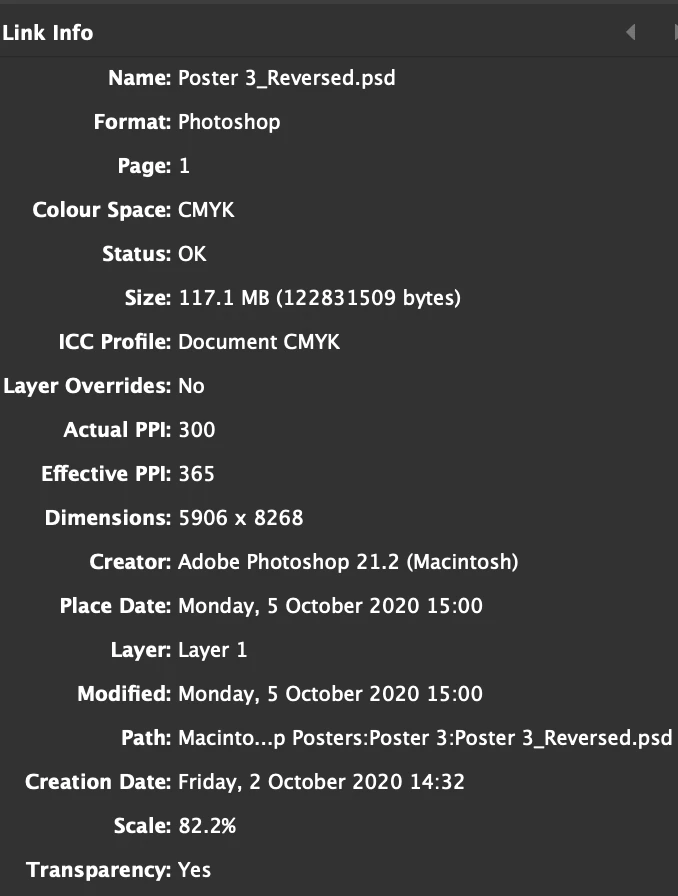
When you create a document, the color management policies you have set in Color Settings get saved with the document. The CMYK Policy Preserve Numbers (Ignore Linked Profiles) will ignore embedded profiles and use your document’s assigned CMYK profile instead—set in Edit>Assign Profiles...
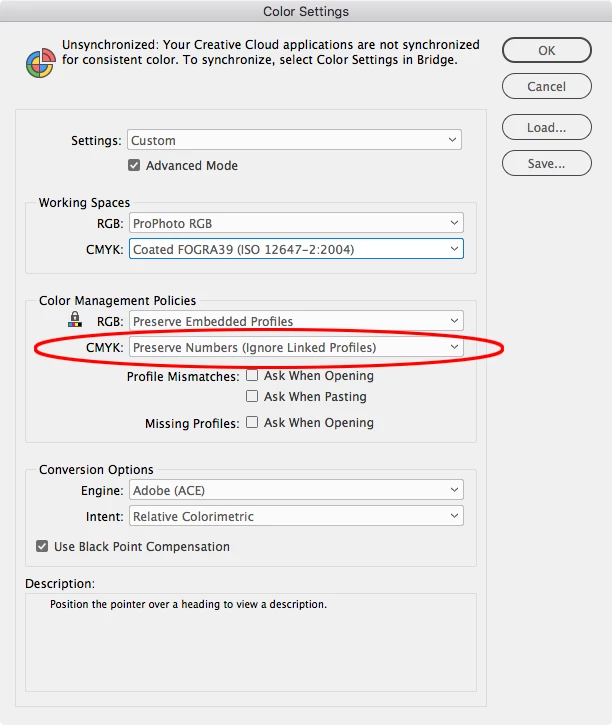
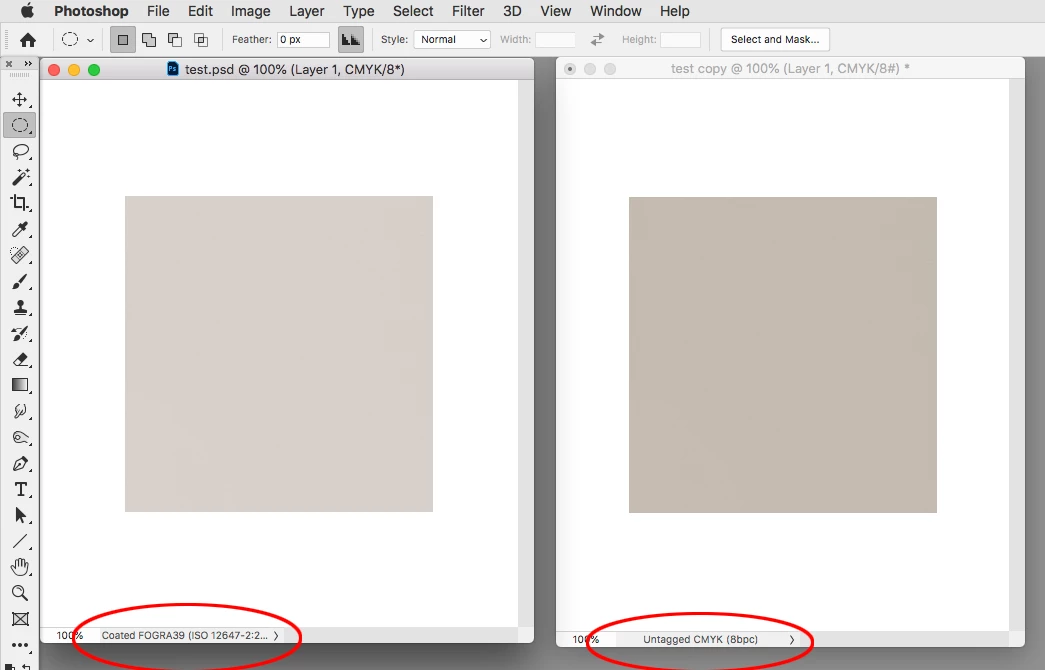
If you have indeed assigned FOGRA 39 in Edit>Assign Profiles... and still have a mismatch, that tells me there is not a profile embedded with the image. When there is no profile assigned to the image, Photoshop falls back to its Color Settings Working Space for the profile and color preview, which could be anything.
Here you can see the copy on the right has no profile assignment, so it is falling back to my Color Settings’ profile which happens to be US Sheetfed Coated.





 AdChoices