Participant
September 17, 2022
Answered

Import psb to ID on Mac (using command + D)

  • September 17, 2022
  • 3 replies
  • 2376 views

Hi, 
I have a new Mac Book Air and want now to import a psb file into InDesign by using command+D function.

When doing so I can´t choose the psb files but only jpeg and others.
On Windows it is possible, does anybody know how to solve this?

Thanks!
This topic has been closed for replies.
Correct answer rob day

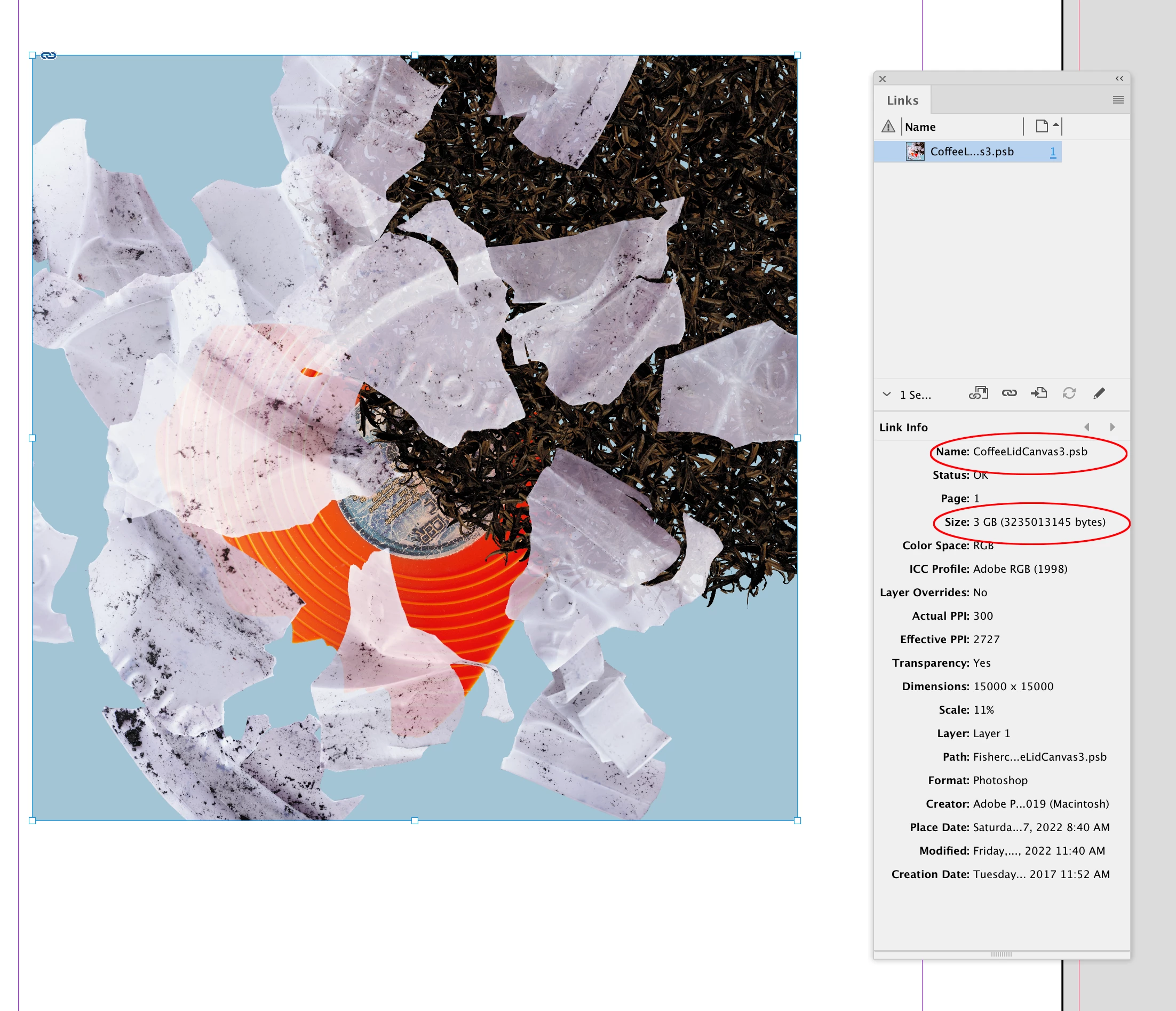
Hi @Anne26161258femd , Try dragging and dropping the .PSB from either the Finder or Bridge:


3 replies

Participant
September 18, 2022

Thank you @Willi Adelberger and @rob day for the fast and god help. I will try it. 

rob day
Community Expert
rob dayCommunity ExpertCorrect answer
Community Expert
September 17, 2022

Hi @Anne26161258femd , Try dragging and dropping the .PSB from either the Finder or Bridge:


Willi Adelberger
Community Expert
Community Expert
September 17, 2022

Save as TIFF and import that. PSB is not supported under every condition in InDesign.

Community Expert
September 18, 2022

Hi Willi,

I disagree. PSB is supported. Nothing bad will happen if you find a way to place or import a PSB file.

On Windows, one could use the Place dialog and reset the filter for files to *.* so PSB files are visible while placing, on Mac and Windows one could drag a PSB file to the layout from Finder or file Explorer.


Regards,
Uwe Laubender
( Adobe Community Professional )

James Gifford—NitroPress
Legend
September 18, 2022

The real issue here might be importing files of the scale that PSB is meant to handle. InDesign tends to develop a lot of quirks when placing larger and larger image files, and if these are PSB to get around the 2GB limit, well... I'd start by questioning why such enormous files need to be placed in ID at all.