


Imported image stuck at its older canvas size.
Hi, experiencing this problem for a while:
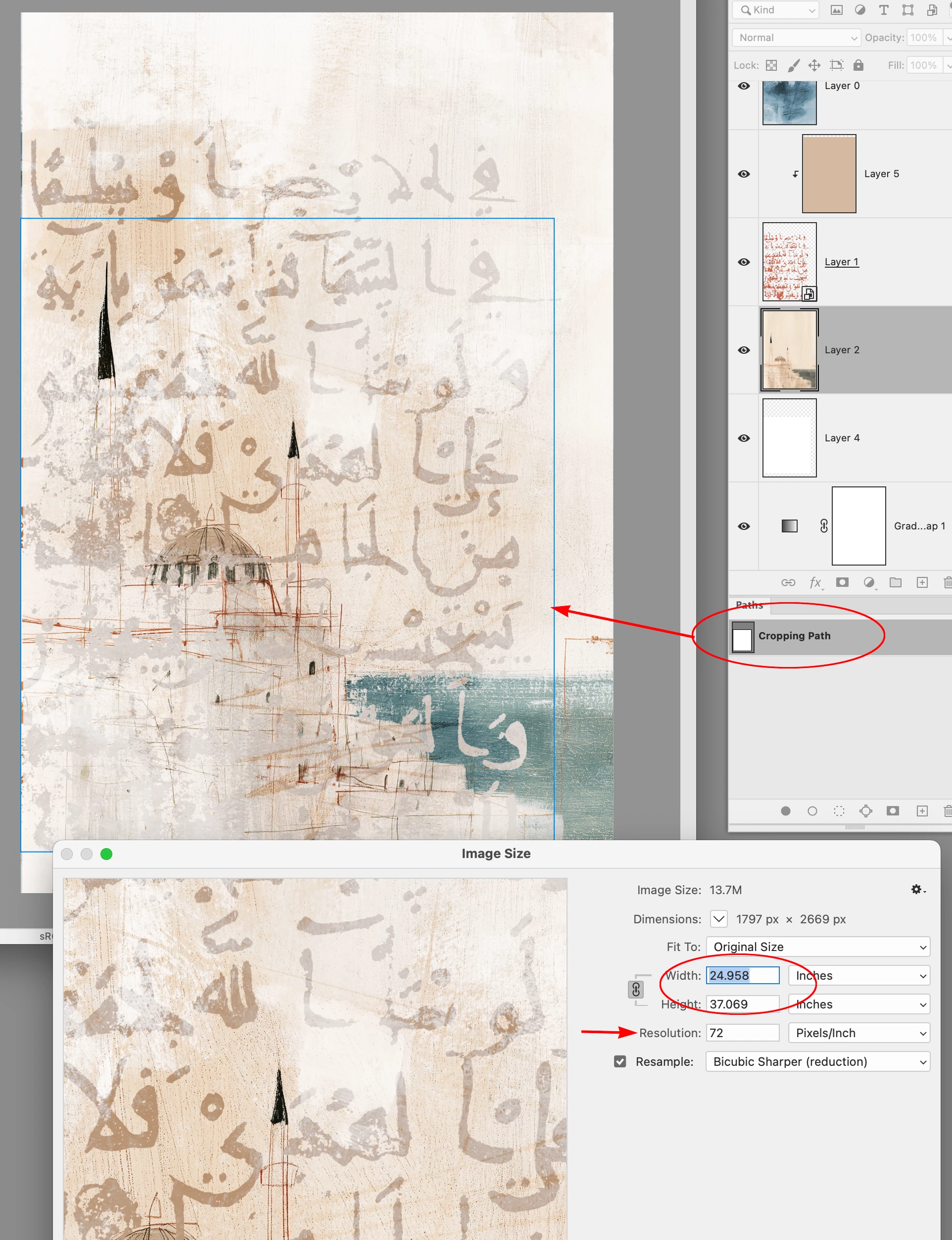
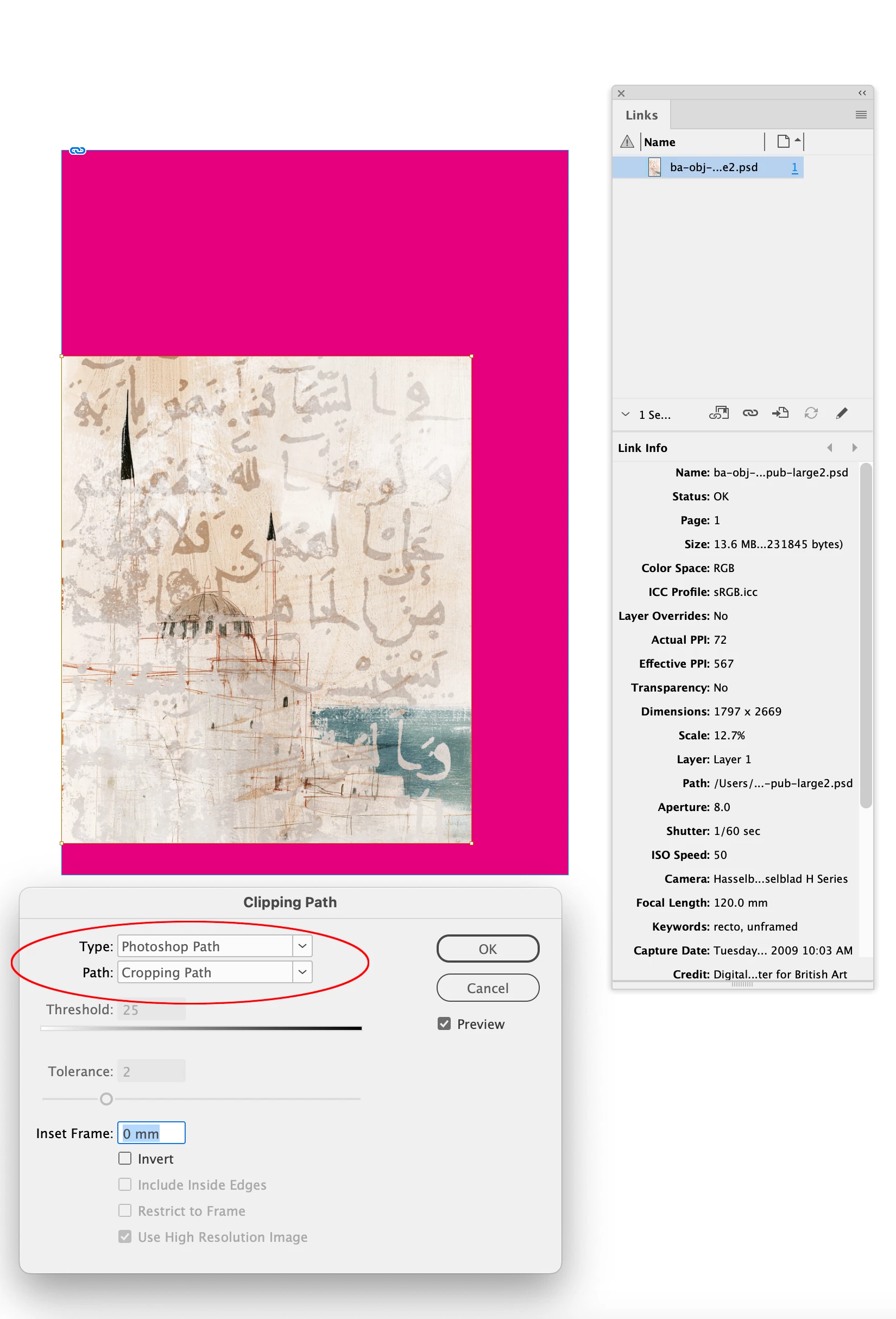
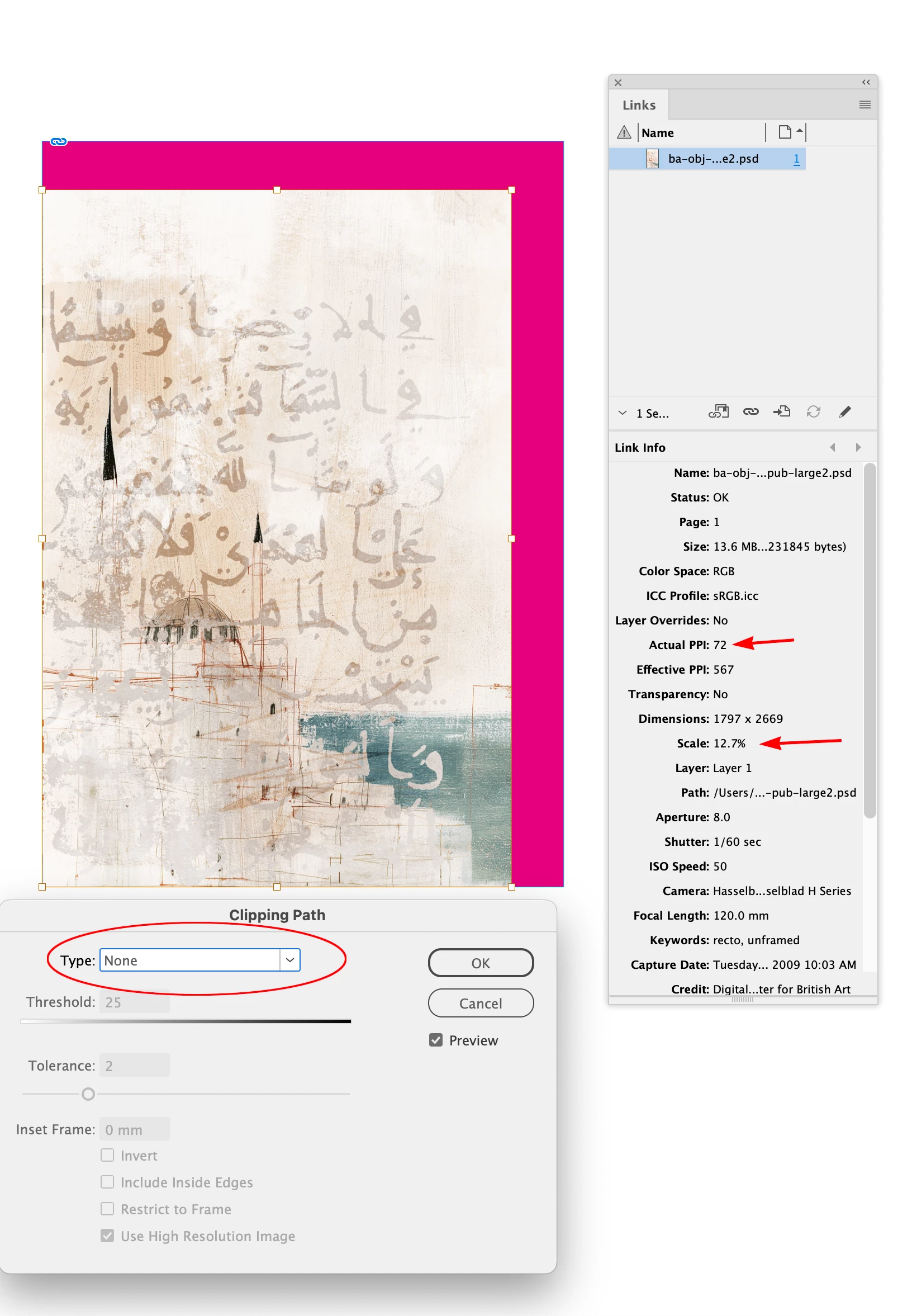
When i import an image into InDesign and open it in Photoshop, make some changes, and change the canvas size to a larger state; even after applying all the changes, the InDesign frame still displays the image’s canvas size at its old size. Other changes appear as it is but canvas size change remains unchanged. When I open it again in Photoshop for check, the canvas size appears at its true size, but the InDesign image remains unchanged, stuck in its old state. No matter what I do, InDesign doesn't forget the image's original canvas size and stubbornly remains in that size in the frame and looks like cropped.
Has anyone experienced this problem or knows how to solve it?
Thanks and regards to the community...

 AdChoices