Thank you very much for your kind offer. It is such a blessing to have
the forum to connect with knowledgeable people. I have searched for
classes but none are available in my small town.
I am trying to write my footnotes and endnotes in Word and then import
that section into InDesign to replace the existing section which has only
a few comments in the outside columns.I realize I hurried too much in my
choice of screenshot I put on the forum so it was unclear. So I have
attempted to be more organized in my choices.
Here's the situation. I have a file called**/first draft
https://adobe.ly/2Vukwyx/ thttps://adobe.ly/2Vukwyxhat is the
combination of text and photos. I have learned that I need to enlarge
the photos. Since that will affect the layout I want to also include the
footnotes and endnotes as I make choices about enlarging photos.
I have a file called///Chapters combined
text/***https://adobe.ly/2Vuy9hc https://adobe.ly/2Vuy9hc *with all the
word files combined and a Contents added. I have added footnotes, in
1,2,3 numbers and end notes in Roman numerals. I intend to move the
footnotes to the outside column on the page so that they can be lengthy
or short.
So I tried a test to see if I had imported the footnotes correctly. That
file is called///test 3 one footnote/*. https://adobe.ly/2VRkYGo *Only
one of my footnotes from the Word file came into Indesign as you will
see in test 3 file. That footnote was number 7 in the Word file but is
renumbered to number 1.
I spent the last few days learning to use the Creative Cloud. I had been
using it for backup only. So I hope I can now share these files with you.
I appreciate your time in looking at my files.
Sincerely,
Grace Taylor
Hi Grace:
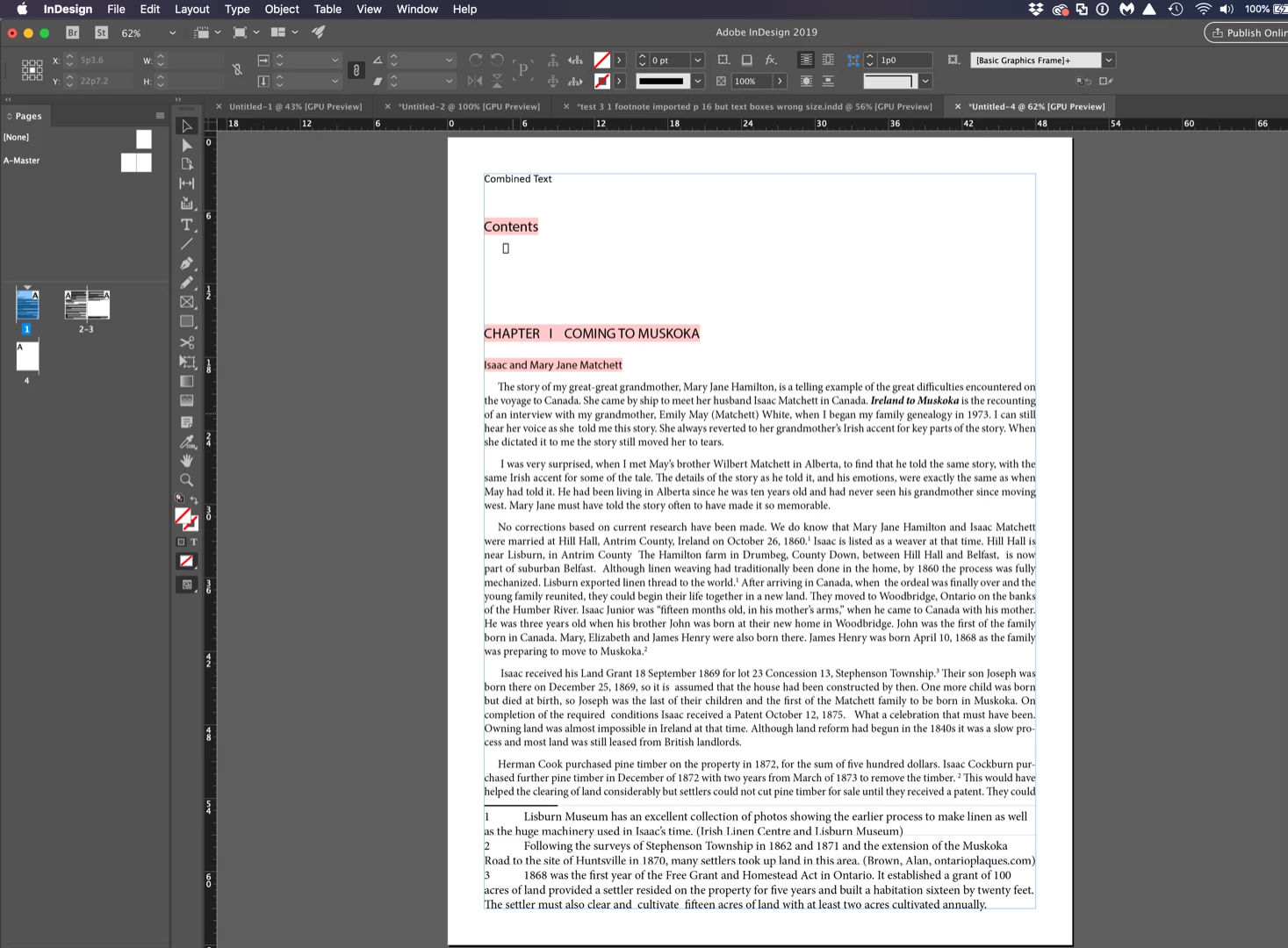
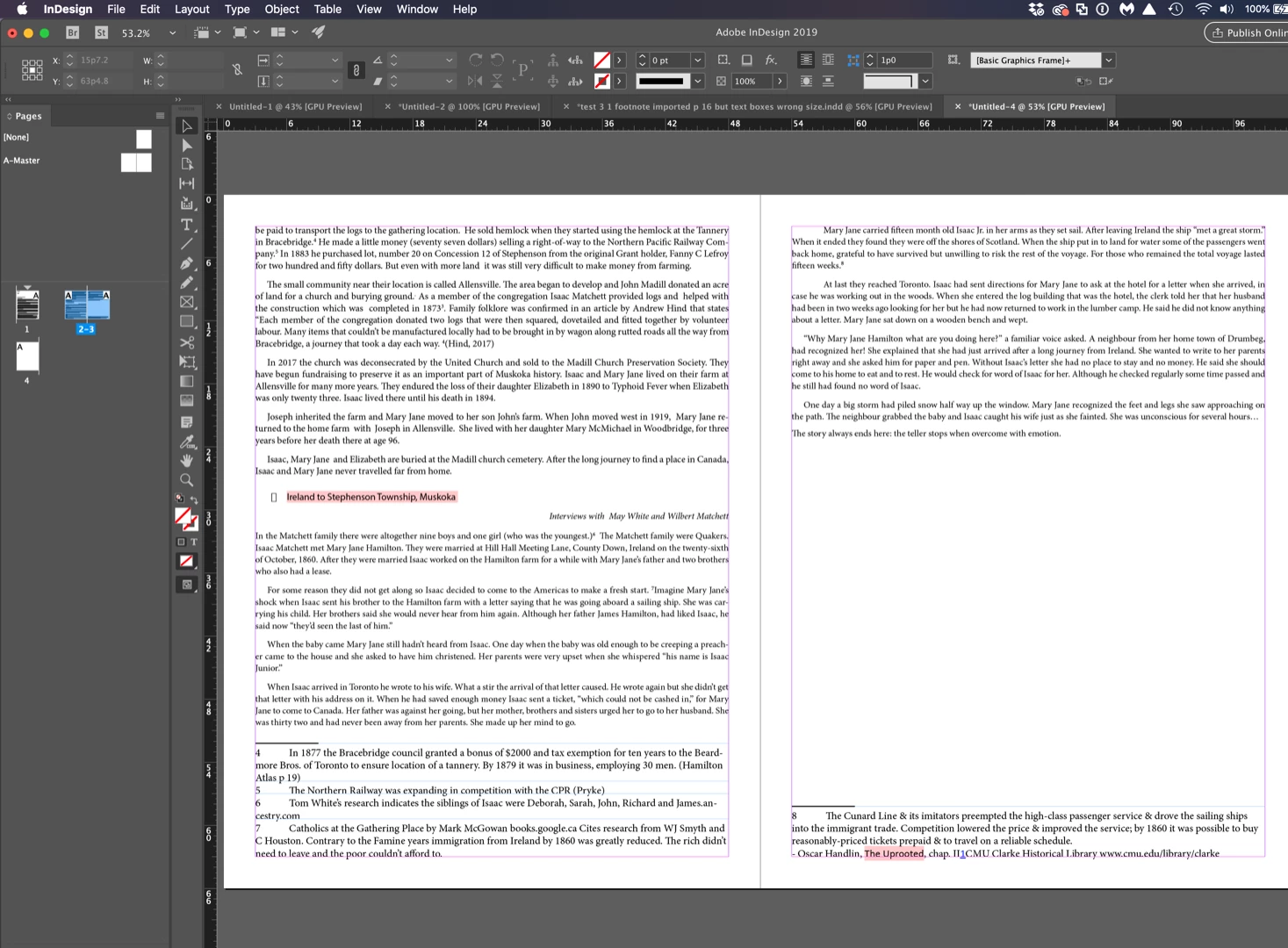
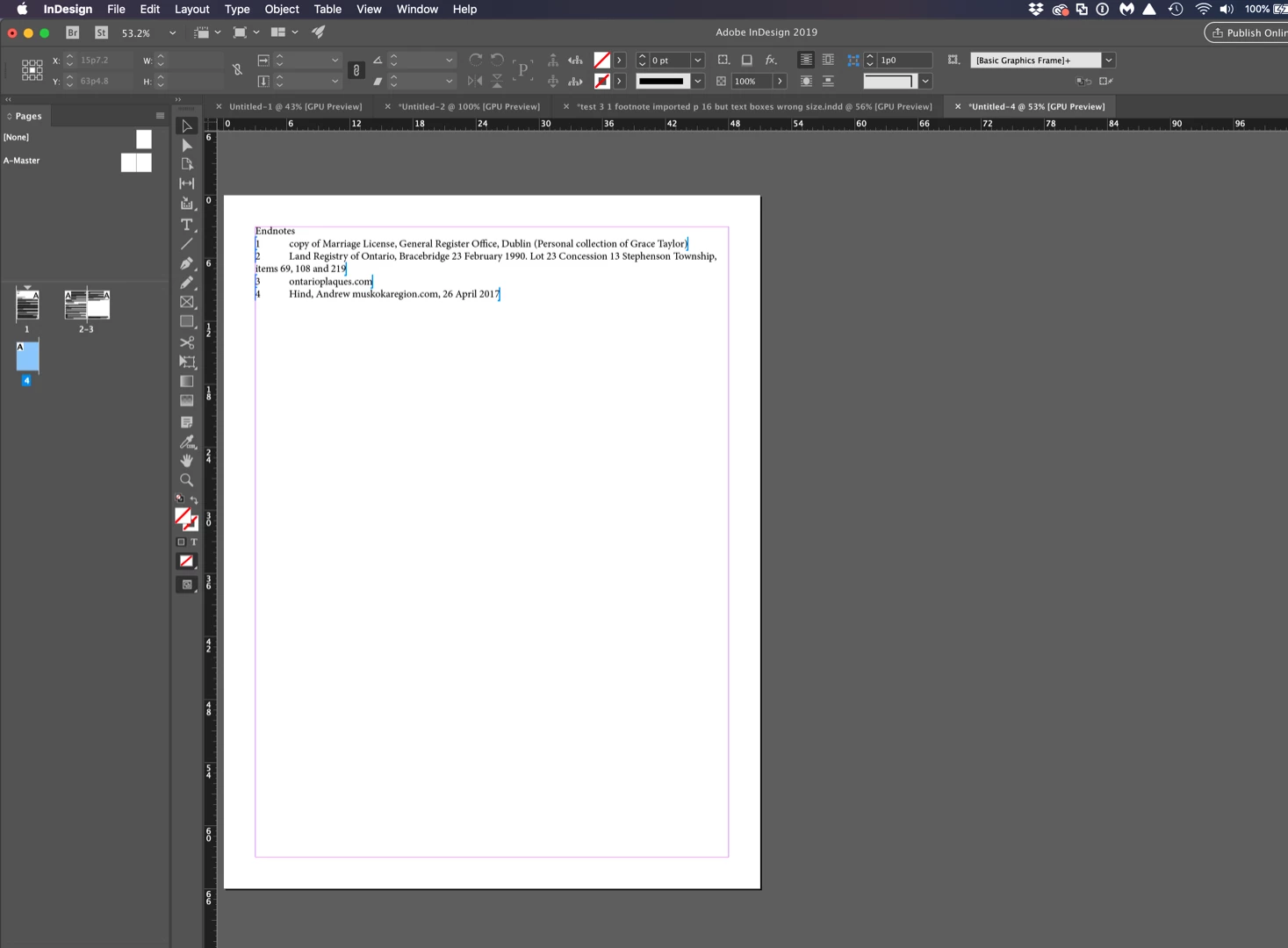
I'm not sure what is going on with that Word file—InDesign is ignoring both the footnote and the endnotes me as well when I place it in its entirety.
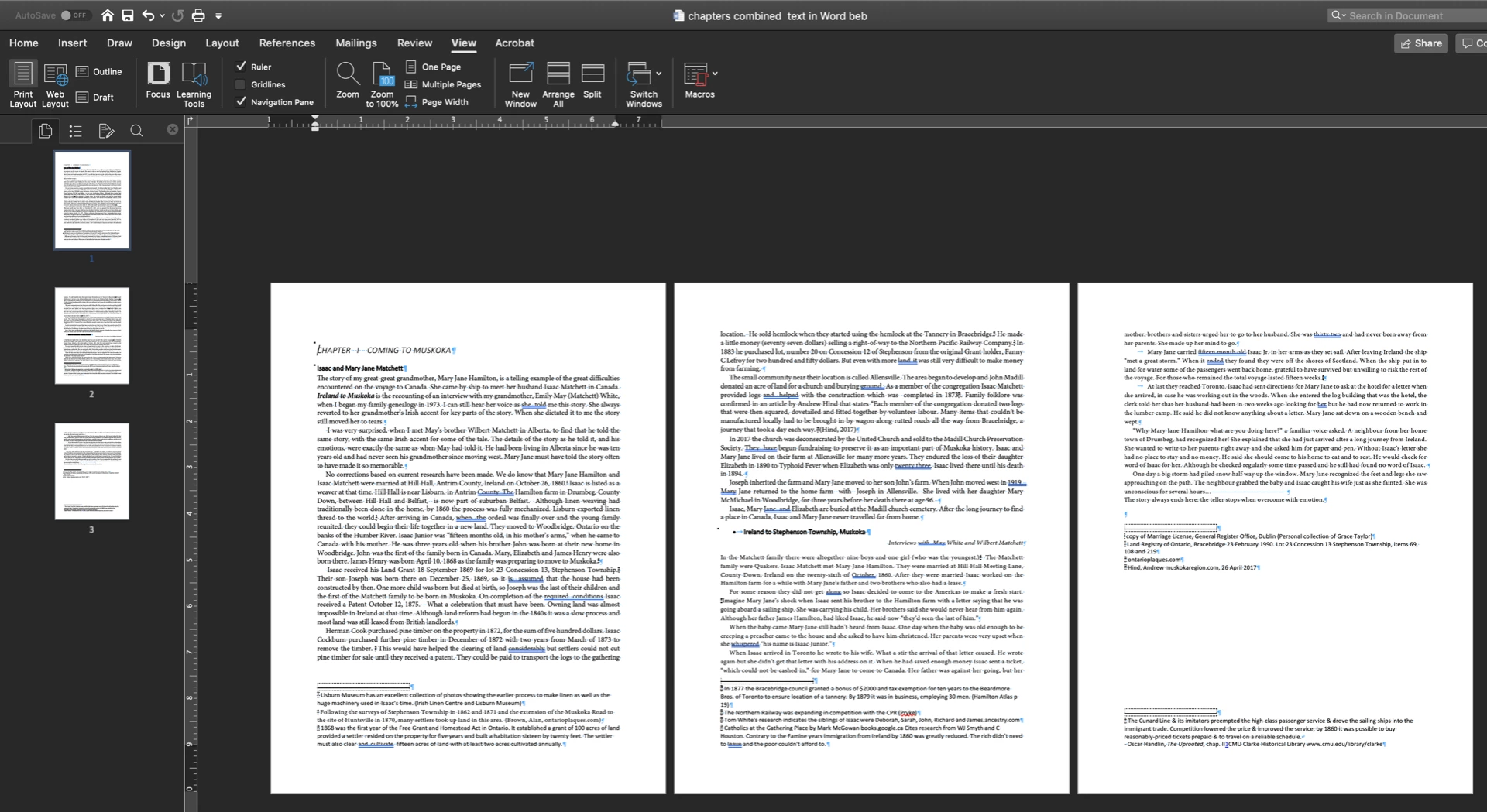
My suggestion is that you break it up into smaller segments. For example, I deleted everything after the first section break and was able to import the footnotes and endnotes normally. Keep dividing up the sections and placing those into InDesign. This is important anyway if you want the endnotes at the end of each section and not at the end of the entire story.
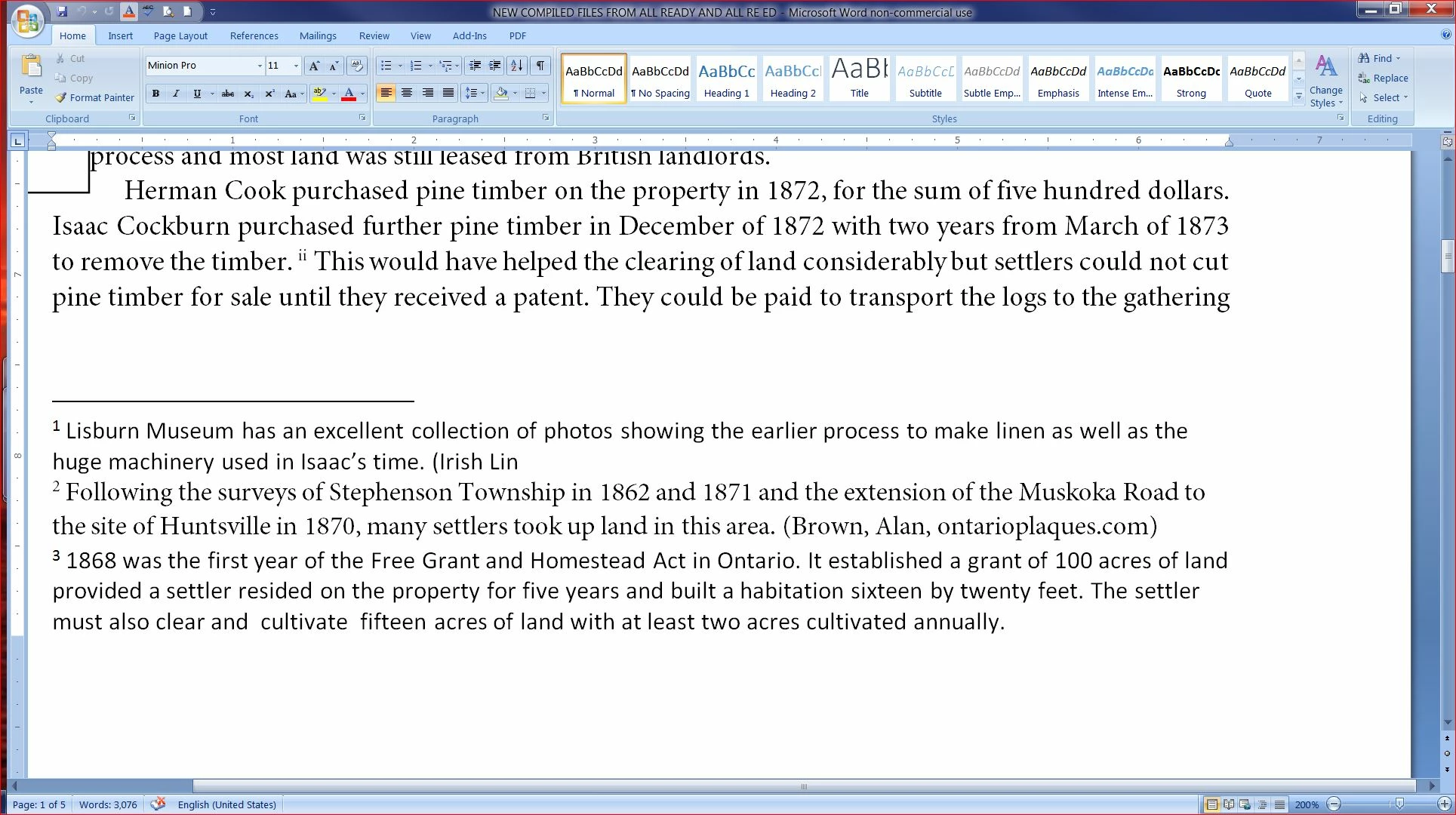
Word:
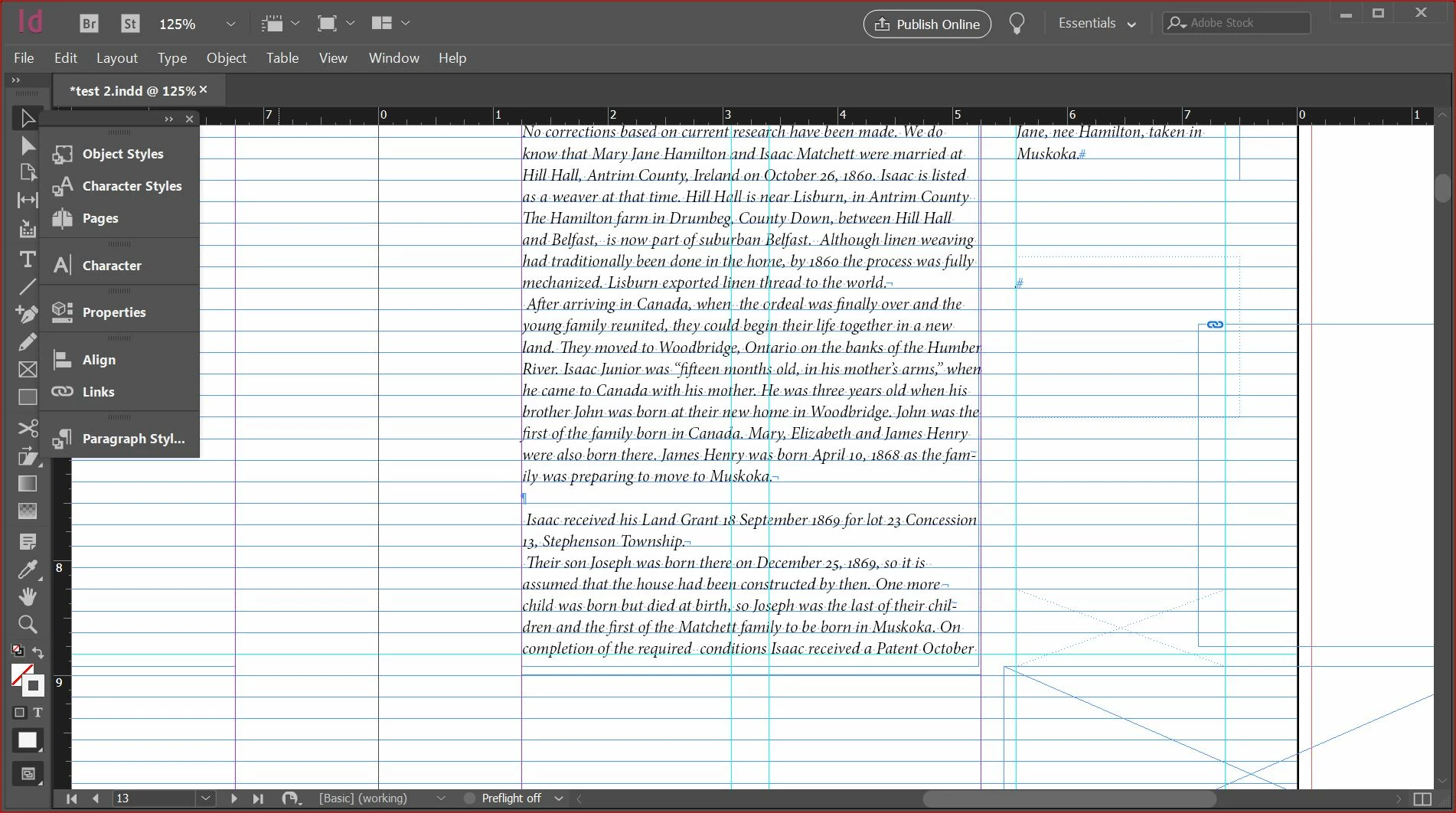
InDesign:
~Barb

 AdChoices