Participant
March 23, 2021
Answered

Impossible de supprimer un texte

  • March 23, 2021
  • 6 replies
  • 2222 views

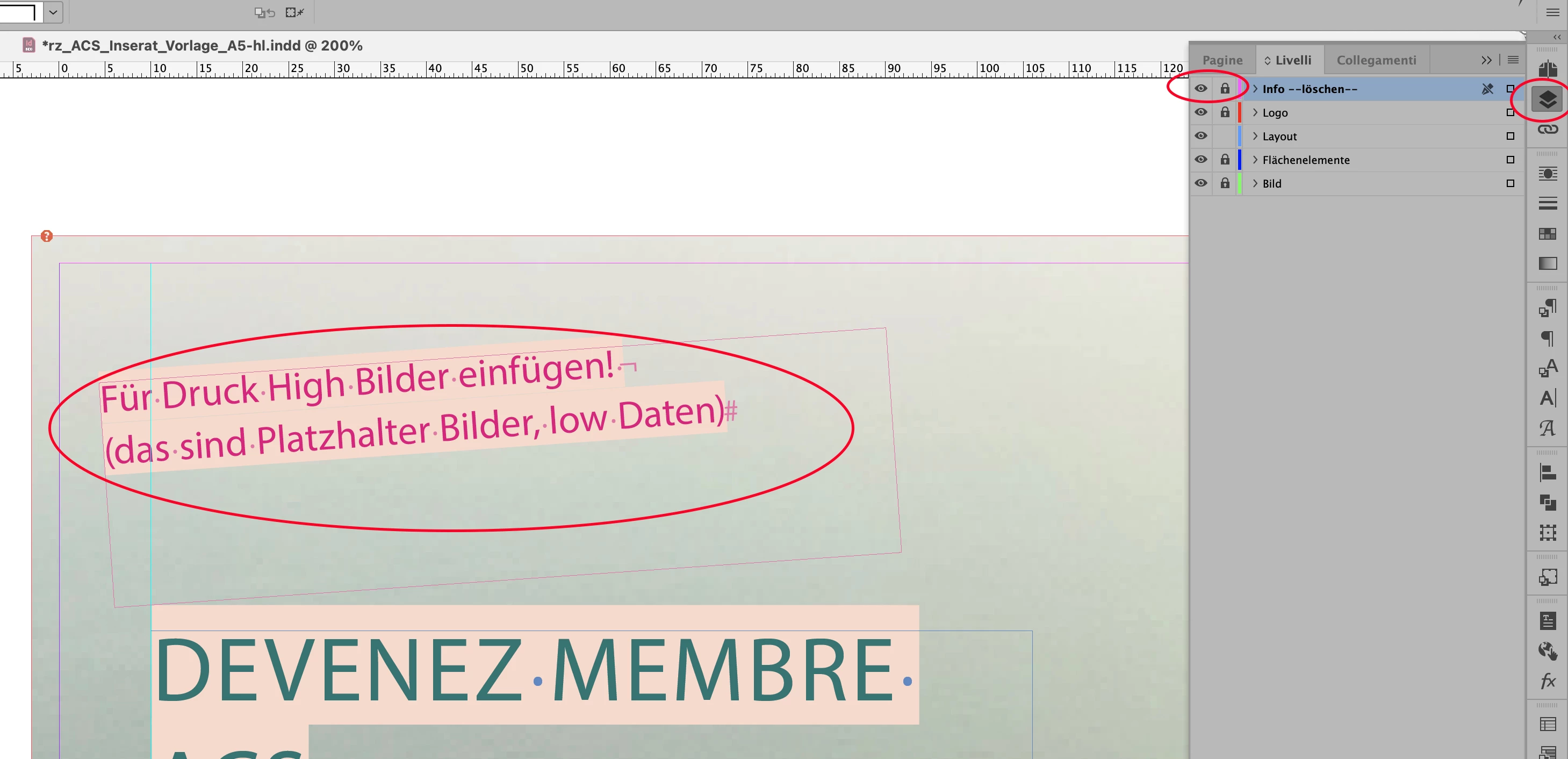
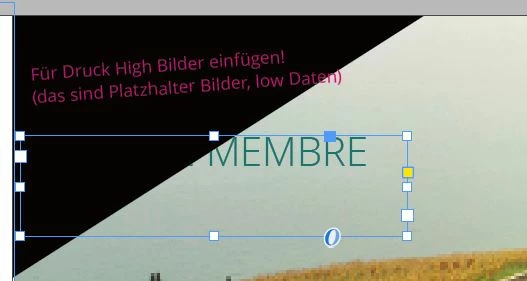
Bonjour, je modifie un fichier Indesign fait par un graphiste. J'ai un texte qui apparait sur la premiere page que je ne peux pas ni selectionner ne supprimer ni chacher par un objet il vient toujours en premier. Je n'ai aucune idée ce que c'est et surtout comment le supprimer. (Voir image ci-jointe, texte en rose. Quelqu'un saurait-il m'aider? )
This topic has been closed for replies.
Correct answer vladan saveljic

open "Layers" and then untick as in my screenshot

6 replies

vladan saveljic
vladan saveljicCorrect answer
Inspiring
March 24, 2021

open "Layers" and then untick as in my screenshot

TaydeeAuthor
Participant
March 25, 2021

Thank you very much it works!

jmlevy
Community Expert
Community Expert
March 23, 2021

Soit le texte est sur un calque verrouillé, soit le bloc est verrouillé, soit il est sur une page gabarit. Il se peut aussi que le texte fasse partie de l'image que l'on voit en arrière plan…

Mike Witherell
Community Expert
Community Expert
March 23, 2021

And you can Cmd/Ctrl + click down to get an object underneath another object

Mike Witherell
Barb Binder
Community Expert
Community Expert
March 23, 2021

Hi @Taydee :


I would start by checking the master pages. Objects on the master pages are not available to select on the body pages without a special keystroke.


Other options include a locked frame or that the layer that the frame is on is locked.


~Barb

~Barb at Rocky Mountain Training
vladan saveljic
Inspiring
March 23, 2021

if you want to have quick help upload this indesign page on dropbox and share with us the link

TaydeeAuthor
Participant
March 24, 2021

Merci pour votre réponse. Voici le ficher indesign ci-joint et photo qui est incorporée, J'ai déjà contrôlé: 

- le gabarit

- l'image

Mais j'arrive pas à comprendre pourquoi ce texte rose apparaît car il est pas sur le gabarti ni sur l'image, ni sur le fichier attaché...

vladan saveljic
Inspiring
March 23, 2021

your image doesn't help us much.
Try to check if the red text is on the master page or the text frame is locked