

Frans van der Vleuten
Known Participant
Feb 20, 2025 2:19 PM UTC
Question

Impossible to assign keyboard shortcut to 'Make Hyperlink'

(I need to translate everything from Dutch to Englsih, so maybe some words are not translated right)

Hello!

I need to assign 100+ hyperlinks to different elements in my InDesign file, so I need keyboard shortcut to do it faster. But if I check keyboard shortcuts, I can not select 'Make Hyperlink' or anithing related. It is just not in the list.
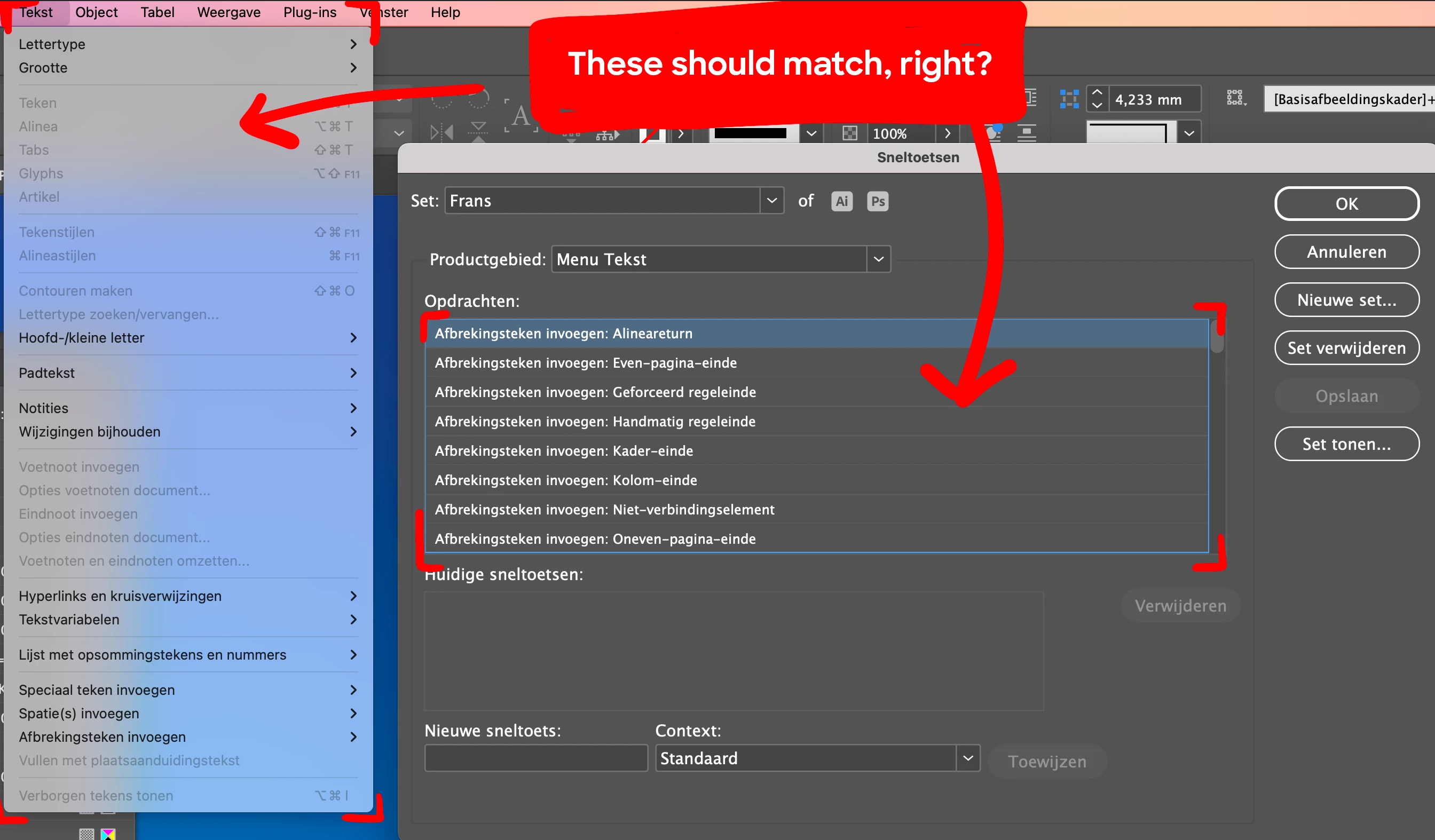
 

How can I assign a shortcut to 'Make hyperlink'?


5 replies

Robert at ID-Tasker
Legend
Feb 20, 2025 6:19 PM UTC

@Frans van der Vleuten


If there is a pattern - it could be scripted. 


Translate
Community Expert
Feb 20, 2025 2:35 PM UTC

In the option for  Product Area: <select> Panel Menus


scroll  down to the Hyperlink section - it should be in alphabetcial order

In the panel in the bottom - says New Shortcut - insert your text short cut you want to use

If it's occupied - you may change the context to Text or something similar - and see if it's used there.

So only when you are editing Text the shortcut works.  


Then save your Set 

Translate
Frans van der Vleuten
Known Participant
Feb 20, 2025 2:44 PM UTC

Hello Eugene,

Thanks for your fast reply! Unfortunately when I select 'Panel menu's', I only see these option for shortcuts:

(those all have something to do with History, but no Hyperlinks or anyrthing.)

Why does my list differ from yours?

Translate
Community Expert
Feb 20, 2025 3:27 PM UTC

Well... that's not right


Try resetting your preferences:

Windows: Start InDesign, and then press Shift+Ctrl+Alt. Click Yes when asked if you want to delete preference files.
macOS: While pressing Shift+Option+Command+Control, start InDesign. Click Yes when asked if you want to delete preference files.
A dialog will appear asking to delete the InDesign Preferences, select 'Yes' on this dialog.
Further info and instructions here if needed:
https://helpx.adobe.com/in/indesign/kb/indesign-preferences-support-file-locations.html

Translate