Participant
August 26, 2025
Answered

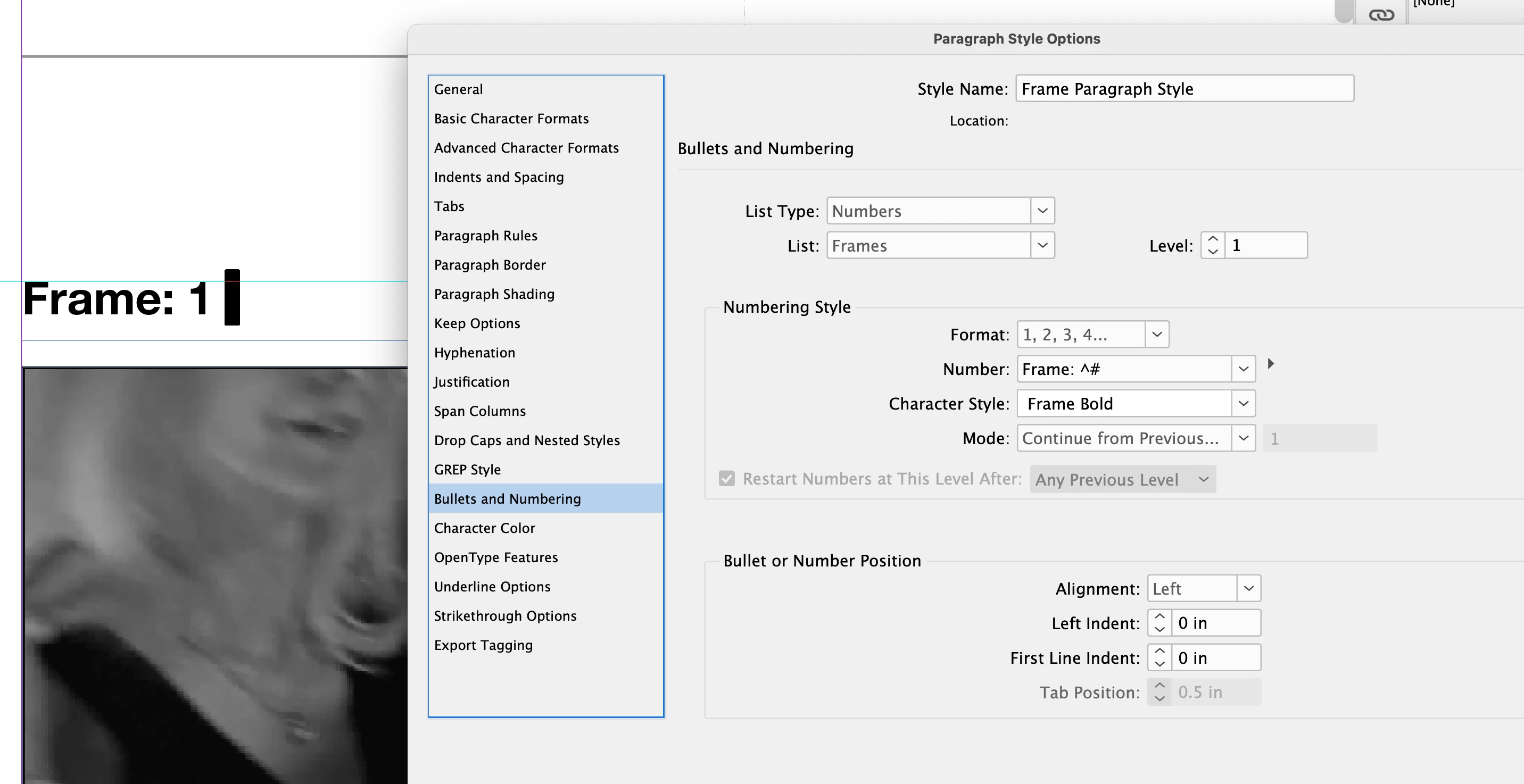
In Bullets and Numbering, how to bold the prefix before the ^#, while keeping the ^# itself unbold?

  • August 26, 2025
  • 1 reply
  • 571 views


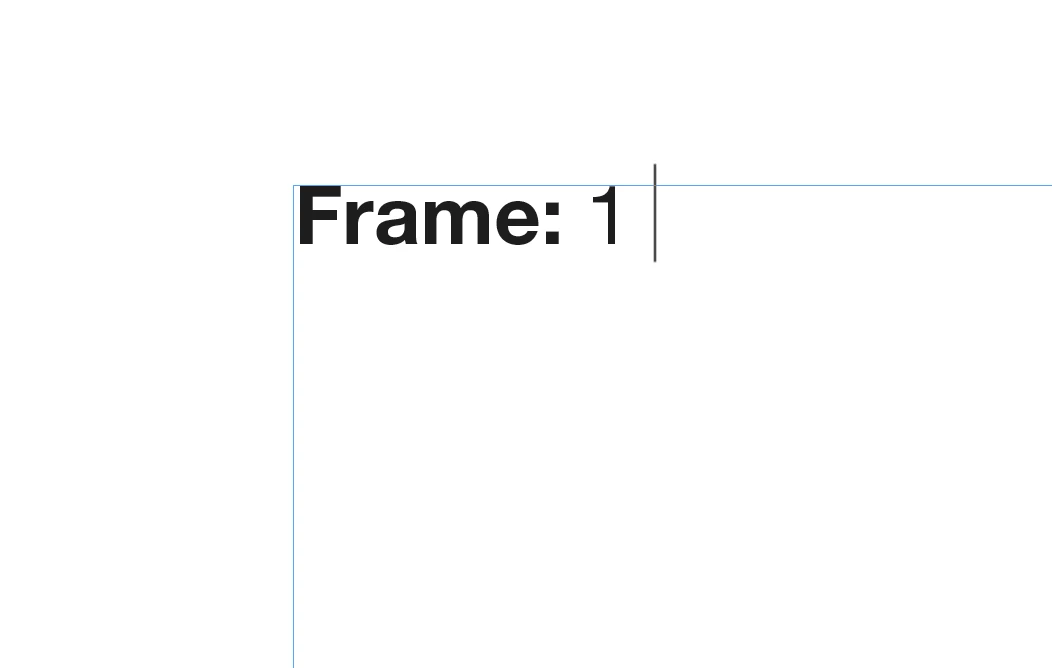
I have a series of images on a page, with text above them numbered "Frame: 1, Frame: 2, etc" which are generated automatically by styling a space within the text box, using a Paragraph style, via Bullets and Numbering. 

So that, I can remove images along with it's corresponding text, grouped, to automatically update the numbering as edits occur, etc. Which works as expecged, for the most part (at times you have to play with the layering, and cutting and pasting, in order the get the numbering to reorder properly). 

I'm only stuck on how to have "Frame:" bold, while keeping the number to the right of it itself, " 1", unbold? 

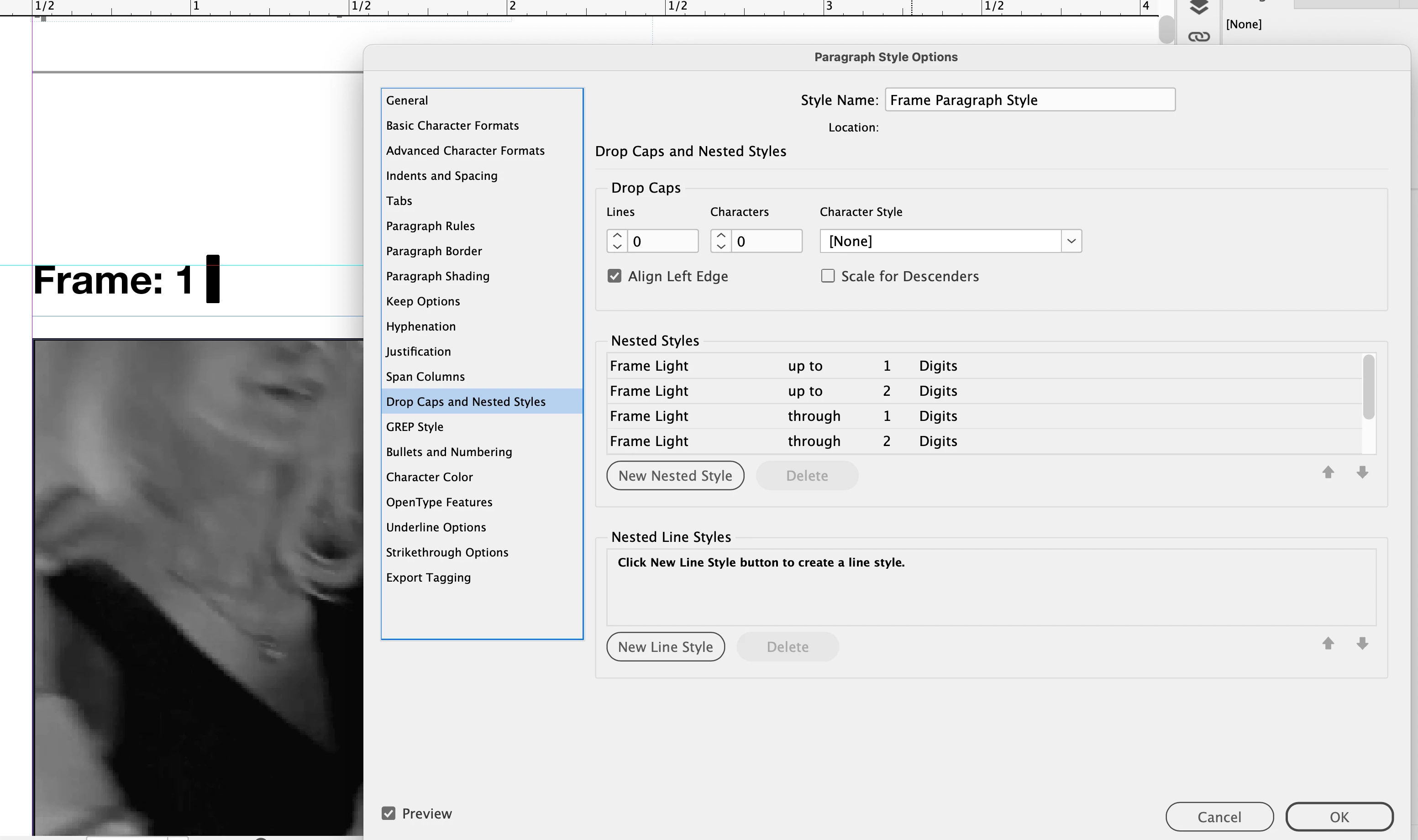
Nesting styles and GREP style don't help, as for as I've been able to determine. 

Below a screenshots of the Bullets and Numbering and Nested Styles, I played with so far. 


Correct answer jmlevy

It seems to me that you have a lot of unnecessary steps… What would I do in this case:

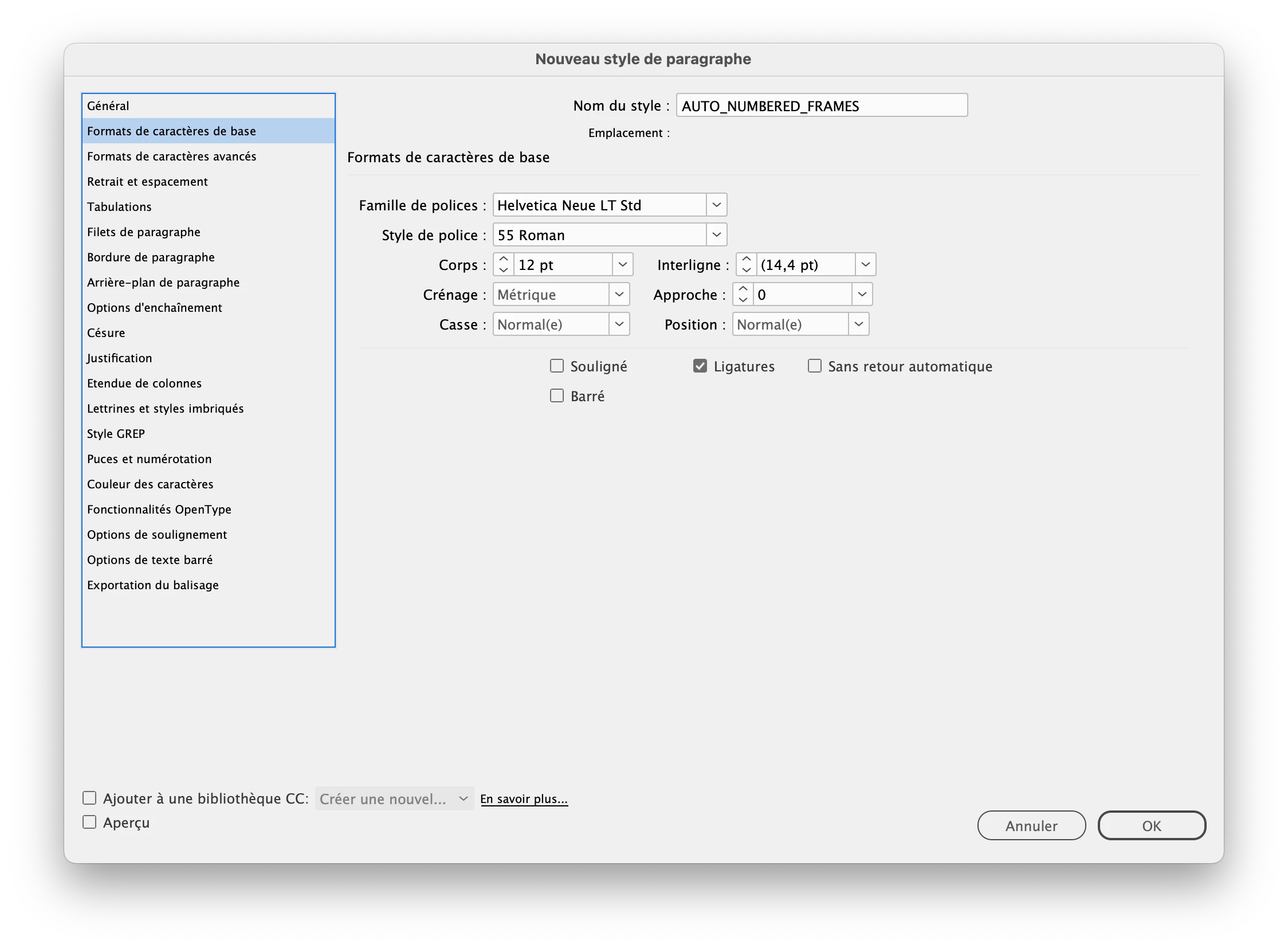
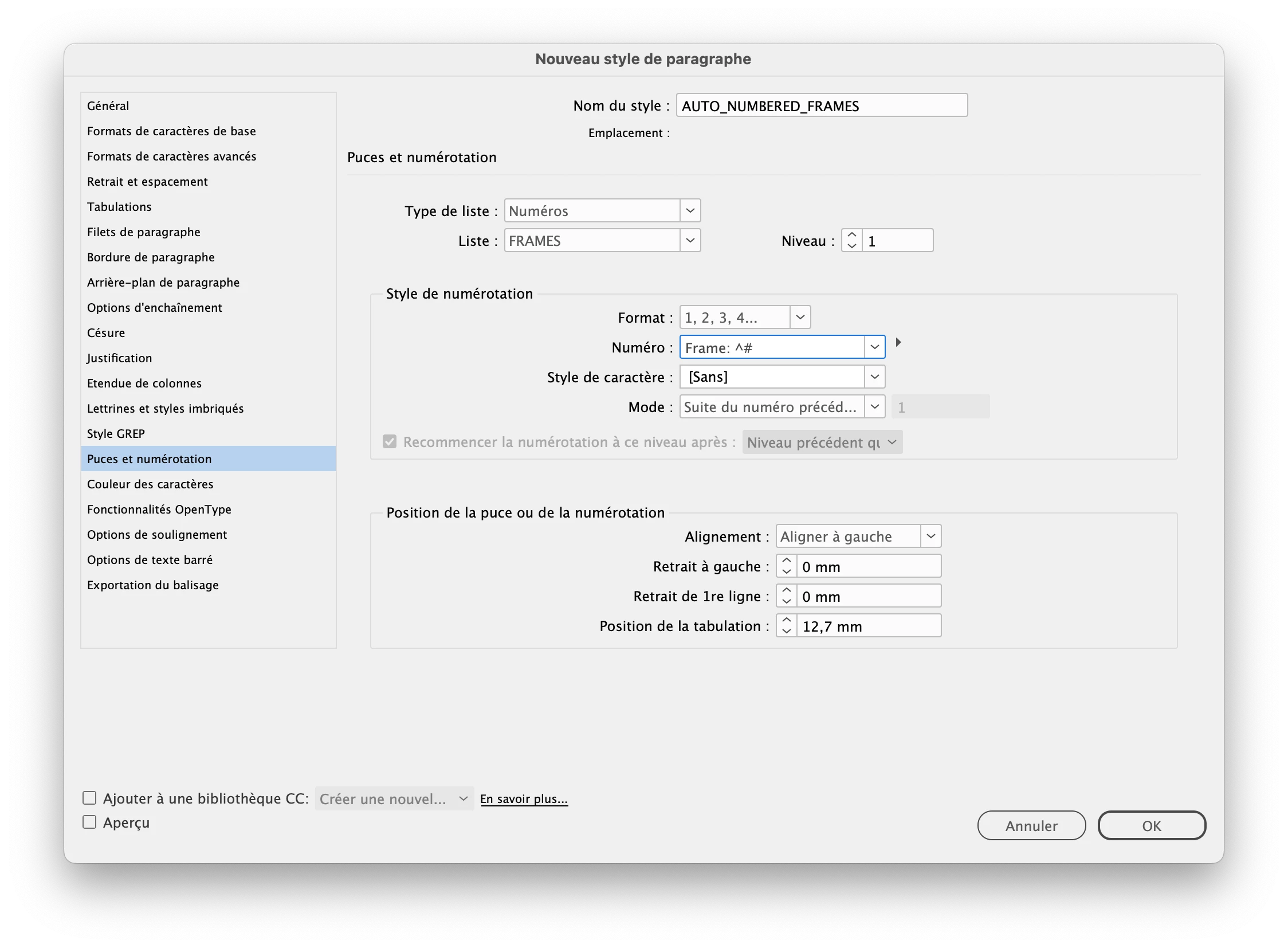
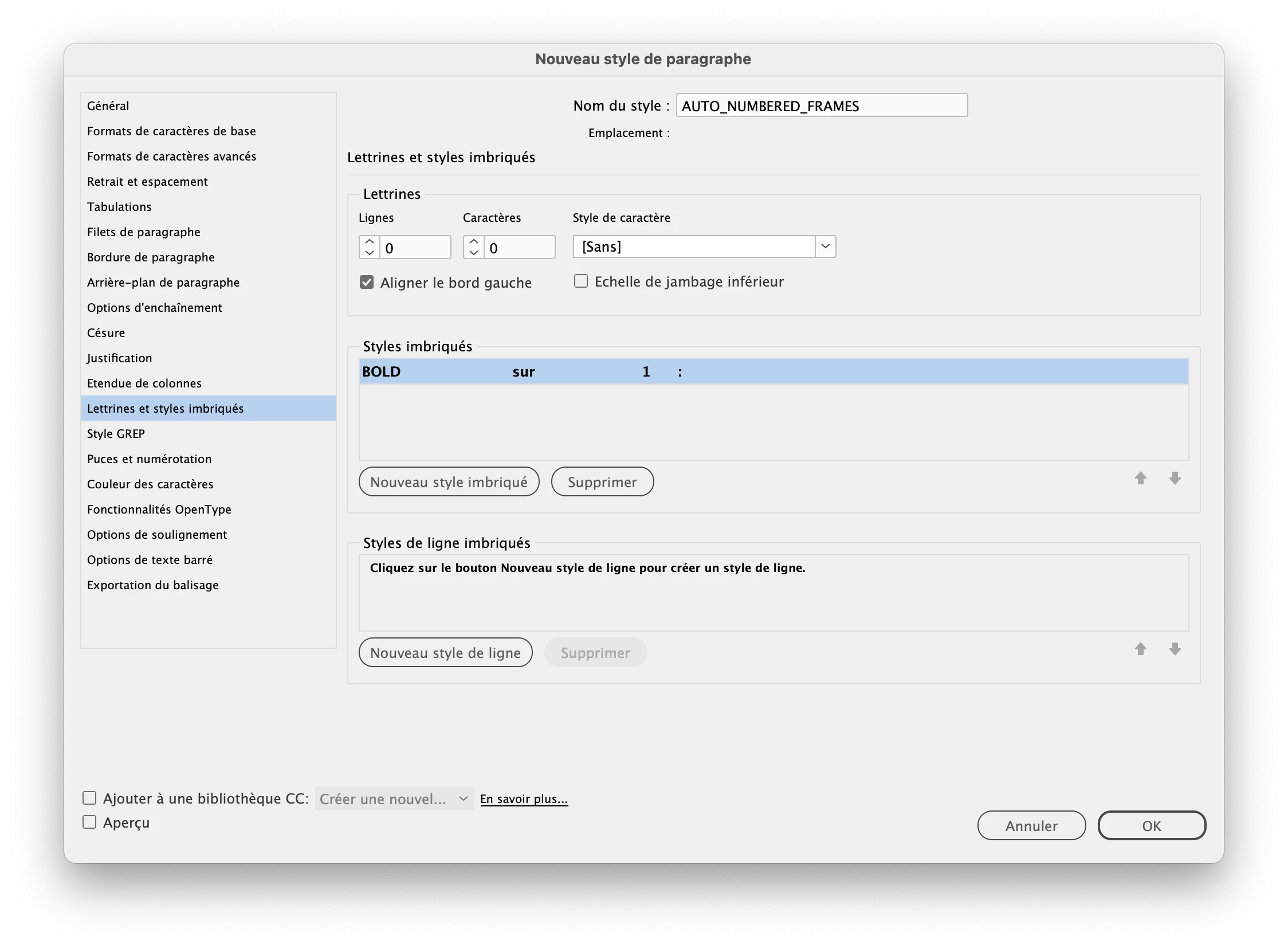
  1. Set up a paragraph style for the numbered frames as this (all regular)

  2. when you convert the paragraph style to text, the nested style will apply and you'll get what you want.

So, it is a 2 steps process.

1 reply

jmlevy
Community Expert
Community Expert
August 26, 2025

You can't do it that way since InDesign “sees” the text Frame: ^# as a single character but there is a workaround: once you are sure that you won't need to edit the order of the frames, convert the style as text, then use either a nested style or a GREP style to unbold the digits.

Participant
August 26, 2025

Thanks for the insight.

I Converted "Style Name" to Text, per your suggestion, then I had to remove any character styling (outside of the paragraph style), then I had to adjust the paragraph style's nested styling. To finally achieve the workaround. 

To quickly change the character style I realized that I can do a search, using GREP, to target the numbers.

Still better than absolute nothing.

Too bad, there's no way to style the actual prefix while keeping the automation of the numbering.

All screenshots below.


jmlevy
Community Expert
jmlevyCommunity ExpertCorrect answer
Community Expert
August 26, 2025

It seems to me that you have a lot of unnecessary steps… What would I do in this case:

  1. Set up a paragraph style for the numbered frames as this (all regular)

  2. when you convert the paragraph style to text, the nested style will apply and you'll get what you want.

So, it is a 2 steps process.