Participating Frequently
July 29, 2024
Answered

In table graphic cell, how to adjust image frame freely, without the cell size being auto adjusted.

  • July 29, 2024
  • 2 replies
  • 195 views

Question as subject, I try to adjust the image frame in table graphic cell, but the cell will follow the frame size and auto adjusted the cell itself.


Is there any way the cell not to follow the image frame adjustment, i try fixed row and colume size but the cell size still being adjusted following the image frame.
This topic has been closed for replies.
Correct answer Laubender

However, if you touch the image frame itself the graphic cell will change its width and height.

Two ways out:

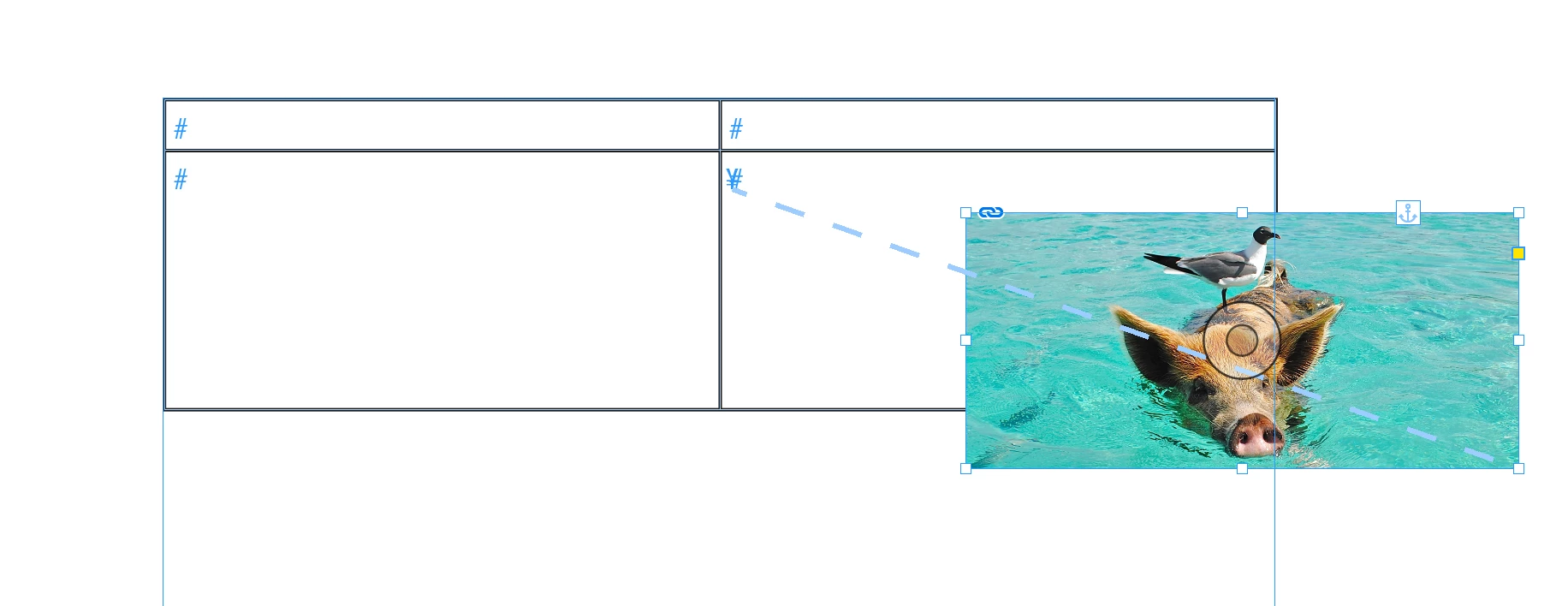
[1] Anchor the graphic frame with the image to an empty text cell.

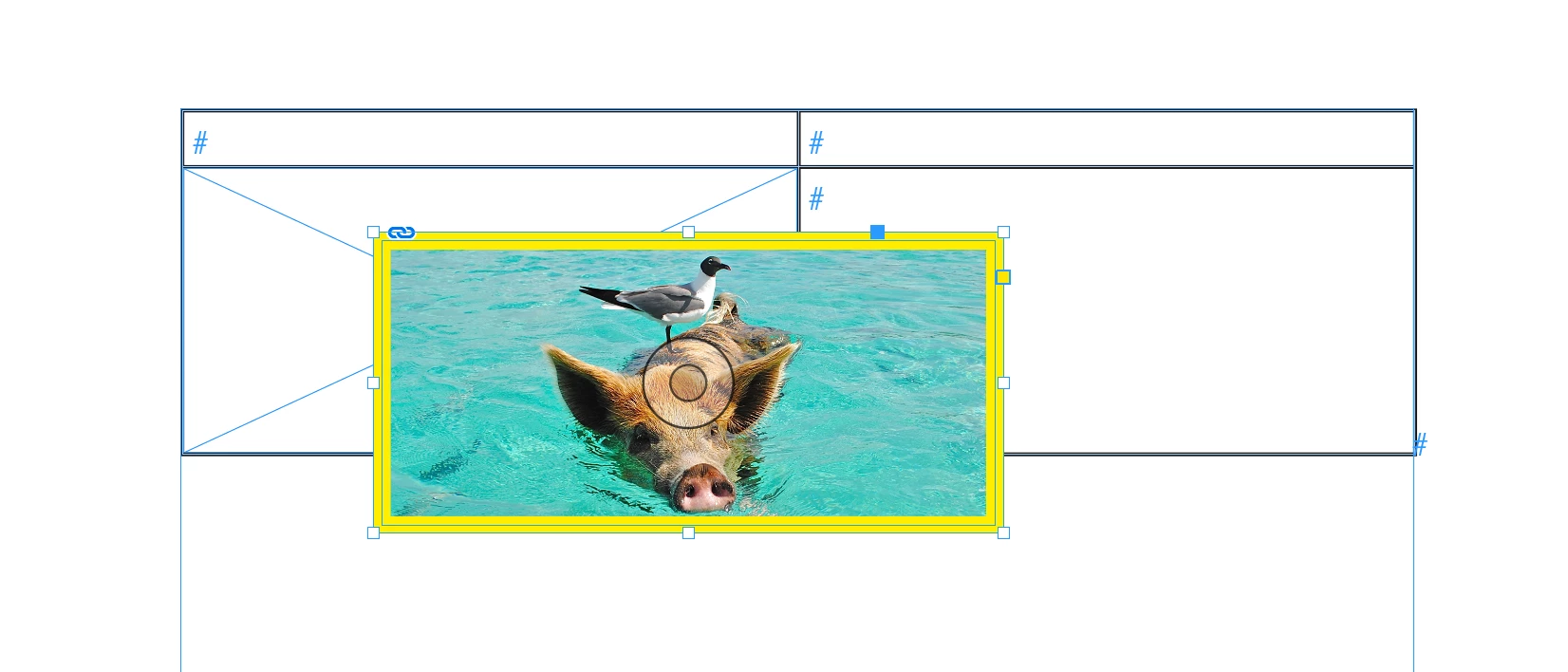
[2] Empty the graphic frame of a graphic cell, move a graphic frame with the image on top of the graphic cell, cut the frame, select the graphic frame of the graphic cell, paste inside the contents of your clipboard:


Regards,
Uwe Laubender
( Adobe Community Expert )

2 replies

LaubenderCommunity ExpertCorrect answer
Community Expert
July 29, 2024

However, if you touch the image frame itself the graphic cell will change its width and height.

Two ways out:

[1] Anchor the graphic frame with the image to an empty text cell.

[2] Empty the graphic frame of a graphic cell, move a graphic frame with the image on top of the graphic cell, cut the frame, select the graphic frame of the graphic cell, paste inside the contents of your clipboard:


Regards,
Uwe Laubender
( Adobe Community Expert )

Community Expert
July 29, 2024

Hi @gcc36773400 ,

what did you try so far?

You could change fitting options on the graphic frame that holds the image inside the graphic cell for example.

Or you can select the image and you are free to move and scale the image inside the graphic frame of the graphic cell.


From my German InDesign 2024 with the Frame Fitting options open.

Currently Fill frame proportionally is enabled.


The image selected:

Image moved and scaled inside its graphic frame:


Regards,
Uwe Laubender
( Adobe Community Expert )