
Include profiles to placed Images
Hi,
I'm looking for an easy way to turn on 'include all profiles' on InDesign documents.
Currently most documents have 'include profiles' for RGB and 'preserve numbers' for CMYK. As this is the standard color settings.
I want to turn on 'include profiles' for CMYK on existing documents.
Currently the only way i know how to change this, is by making sure 'Ask when opening' is checked on with the policies. So that i get a popup window when opening the document where I can change the workspace and policies.
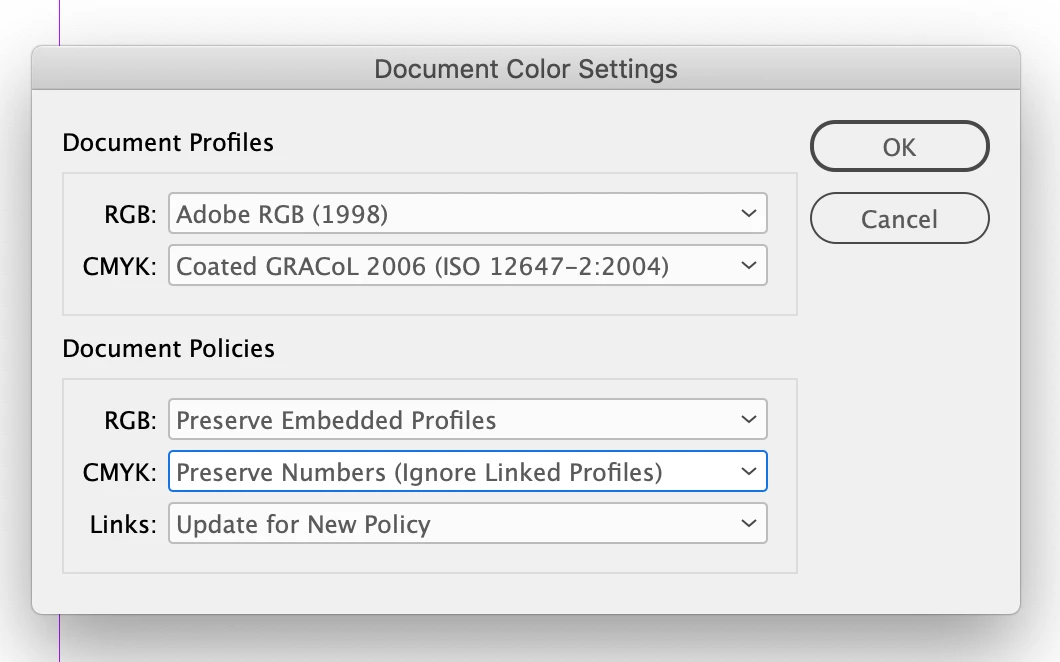
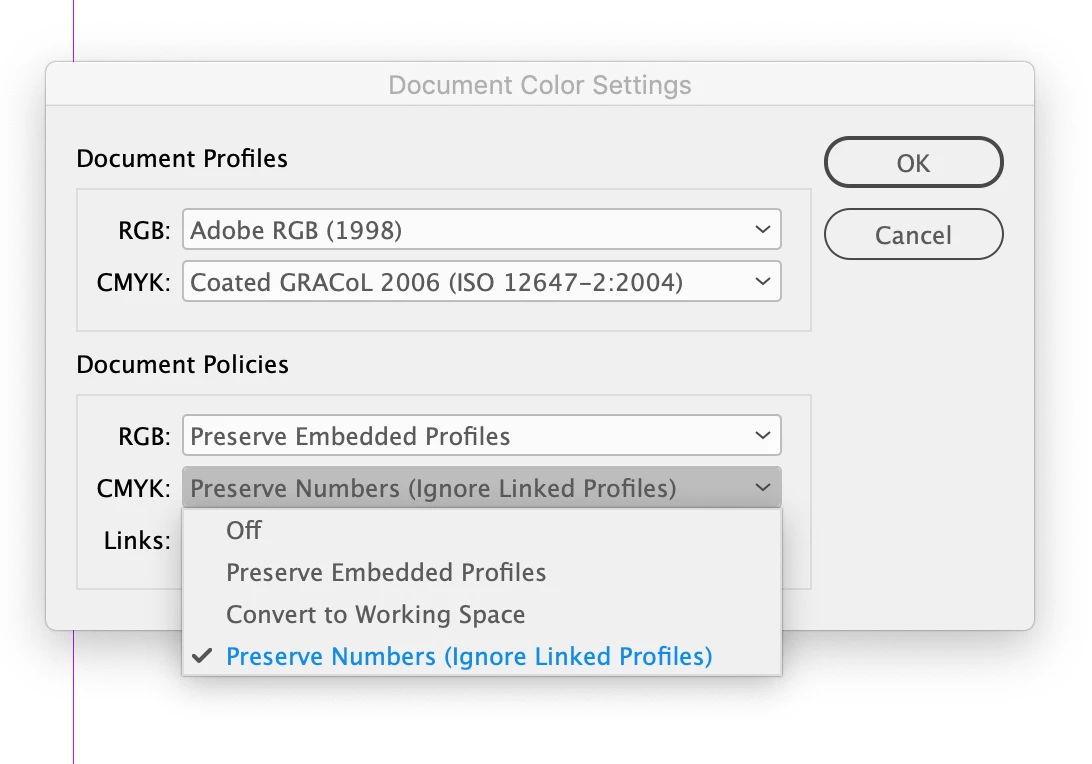
I wonder if there's any way to still change the color management policies of the document after opening it. I know you can change the profile of the document. But I cannot find a way to change the policies.
Here are some screenshots of what i mean(I'm sorry for it being in Dutch instead of English):
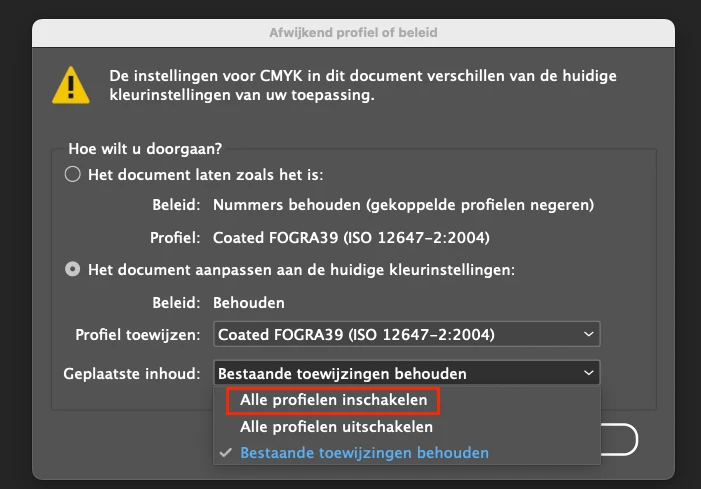
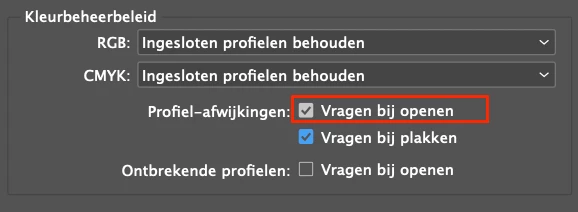
Hope it's clear enough.
Thank you for your time.
Best
Tim
 AdChoices