BenCogent
Participant
March 12, 2026
Question

InCopy on the web (Beta) - Unable to open INDDL file in desktop app.

  • March 12, 2026
  • 1 reply
  • 32 views

InCopy on the web (Beta) - Unable to open INDDL file in desktop app.

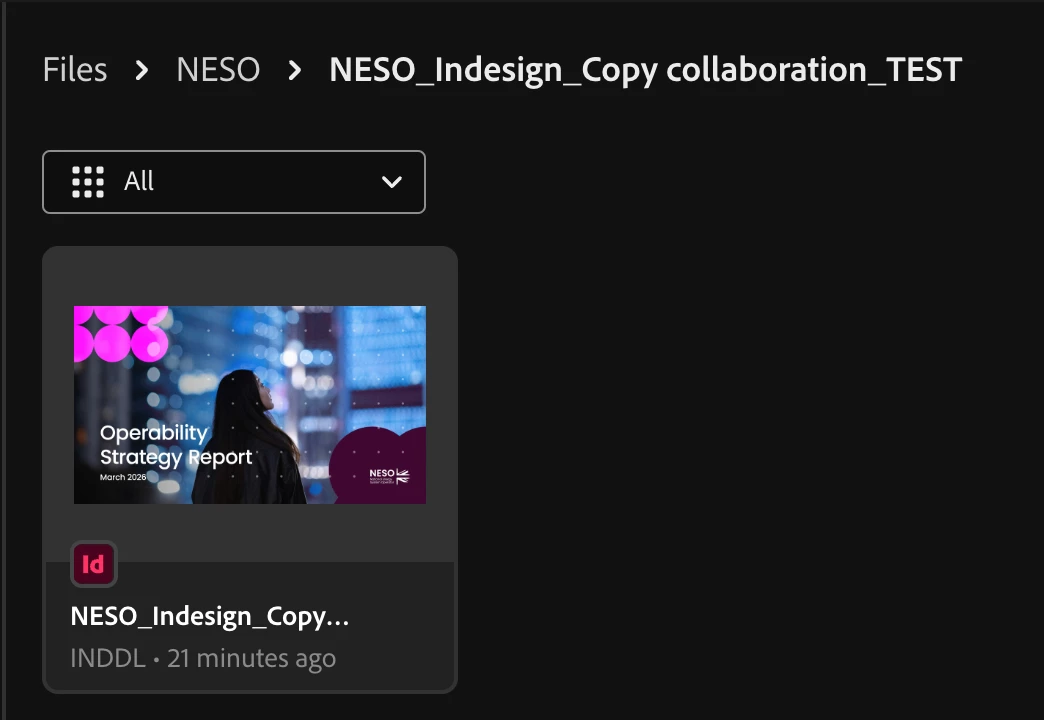
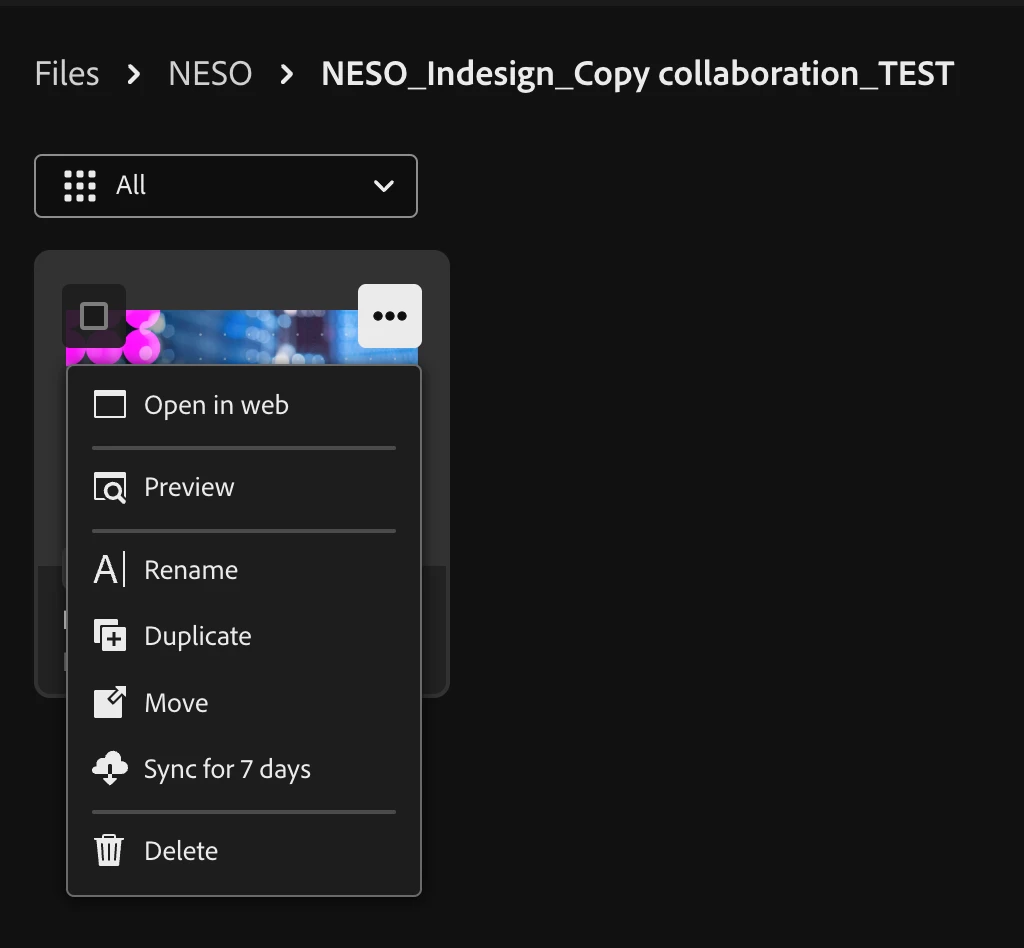
I have saved and shared an Indesign file to CC for text editing. The INDDL file is saved in my files folder (not in the Projects folder!). I can open the file in the Incopy web environment but not in the desktop app. I have tried moving the file to another folder within Files but this does not help.

Any help would be much appreciated.

Ben


    1 reply

    Abhishek Rao
    Community Manager
    Community Manager
    March 19, 2026

    Hi ​@BenCogent,


    Apologies for the delay in getting back to you, and thanks for your patience. I tested this on my end and it worked fine. I’m able to see both the “Open” and “Open in web” options via the Creative Cloud desktop app.

    Could you please try opening the Creative Cloud desktop app and then access and open the INDDL file from there, and let me know how it goes? If you’re still not seeing the option, please share your OS version, InDesign/InCopy version, and confirm whether this is happening only with a specific file or across others as well.


    Looking forward to your update.

    Abhishek

    Abhishek Rao
    Community Manager
    Community Manager
    March 27, 2026

    Hi ​@BenCogent,


    Just checking in to see if you were able to try the steps shared earlier.

    Could you please make sure you’re using the Creative Cloud Desktop app to access and open the INDDL file, rather than the web version of Creative Cloud, and let me know if that works for you.


    Looking forward to your update.

    Abhishek