


Participant
December 17, 2025
Answered

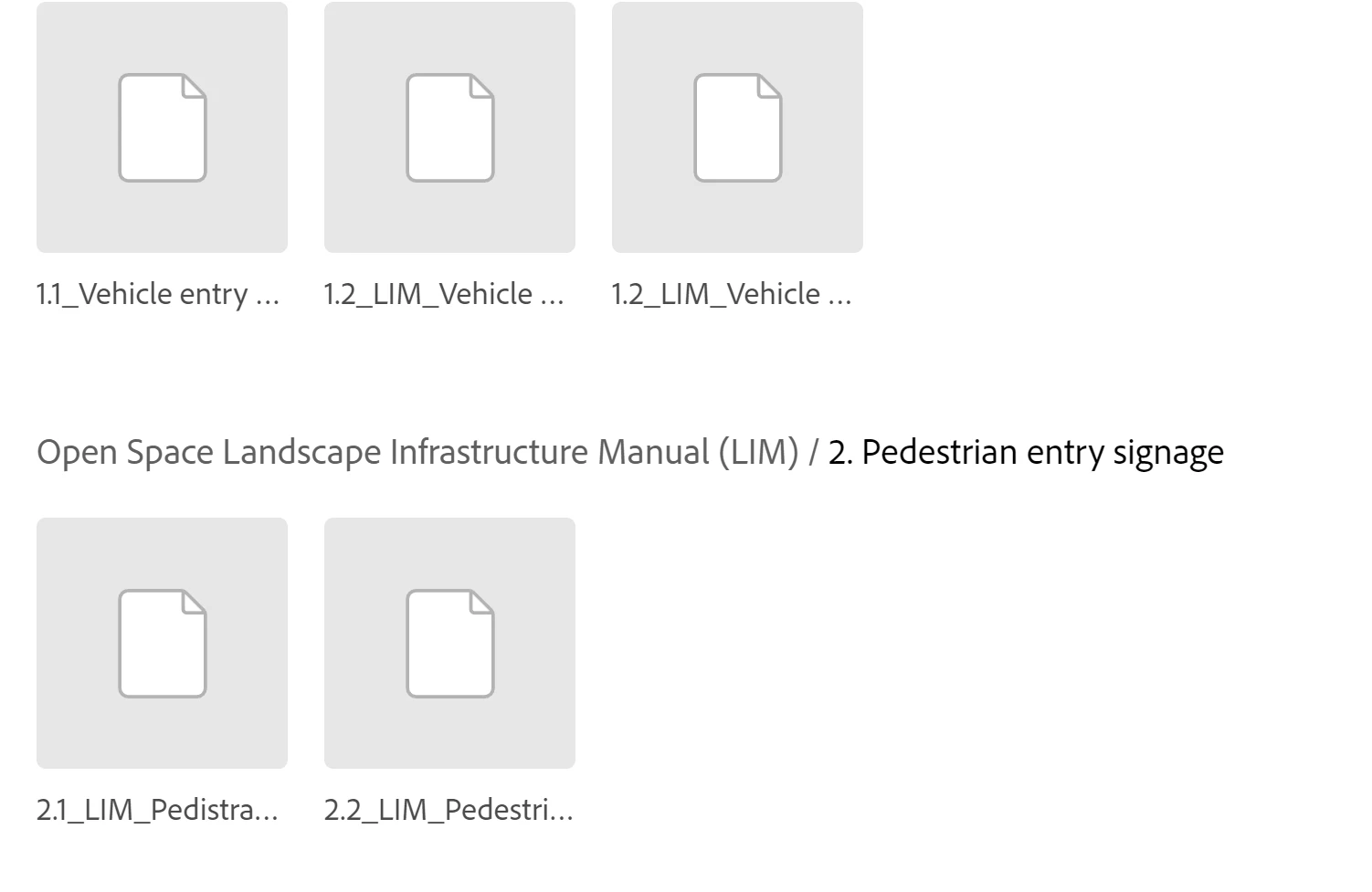
Indd thumbails no longer previewing in Adobe Libraries

  • December 17, 2025
  • 3 replies
  • 640 views

Hi, i recently upgraded to the 2026 suite and now when i update indd. templates to my Adobe library, the thumbnails no longer preview? I really nope there is a trick to fix this error as we have 100's of shared templates we share accross the organisation. we couldn't possibly open these thumbnails for a visual as it would be very unresourceful .


Can anyone help?
 

AshGormley_0-1766006486301.png


Correct answer Abhishek Rao

Hi everyone,


Thanks for sharing the additional details and screenshots. I've logged a bug for this behavior, and the product team is actively working on a fix. I'll keep this thread updated as soon as I have more information or an update to share.


Thanks for your patience in the meantime.

Abhishek

3 replies

Known Participant
December 31, 2025

We're having the same issue, except sometimes we're also no longer able to open the INDT files from within InDesign.

AndreiCT
Participant
December 23, 2025

Since updating to 2026 InDesign version INDT templates are not uploading properly to CC Library, showing black icon in Creative Cloud Desktop, and cloud icon in CC Libraries palette within InDesign - anyone else haveing the same issue? While I can open new document from it, the proper icons (showing template thumbnail) are not working, how do I fix this? Also, I see that "Pause" ans "Resume" buttons now disappeared from Creative Cloud Desktop. See attached screenshots. 

January 7, 2026

Yes, we are experiencing the same issue. Previews of InDesign templates are showing a default template/file icon within CC lIbraries. Have tested saving all our templates back down to 2025 templates which seems to resolve the issue – however we would like to use the latest version so see that saving as 2025 is not really a workaround

Participant
January 9, 2026

Have you found a way to export a 2026 indesign file to a 2025 INDT ?


Abhishek Rao
Community Manager
Community Manager
December 17, 2025

Hi @Ash Gormley,

Thanks for reporting this and for sharing the screenshot. I was able to reproduce the behavior on my end as well. INDD templates created in InDesign 2026 are not showing thumbnail previews when added to Adobe Libraries, while templates created in earlier versions still display thumbnails correctly. I'm checking this with the product team for further investigation and will keep you posted as soon as I have an update.


Best,
Abhishek


Abhishek Rao
Community Manager
Abhishek RaoCommunity ManagerCorrect answer
Community Manager
December 23, 2025

Hi everyone,


Thanks for sharing the additional details and screenshots. I've logged a bug for this behavior, and the product team is actively working on a fix. I'll keep this thread updated as soon as I have more information or an update to share.


Thanks for your patience in the meantime.

Abhishek

Zealous_calmness3486
New Member
December 24, 2025

Any update on this issue?
