Participant
June 20, 2024
Answered

Indent Not Applying To Other Paragraphs in Indesign

  • June 20, 2024
  • 4 replies
  • 334 views

Hi,


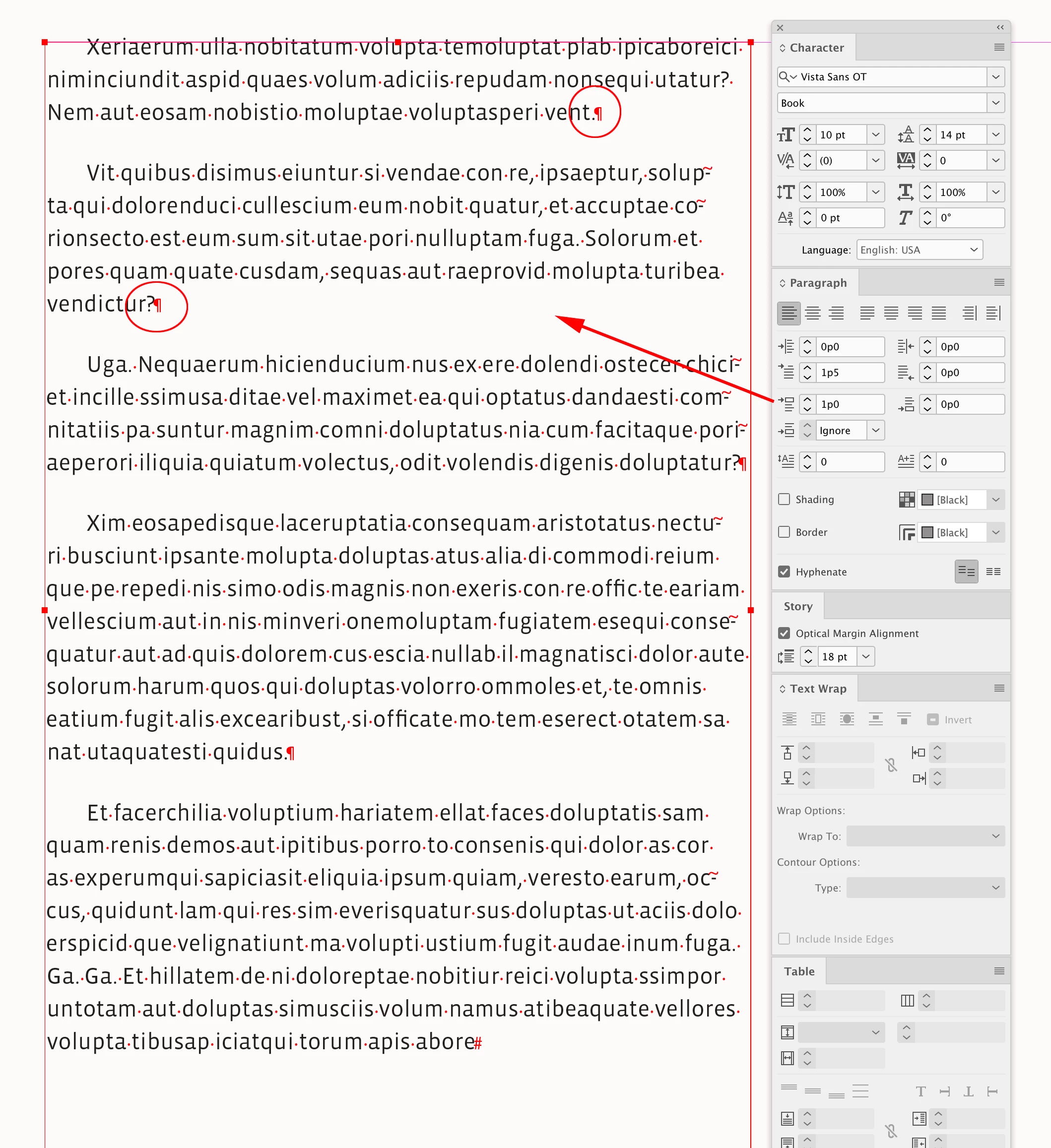
I am having a page with multiple paragraphs and I have selected the whole text and tried to apply a left indent and the trouble is it is only getting applies to the first line of the text box. What I want is all the paragraph should have an indent. Please help! I tried applying the paragraph styles and many things. It doesn't seem to work. 
This topic has been closed for replies.
Correct answer rob day

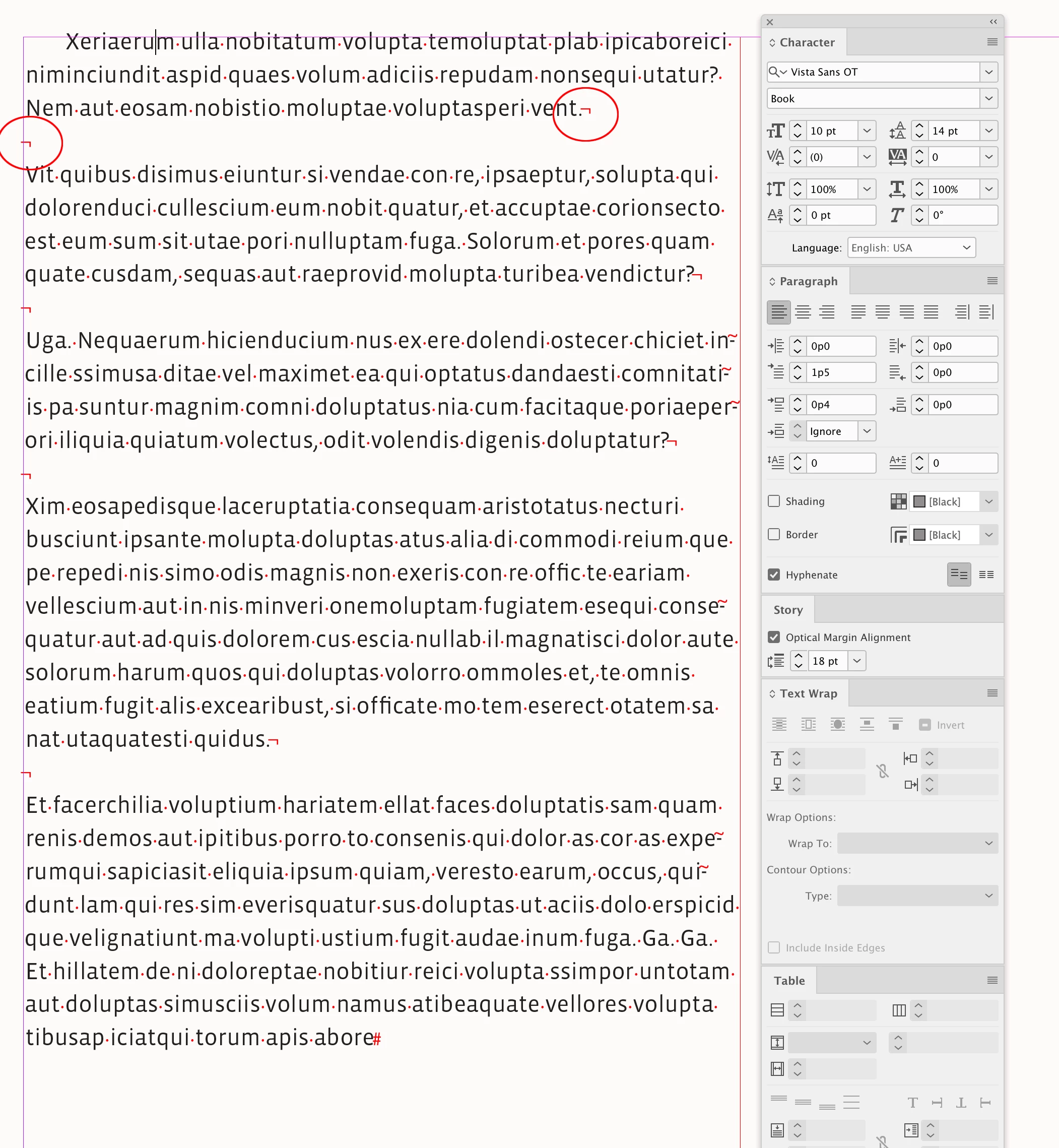
Hi @Abhimanue381539090g7u , As others are suggesting , you are probably using shift-return for forced line breaks, and you need a single paragraph return with more Space Above:


4 replies

rob day
Community Expert
rob dayCommunity ExpertCorrect answer
Community Expert
June 20, 2024

Hi @Abhimanue381539090g7u , As others are suggesting , you are probably using shift-return for forced line breaks, and you need a single paragraph return with more Space Above:


Robert at ID-Tasker
Legend
June 20, 2024

@Abhimanue381539090g7u


99.99% you have forced line breaks - instead of separate paragraphs.


Willi Adelberger
Community Expert
Community Expert
June 20, 2024

Your left intend is 0 and only the first line has an intent. That is what you get.
But there are siome other problems:

  1. You work without paragraph styles, only manual overrides. That should not be.
  2. You separate the headline from the text. Good practice is to use 1 frame.
jmlevy
Community Expert
Community Expert
June 20, 2024

Hi @Abhimanue381539090g7u please post another screenshot showing hidden characters.