SproetS
Inspiring
November 25, 2019
Answered

InDesign 15.0 -> Spread not aligned

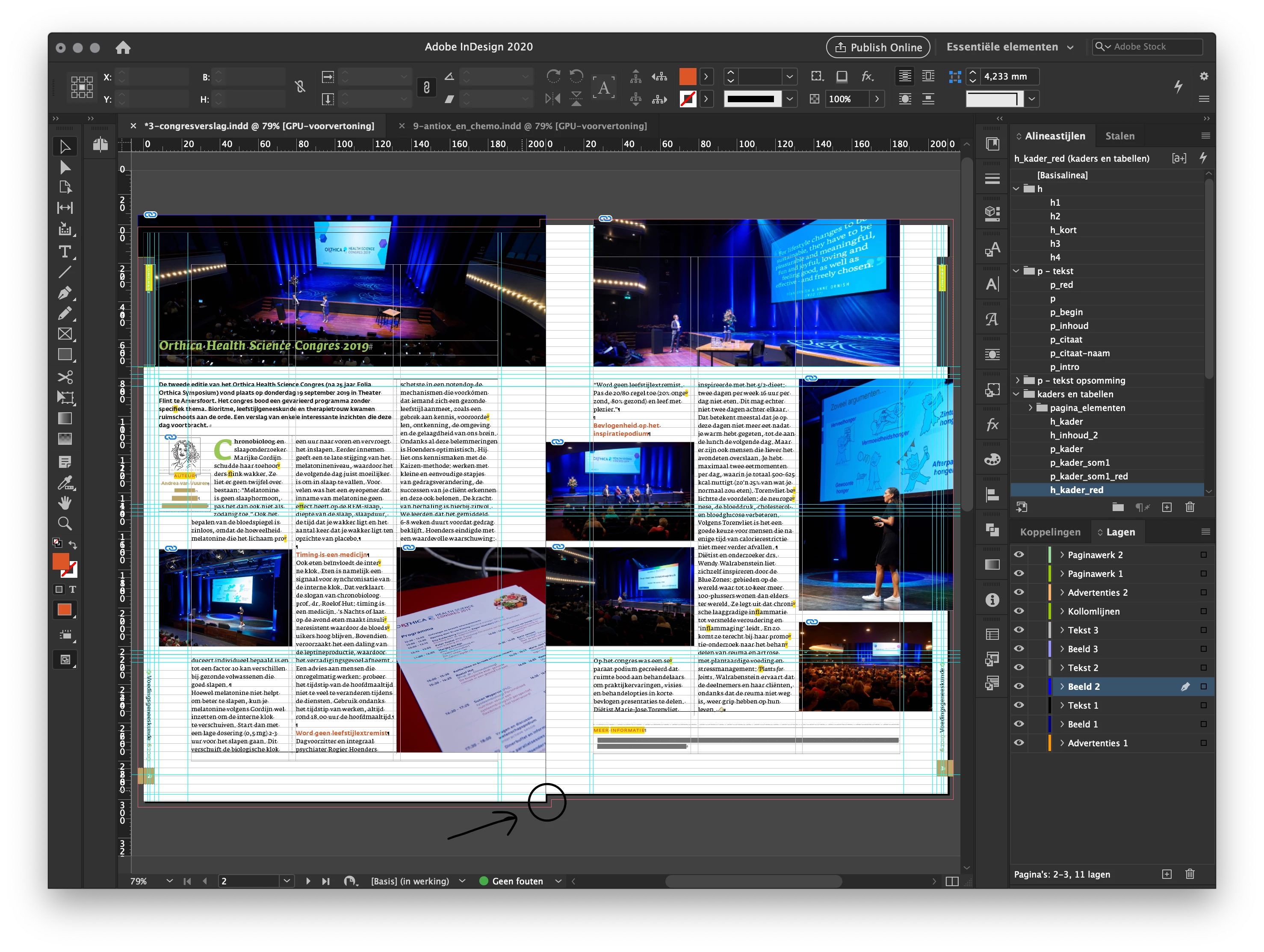
Strange when a spread is not aligned. Pages are the same format.
Is there a hidden feature?

vladan saveljic
vladan saveljicCorrect answer
Inspiring
November 25, 2019


(probably the page has been moved accidentally)

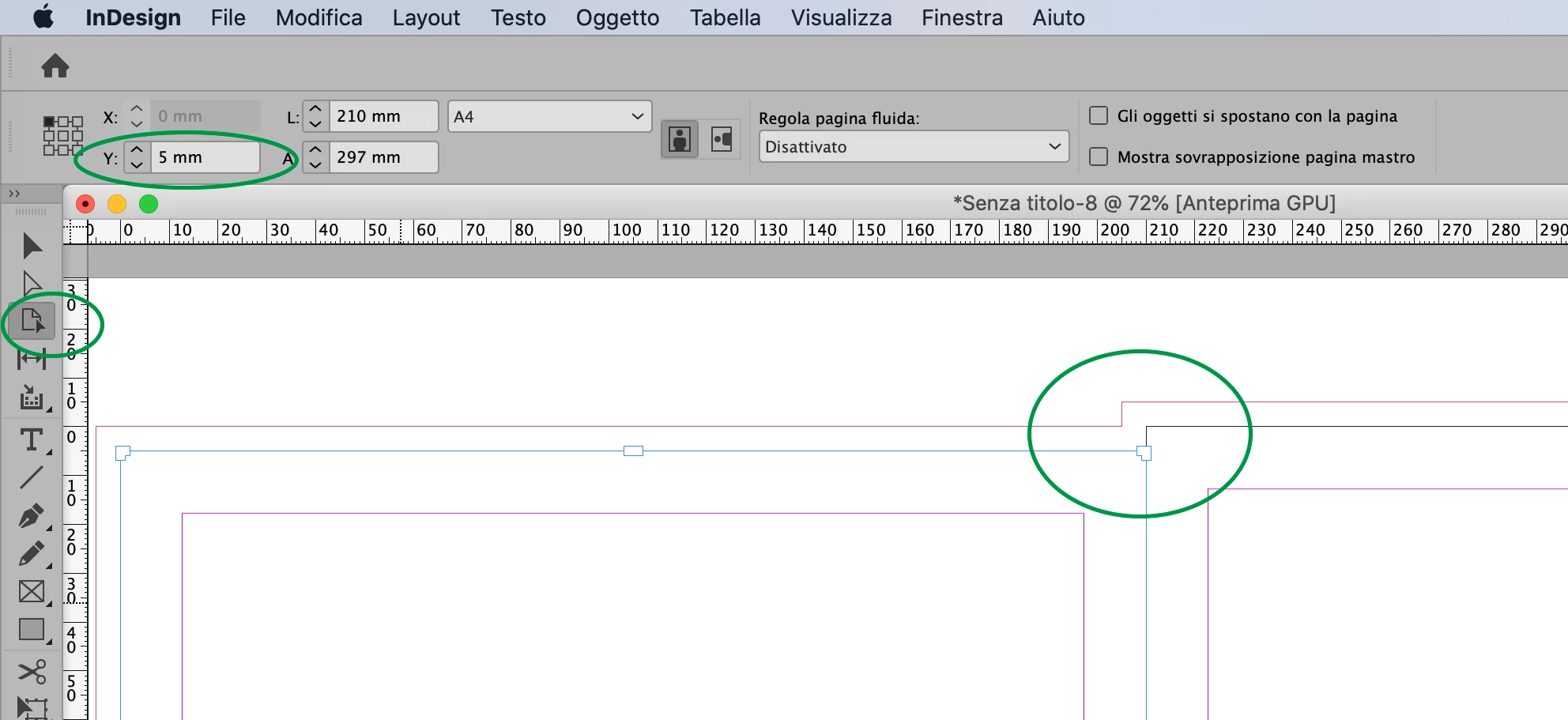
with "page tool" select the left page and set "y" reference point to 0

6 replies

Willi Adelberger
Community Expert
Community Expert
November 25, 2019

You should set up your document as document with facing pages as it has facing pages, this will align the pages. There is no reason, if a document has facing pages not to set it up that way.

Translate
Participant
June 15, 2021

Worked like a charm on Adobe indesign 2020. Thank you so much!

Translate
vladan saveljic
vladan saveljicCorrect answer
Inspiring
November 25, 2019


(probably the page has been moved accidentally)

with "page tool" select the left page and set "y" reference point to 0

Translate
SproetS
SproetSAuthor
Inspiring
November 25, 2019

Thanks!

Translate
Derek Cross
Community Expert
Community Expert
November 25, 2019

You appear to have set up a bleed or slug on the left hand page and not on the right hand page – check your setup.

Translate