Participating Frequently
Oct 18, 2018 5:05 PM UTC
Answered

InDesign 2019 doesn't recognize installed fonts

Hi Adobe,

Can we please fix this? InDesign CC 2019 is a slow mess. The font handling is now a nightmare.

Example: all morning I have been working on a brand book. The file was working just fine. Fonts all working fine. I get to working on a style guide and try to change the leading and it crashed the whole program. When it restarted, it no longer can see that the fonts - brand fonts because I'm working on a brand book - are no longer available on the system. Even though they are installed on the system.

So, I restart the app and delete the preferences. No change.

So, I then restart my computer AND delete the preferences yet again. No change.

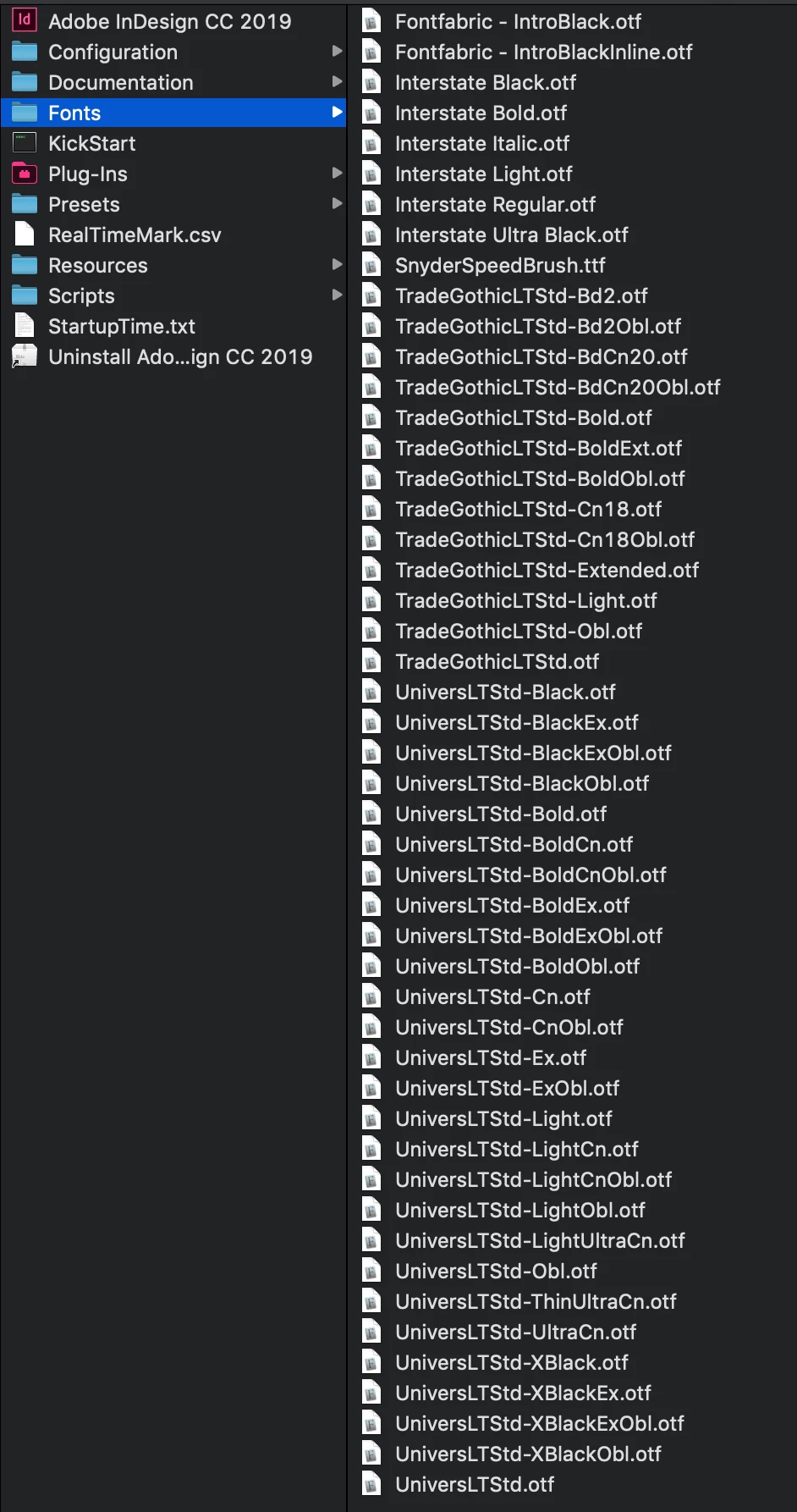
I make sure the fonts are installed in both the system AND inDesign's font folder (what is the reasoning behind this treat here?). No change.

If I knew ahead of time that working with InDesign 2019 was going to be such a headache, I never would have downloaded the buggy software. InDesign is the program where designers need the best control over type. I literally NEVER have this issue in Illustrator or Photoshop. Are you rushing to put software out?
Harshika Verma
Harshika VermaCorrect answer
Community Manager
May 9, 2022 11:53 PM UTC

Hi All,


We appreciate your patience. The issue is fixed with the latest InDesign version (17.2.1). Please update InDesign to the latest version and see if that helps. 


If you still experience the issue on the 17.2.1 version, then please try resetting the preferences. It will fix the issue.


Let us know if you need further assistance. We'd be happy to help.


Thanks,

Harshika

58 replies

Mr Geider
Participant
Apr 5, 2022 11:18 AM UTC

This just happened to me aswell. Adobe step you're game up.

Translate
Anshul_Saini
Community Manager
Community Manager
Apr 5, 2022 10:04 PM UTC

Hi @Mr Geider,


We are sorry for the trouble. We are able to replicate the issue at our end with multiple fonts on v17.2 & in some instances, on v17.1 as well. We have logged a bug a with the product team last week, and they are currently investigating the issue.


I would request you to upvote this UserVoice (https://indesign.uservoice.com/forums/601180-adobe-indesign-bugs/suggestions/44970238-installed-font...) if not done already. By doing this, you will keep on getting updates related to this issue.


Also, if possible, please share the download link to the fonts which are not showing up in Indesign here or via DM with me.


In the meantime, you may install the older version of Indesign v17.0.1 or earlier until this issue gets fixed.


Regards,

Anshul Saini

Translate
Harshika Verma
Community Manager
Harshika VermaCommunity ManagerCorrect answer
Community Manager
May 9, 2022 11:53 PM UTC

Hi All,


We appreciate your patience. The issue is fixed with the latest InDesign version (17.2.1). Please update InDesign to the latest version and see if that helps. 


If you still experience the issue on the 17.2.1 version, then please try resetting the preferences. It will fix the issue.


Let us know if you need further assistance. We'd be happy to help.


Thanks,

Harshika

Translate
Inspiring
Aug 20, 2020 4:28 PM UTC

I had this issue working with indd cc20 on Catalina 10.15.6. My file was on dropbox and issue resolved when I copied the indd file to my desktop (or most likely, anywhere local). 

Translate
TomLansford
Participant
Jun 4, 2020 3:46 PM UTC

This particular message is 18 months old.


The same problem just happened to me last week. 


Adobe is a company of very smart people, so I am sure that you know that this problem should NEVER occur. 


Please take care of it.


Best regards, Tom

Translate
Participant
Jun 15, 2020 5:33 PM UTC

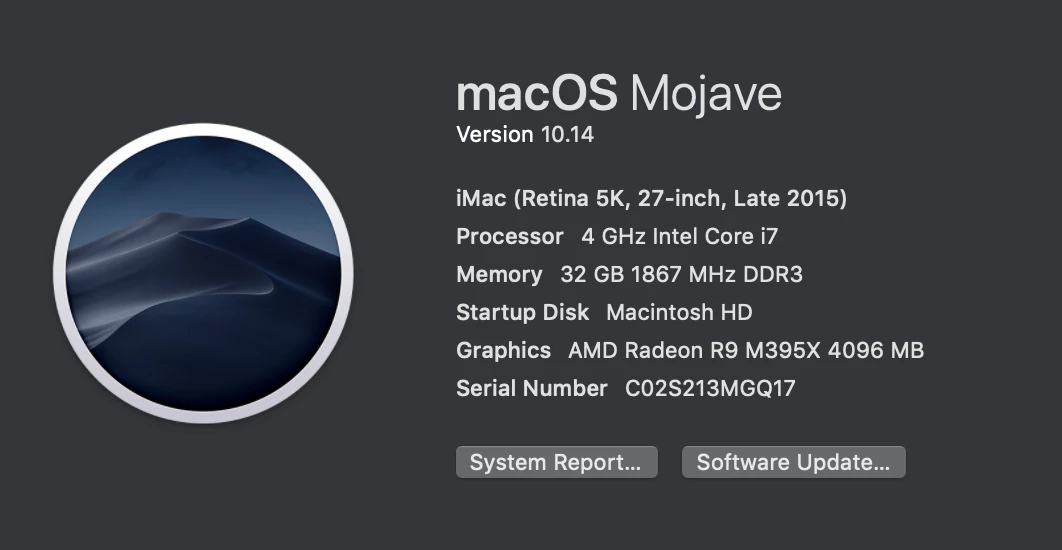
I just ran into this problem this morning. Using InDesign 2020, FontExplorer X v7, MacOS 10.14..6 Mojave, and Helvetica Lt Std Condensed.


InDesign refuses to open the font in the client's existing document, regardless how many times I install and unintsall, clean various font caches, and restart both app and machine. InDesign is more than happy to open the font in brand new document.

The only workaround I could find was to install the font in the Fonts folder in my Home directory.

But, hey, thank Chtulu that Adobe went to a subscription model, so we can get the latest bug fixes delivered to us instantly.

Is there a "spit in digust" emoji? Asking for a friend, who is me.

Translate
Srishti_Bali
Legend
Jun 15, 2020 11:19 PM UTC

Hi there,


We're sorry to hear about this. We are currently investigating this issue. I would request if you could upvote this issue here (https://indesign.uservoice.com/forums/601180-adobe-indesign-bugs/suggestions/39577768-missing-fonts-that-are-installed-on-my-machine) and try the steps shared on this similar discussion (https://community.adobe.com/t5/indesign/missing-fonts-in-indesign-on-macos/m-p/11195710?page=1#M189624).


It would be really helpful if you could also share OS, version of InDesign and few sample files in comment section. It will help us replicating this issue and resolve it as soon as possible.


Regards,

Srishti

Translate
Participant
Mar 23, 2020 1:41 AM UTC

Hi there - I have the same problem and need this program for large documents. I found that turning Adobe fonts off fixed the issue. I believe that the Adobe fonts are creating conficts with the fonts we use through fontbook or in our libraries. My experience - for what it's worth! 

Translate
helpful_Lightning0D44
Participant
Mar 10, 2020 2:36 AM UTC

After many days of trying to troubleshoot myself, something finally worked for me:

1. Install .otf/.ttf font on system by double-clicking and then Installing (confirm that font is loaded on Font Book)

2. In Font Book, right-click font > "Show In Finder"

3. Drag this font file in "Fonts" folder to Applications > Adobe InDesign > Fonts folder

4. Open InDesign and re-select type in new font

Translate
Participant
Feb 28, 2020 8:24 PM UTC

You have to reinstall the font on your computer. I struggled with this for a while. Sometimes the fonts deactivate. 

Translate
Participant
Mar 3, 2020 4:20 PM UTC

I have an indesign doc that just suddenly decided to start freaking out and saying Fonts couldnt be found.  Nothing I did could resolve it, including all the things posted here and elsewhere... copying assets in that use the font, restarting INDD, restarting my mac, etc.  I thought it must be a file corruption issue, and was about to rebuild my entire doc.  However, I finally found the ACTUAL issue.


For anyone else who encounters and has this issue, the problem is a font conflict.  Basically if you have a couple different versions of the same font file installed... say TT for one face of a font, Opentype for other faces, maybe a couple of the same faces of each (I had Avenir Book TT and other Avenir faces in OTF) Indesign may, eventually, choke on figuring the two out.  I "think" what happens is that Indesign has some kind of "master ref" in a file for a family, and it can "switch" or lock in on a file that doesn't have the face.  So, I had been using Avenir Medium and Black in places (which are from my OTF Avenir), and my file got switched to using the TT version (which only had Book).  Or maybe it just choked on the conflict, hard to tell without debugging.


ANYWAY, the solution is to go into Font Book, find the family/file you're working with (e.g., my Avenir OTF entry), right click, and select "Resolve Duplicates".  That will force the Mac to resolve the underlying discrepancies, and your fonts in Indesign will just suddenly fix themselves.


To Indesign Support, you guys need to resolve Font handling in Indesign.  This should NOT be a problem... the program's font mgmt should be fobust enough to either have entries for each entry in Font Book and maintain those (e.g., OTF and TT entries shouldn't get muddled).  I should note that during all this I could still see both sets of fonts in my Indesign font list, so it displayed them separately, and in a new document I could still USE Avenir Medium, meaning this is some kind of underlying glitch in how the indesign document is managing and mapping fonts.


-rt

Translate
Participant
Mar 3, 2020 8:38 PM UTC


I stand corrected... the problem disappeared (fixed) when I removed duplicates, but it then reappeared when I made further edits to various content items with the font.


I've now recreated the document and moved all the content over... works fine.  So, the problem is corruption in the file structure, meaning it is unfixable when it happens.  You will need to create a new file and move all your work over.


Adobe, this is completely unacceptable to have such a major bug for such a long period of time in Indesign.  This needs to be fixed immediately... spending hours recreating work when it happens is not tenable when we pay so much for the CC licenses.


-rt

Translate
Participant
Feb 23, 2020 1:08 PM UTC

#ADOBE! Most annoying.

I have the same problem and am very interested in a solution. It has apparently occurred in 2018, what is the solution? Not interested in something "cut and paste between documents", it really does not work. I lack settings and all of a sudden fonts stop working just as they did. And yes I have used Adobe's fonts ...
This is so sour. I'm sitting with a delivery of a book to a print shop and I really don't have time to build around with fonts that suddenly work internally in Indesign.
How do I solve this?

Indesign: 15.01 Creative Cloud
MacBook Pro 16-inch, 2019
System, Catalina v. 10.15.3

Translate
Participant
Feb 25, 2020 7:10 PM UTC

I have been having the same issue where fonts are not being packaged which apparently is also affecting pdf files. I can't figure how to fix this issue.


Indesign 15.01 Creative Cloud

iMac 2017

System, Catalina v. 10.15.4

Translate
Dov Isaacs
Legend
Feb 25, 2020 8:13 PM UTC

There is no officially released MacOS 10.15.4. All that is available are beta test builds. You should never, repeat never, repeat yet again never use beta / prerelease operating system or application versions for production work.


We are aware of a number of “issues” associated with font usage with both InDesign and Acrobat associated with MacOS 10.15.4 and are investigating. These problems sometimes resolve themselves by reinstalling the font(s) involved, rebooting, clearing font caches, etc. Better yet, revert to an officially-supported OS release.


Translate
- Dov Isaacs, former Adobe Principal Scientist (April 30, 1990 - May 30, 2021)
Inspiring
Dec 23, 2019 4:38 AM UTC

I find going to my font management program, turning the "missing" font Off/On solves the problem temporarily. Sometimes it is very temporary! Is a frustrating problem as I often work on books and other long documents, and the fonts "turn off" repeatedly. 

Translate
Inspiring
Jun 19, 2020 3:40 AM UTC

...and it's still happening in cc 2020. Seems to happen more when my internet connection is slow.

Translate
Known Participant
Dec 11, 2019 6:35 PM UTC

Hey, Adobe, this is SO not a workable solution. The new document does not have all the master pages or paragraph styles or character styles or anything else that I need. Sure, the problem font now works in this empty shell, but I have to rebuild everything else.  This is a huge problem. Please solve!


Thank you!

--Juliet

Translate
JMAB
Participant
Dec 5, 2019 3:01 PM UTC

I'm having same issue. I don't see those fonts i activated in fonts.adobe.com on my adobe CC. 

I turned them off and on, copied from different page and pasted in, etc nothing worked. 


Until, i clicked the "find more" and there was all the fonts i activated. This is so weird.


I clicked the empty cloud and now i have arrows going back and forth.

Not sure what this cloud icon means but now the fonts are working....


Translate