PeterPp
Participant
December 17, 2018
Answered

Indesign 2019 error printing

  • December 17, 2018
  • 4 replies
  • 3052 views

When trying to print I get an error message "The pages selected to print are all blank. If you want to print blank pages, check the 'Print Blank Pages' box in the Print dialog."
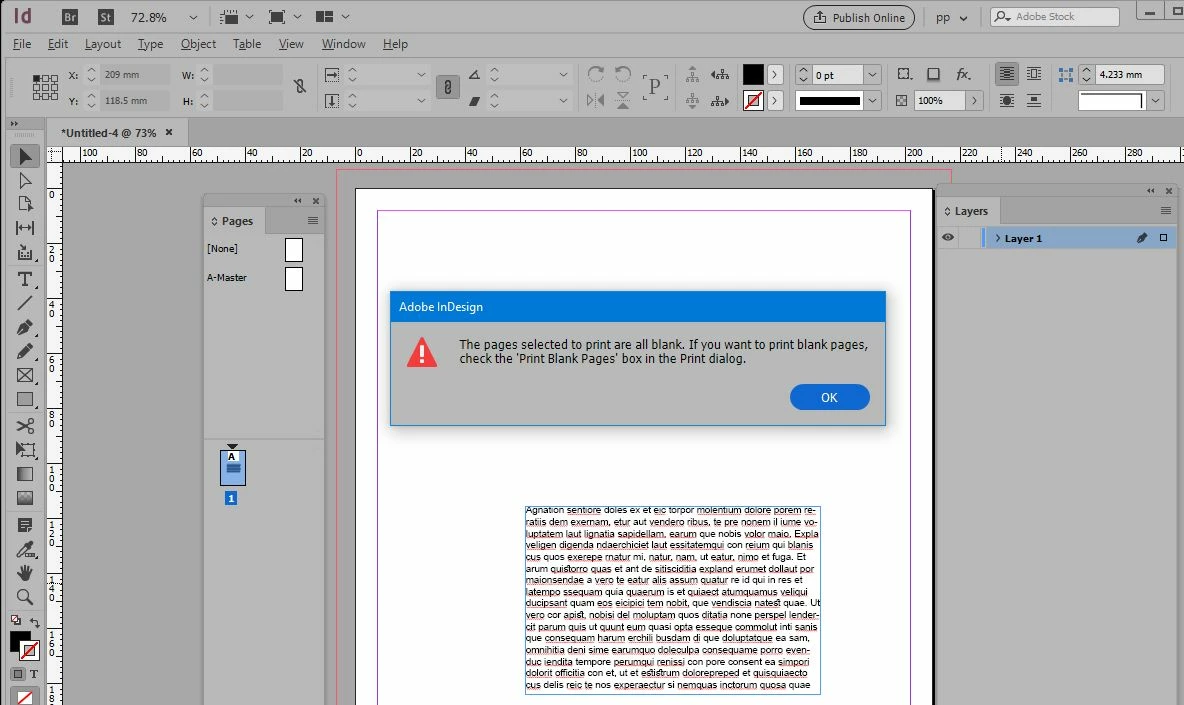
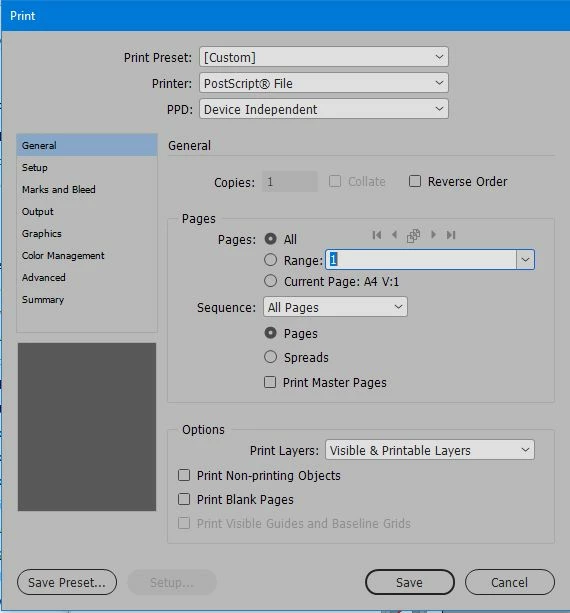
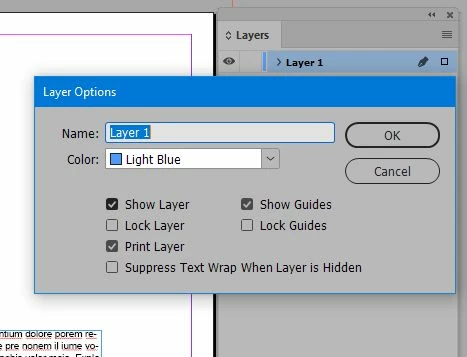
The page clearly is not blank. The layer is set to print, All pages are selected in the Print window.

Any suggestions?

Thanks!
This topic has been closed for replies.
Correct answer Eugene Tyson

I was able to successfully do what you did there.

Something funny with your InDesign version -

Try resetting your preferences

Troubleshooting 101: Replace, or "trash" your InDesign preferences [2009 Outdated & Locked]

Or if that's not working try exporting your file to an IDML and open that and see if it works.

4 replies

PeterPp
PeterPpAuthor
Participant
December 17, 2018

Thank you for the suggestions. The resetting of preferences did the trick (as suggested by Eugene).

Eugene TysonCommunity ExpertCorrect answer
Community Expert
December 17, 2018

I was able to successfully do what you did there.

Something funny with your InDesign version -

Try resetting your preferences

Troubleshooting 101: Replace, or "trash" your InDesign preferences [2009 Outdated & Locked]

Or if that's not working try exporting your file to an IDML and open that and see if it works.

Derek Cross
Community Expert
Community Expert
December 17, 2018

Export to a PDF using the InDesign presets and print from the PDF. Are you printing to your desk-top printer or sending it to a commercial printer?

Willi Adelberger
Community Expert
Community Expert
December 17, 2018

What is the purpose to print to a postscript file? If you need a PDF, export as PDF. I don't see any good reason to use postscript (EPS or printing to create a PDF) in modern ages.