


Participant
August 26, 2024
Answered

InDesign 2019 Not Installing on Windows 11

  • August 26, 2024
  • 1 reply
  • 1065 views

Hello,
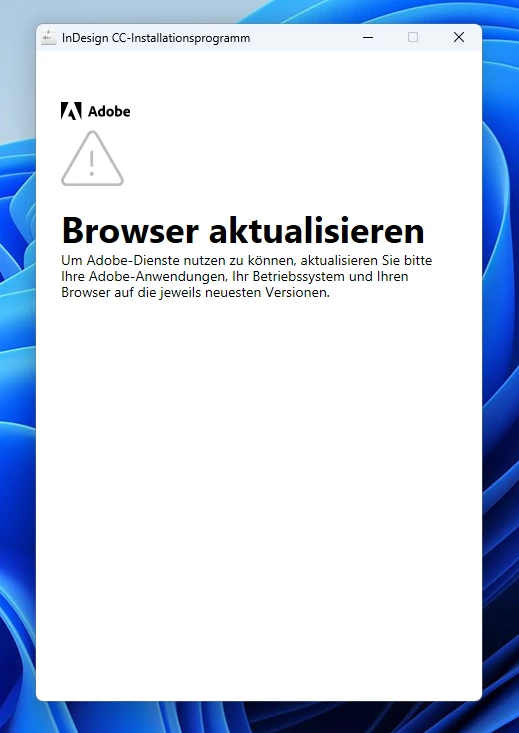
for compatibility reasons we need to use inDesign 2019 vers. 14.0 as it is linked with an other Software in our company. Now after changing some hardware to newer PCs with Windows 11, theres a problem with the set-up from inDesign 2019.
We get this Error
 

English Version:
We tried compatibility mode, everything is up to date, we tried the registry fix from Adobe, starting as admin, nothing works. Has somebody a solution for this issue? on Win10 the installer works fine


<Title renamed by MOD>


This topic has been closed for replies.
Correct answer nico_1397
quote

does not work on Edge, Chrome, Firefox. Still not installing

By @nico_1397


InDesign 2019 isn't supported anymore (as you probably know anyway), so there's a chance you won't be able to install it. However, other users did post various workarounds in earlier discussions on the subject, so you may hear from them soon (I tried to do a brief search but couldn't find those threads). You may also try to contact Adobe support for assistance (although their help in this case isn't guaranteed either.)


Disconnecting the device completely from the Internet solved the issue. Thanks anyways

1 reply

Robert at ID-Tasker
Legend
August 26, 2024

Try with different Web browsers - make them "default". 


https://helpx.adobe.com/uk/download-install/kb/supported-browsers.html


nico_1397Author
Participant
August 26, 2024

does not work on Edge, Chrome, Firefox. Still not installing

leo.r
Community Expert
Community Expert
August 26, 2024
quote

does not work on Edge, Chrome, Firefox. Still not installing

By @nico_1397


InDesign 2019 isn't supported anymore (as you probably know anyway), so there's a chance you won't be able to install it. However, other users did post various workarounds in earlier discussions on the subject, so you may hear from them soon (I tried to do a brief search but couldn't find those threads). You may also try to contact Adobe support for assistance (although their help in this case isn't guaranteed either.)