Participant
February 24, 2020
Question

Indesign 2020 (15.0.1), Mac OS v10.14.6, Saving files to server, opening from server.

  • February 24, 2020
  • 1 reply
  • 212 views

When saving an InDesign file to server, we get the following error.
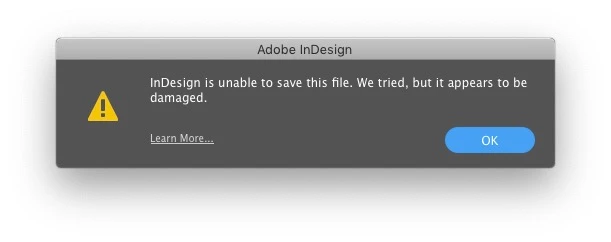
We get this whether we do “Save” new document or “Save As”.

If we try to save over another file on the server, same name, as in save as. It will sometimes delete the orginal file.


We also have issues when opening a file. It always takes 2 attempts to open. First time will get the following message:
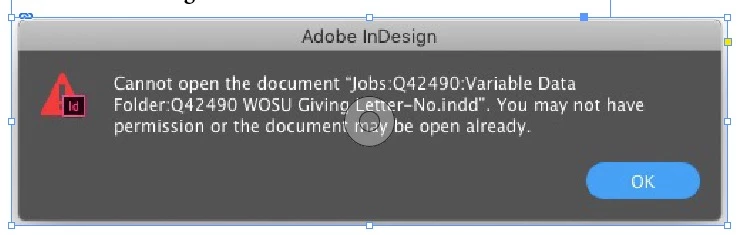
 

Attempt to open this again, and it will open.


This topic has been closed for replies.

1 reply

Ashutosh_Mishra
Inspiring
February 24, 2020

Hi there,


Sorry to hear about your experience. Please let us know if the behavior is similar when you save locally. If it is only happening while working on network files, please check if there is any change happened to server security/antivirus policy.

You may also try to reset the preferences once, follow instructions on help article https://helpx.adobe.com/indesign/using/setting-preferences.html 


**Please note that resetting preferences will remove all the custom settings and InDesign will launch with default settings. You can also take a backup of the folders in case you want to. Location is mentioned in the article.

Let us know how it goes.


Regards,

Ashutosh