determined_Echo16B8
Participating Frequently
March 10, 2020
Answered

inDesign 2020 "consolidate all windows" not working as expected

  • March 10, 2020
  • 1 reply
  • 1287 views

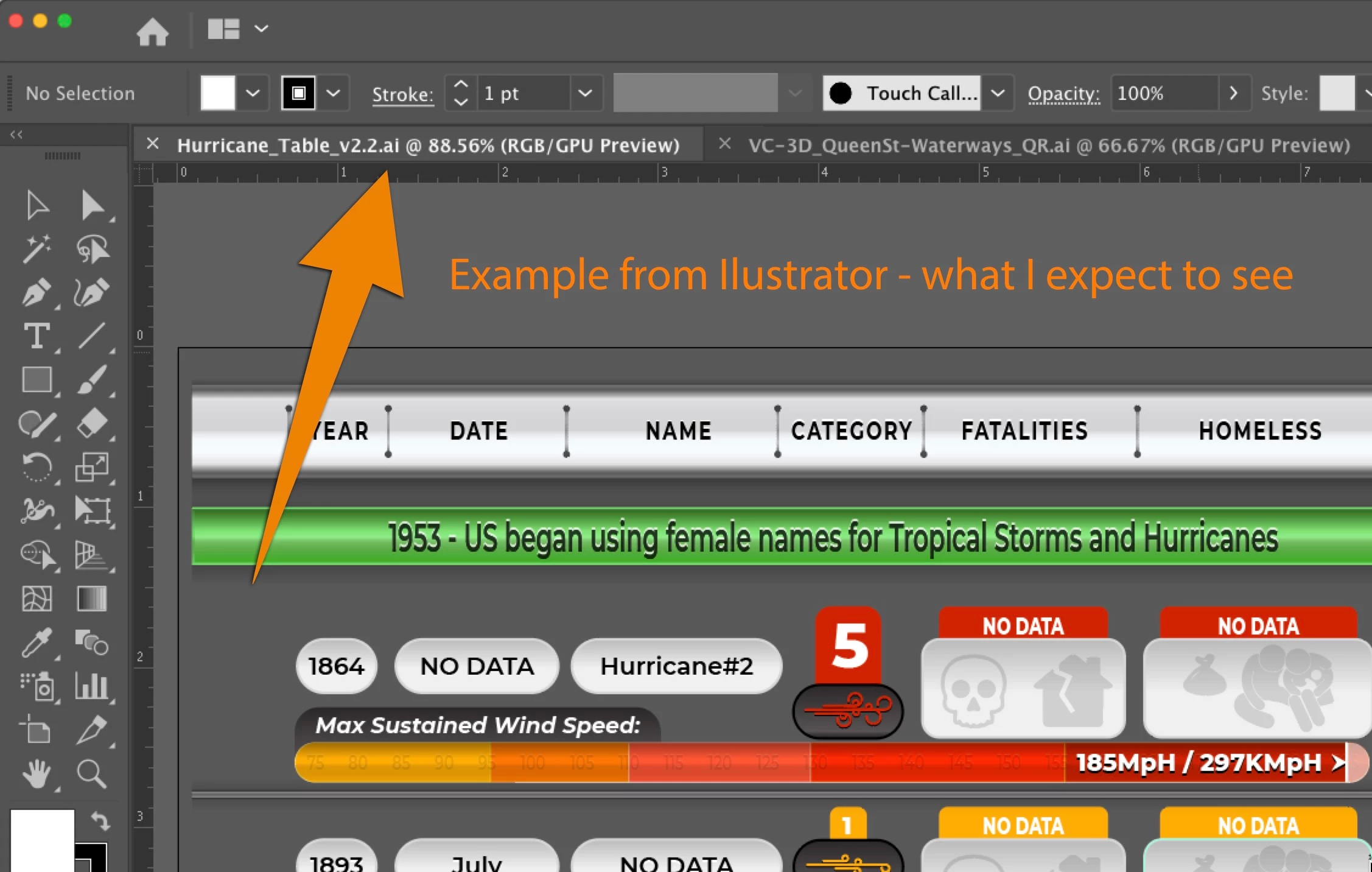
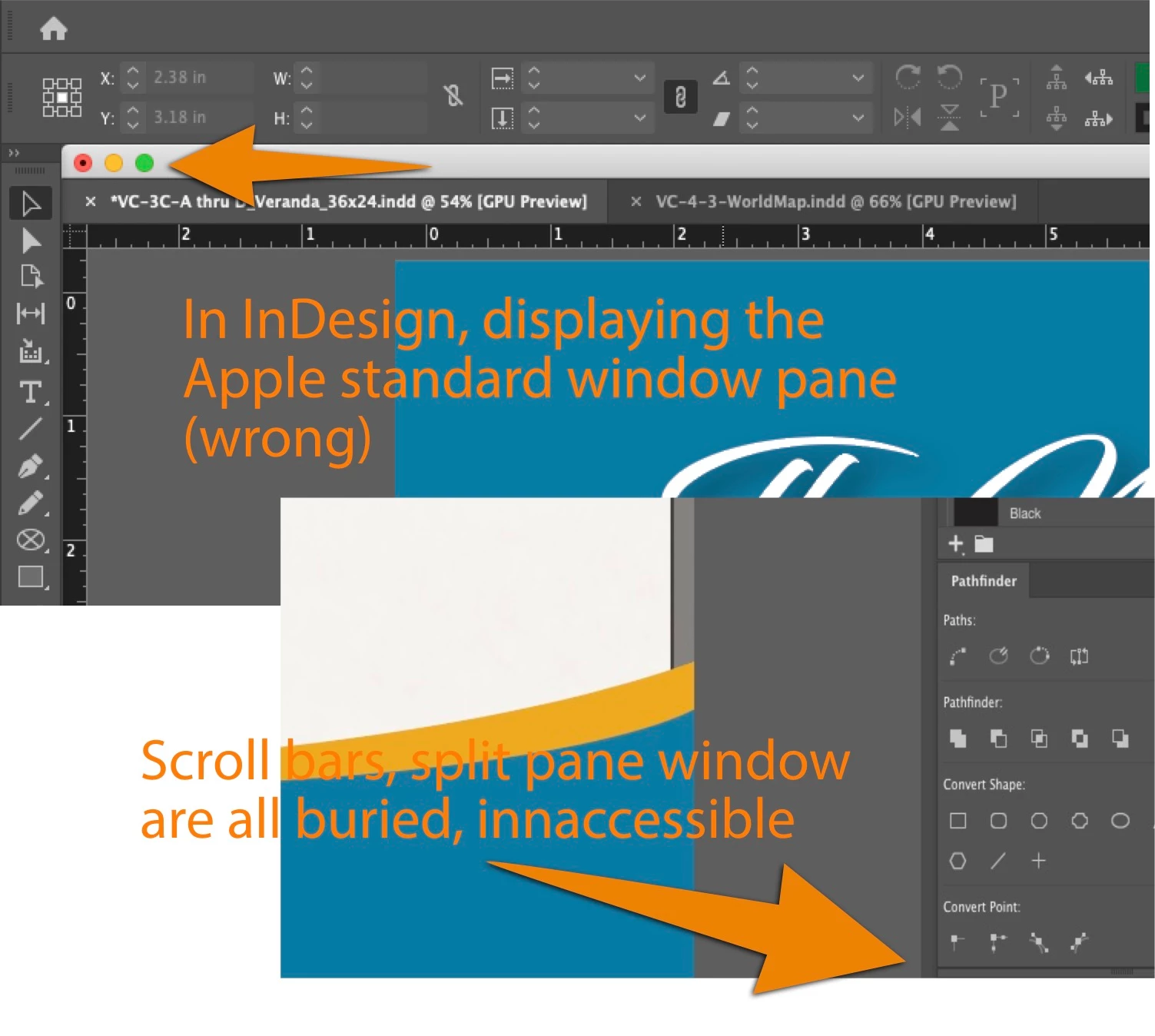
The InDesign "consolidate all to windows" command does not seem to do what it used to. It still keeps the default Apple window pane at the top and tends to frequently bury the low scroll bars and related footer tools so they are inaccessible. The window jumps around and I frequently have to re-select the consolidate command to get the window back to right. Even then, I often have to slide to window far left, grab the lower right corner handle, drag it back, manually spend a bunch of time fidgeting the window back to the right position. Total PIA. Screenshots here for clarity.


This had been working fine up until last week. I cannot seem to get it to behave as expected. 
    This topic has been closed for replies.
    Correct answer Rob de Winter

    Hey, have you maybe unchecked the Application Frame option? --> Window > Application Frame. This should consolidate all windows too. Hope this helps! 

    1 reply

    Rob de WinterCommunity ExpertCorrect answer
    Community Expert
    March 10, 2020

    Hey, have you maybe unchecked the Application Frame option? --> Window > Application Frame. This should consolidate all windows too. Hope this helps! 

    determined_Echo16B8
    Participating Frequently
    March 10, 2020

    OMG> <sheepish grin> Silly mistake on my part. Thanks Rob - that fixed it. Would that all my ongoing software issues be so easily solved!

    Community Expert
    March 10, 2020

    Haha, great to hear that, and I'm glad to hear it helped you! 😄

    I hope you don't have too many software issues: otherwise, keep on posting them and we'll try to help you.