Participant
March 10, 2021
Answered

InDesign 2021 becomes unresponsive on "what's new" screen after installing

  • March 10, 2021
  • 2 replies
  • 333 views

I've just installed InDesign 2021, and it starts up fine, but then goes to show me what's new in the update, and then becomes unresponsive. In the Task Manager it doesn't say it's crashed, but all I can do is close the program through the Task Manager.
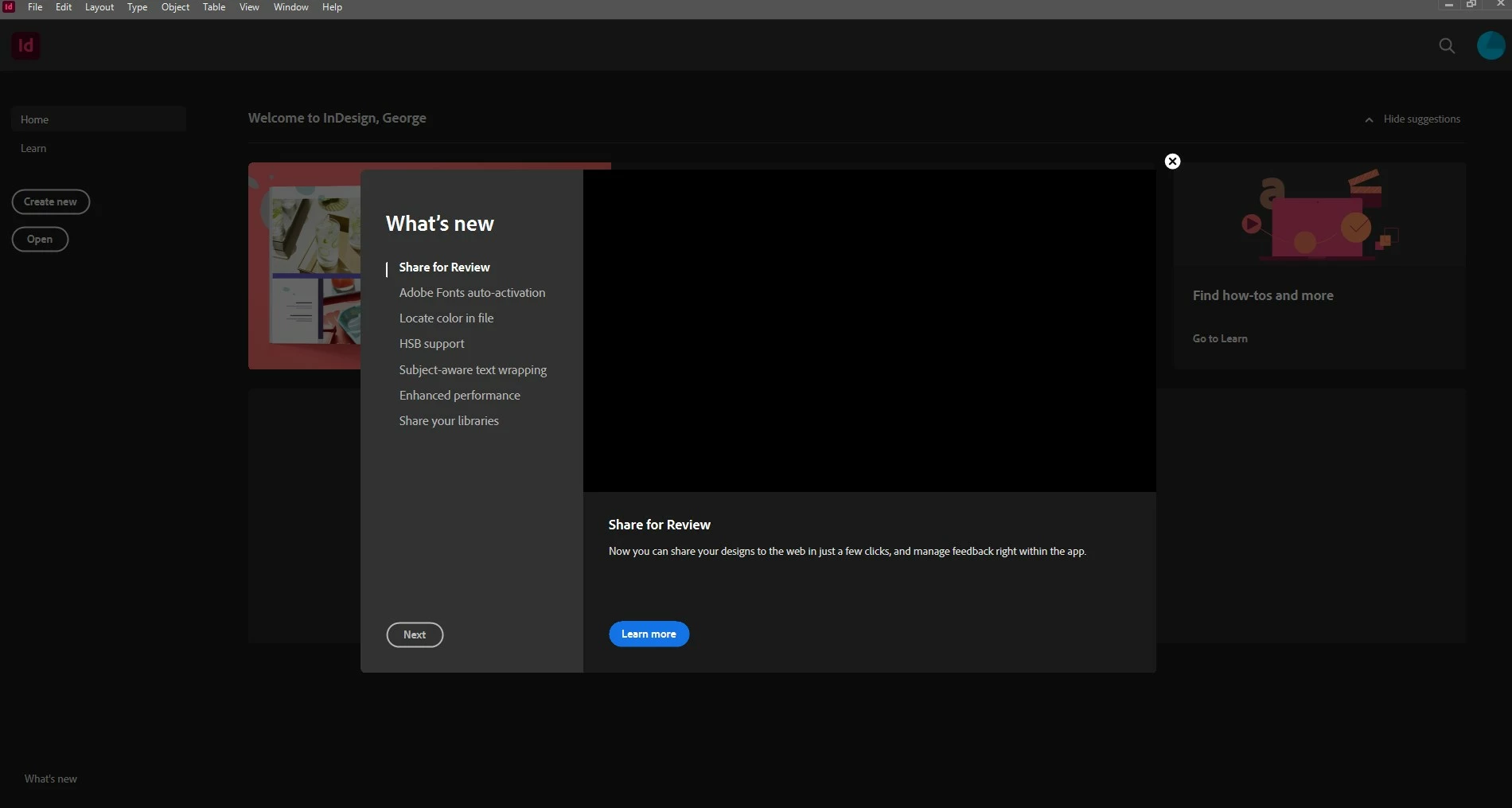


Tried uninstalling, clearing cache etc and reinstalling, as well as doing that and reinstalling a previous version, but each time the same.


Using Windows 10.


Any suggestions?


This topic has been closed for replies.
Correct answer Srishti_Bali

Hi there,


Sorry about this trouble. I am hopeful that the issue was fixed by now. If not, please try following these steps one by one and let us know how it goes: 


  • Rename CEP folder from following locations.  
    MAC: /Library/Application Support/Adobe  to CEP.old 
    Windows: C:\Program Files (x86)\Common Files\Adobe\CEP 
     
  • If that doesn't help, rename extensions folder from  
    MAC: /Library/Application Support/Adobe/UXP to extensions.old 
    Windows: C:\Program Files\Common Files\Adobe\UXP 


While performing each step, please make sure that all Adobe apps are closed.  


Feel free to let us know if you still need assistance. We'd be happy to help. 


Regards,

Srishti

2 replies

Srishti_Bali
Srishti_BaliCorrect answer
Legend
April 14, 2021

Hi there,


Sorry about this trouble. I am hopeful that the issue was fixed by now. If not, please try following these steps one by one and let us know how it goes: 


  • Rename CEP folder from following locations.  
    MAC: /Library/Application Support/Adobe  to CEP.old 
    Windows: C:\Program Files (x86)\Common Files\Adobe\CEP 
     
  • If that doesn't help, rename extensions folder from  
    MAC: /Library/Application Support/Adobe/UXP to extensions.old 
    Windows: C:\Program Files\Common Files\Adobe\UXP 


While performing each step, please make sure that all Adobe apps are closed.  


Feel free to let us know if you still need assistance. We'd be happy to help. 


Regards,

Srishti

Derek Cross
Community Expert
Community Expert
March 10, 2021

How much RAM and spare disk capacity do you have?

Participant
March 10, 2021

Hi Derek,


I've got 32gb of RAM, and 127gb of spare disk capacity. I tried to get in again this afternoon and oddly let me get through it this, but InDesign was running very slow...I can use Premiere Pro & Photoshop with no issues like this, so not sure why InDesign would struggle? 


Thanks