
Participant
February 2, 2022
Question

InDesign 2022 freezes right after launch

  • February 2, 2022
  • 1 reply
  • 413 views

InDesign 2022 freezes right after launch. However, there is one case that works, which is I open InDesign immediately right after my system launches, then as long as I keep InDesign running in the background, it will be ok. If I wait for several seconds before open InDesign after the system launches, the software freezes. This happens since several months ago, even after I updated to the latest version of InDesign, same issue still exists. 
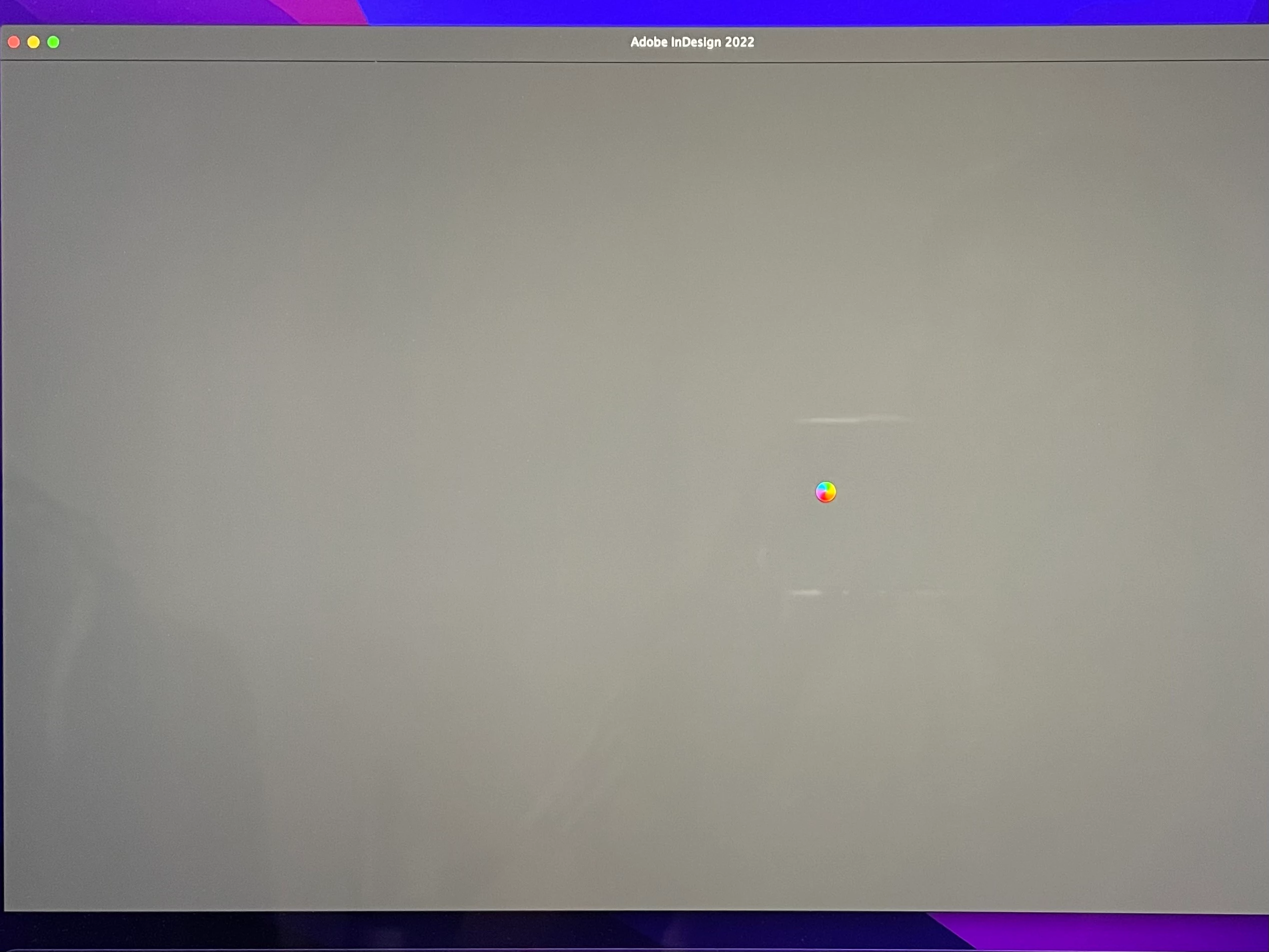
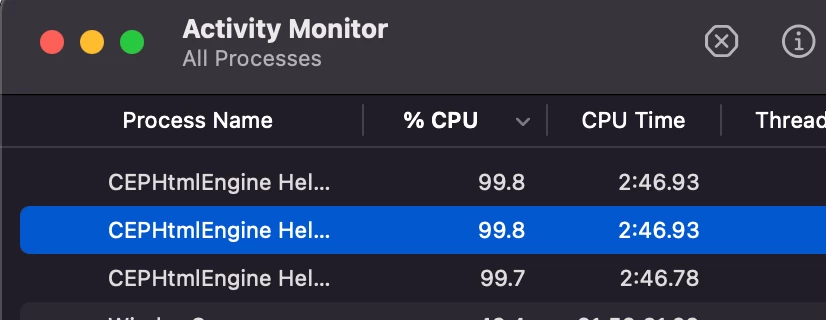
After InDesign freezes, a program called CEPHtmlEngine Helper will be running at 100% CPU usage in the background.
device: Macbook pro 2021 - 16 inch

CPU: M1 Pro

system: macOS Monterey 12.1


This topic has been closed for replies.

1 reply

Anshul_Saini
Community Manager
Community Manager
March 4, 2022

Hi @Hector Fan,


We are sorry to hear about your experience. I hope the issue is resolved by now. If not, I would request you to share a few details like:

  • Please confirm you are running macOS v12.2.1 & InDesign v17.1
  • When did this start happening? Are there any recent changes made to your system? For example, any antivirus, system updates, plugins, or web extensions installed recently.
  • Does resetting InDesign Preferences (https://helpx.adobe.com/indesign/kb/indesign-preferences-support-file-locations.html) help to resolve the issue?
    Disclaimer: Please note that resetting preferences will remove all the custom settings, and InDesign will launch with default settings. You can also take a backup of the folders in case you want to. Location is mentioned in the article.


Also, you may try running the app in Safe Mode (Mac). After Mac boots up in Safe Mode, wait for a couple of minutes, then launch InDesign and see if you are facing this issue or not.

If you are still facing this issue, then try turning off the Internet and check if it is working after the launch or not.


Kindly update the discussion if you still need assistance with it. We'd be happy to help.


Thanks & Regards,

Anshul Saini

Participant
April 19, 2022

Sorry for the late reply. The problem still remains unsolved, now I can't even launch it at all in any situations.


  • I'm running on macOS 12.3.1 and InDesign 17.2 right now
  • It happens several months ago, it happens first on my old Intel MacBook, then I got the new M1 pro MacBook, and transferred all the software from my old Intel MacBook, and the issue with InDesign still exists on my new M1 MacBook
  • I tried resetting Indesign as the way in the link you shared, and also tried to reinstall InDesign, InDesign still freezes at the start
  • safe mode doesn't help either
Harshika Verma
Community Manager
Community Manager
April 19, 2022

Hi HuafengFan,


Thank you for sharing the information. We will try our best to investigate the issue. Would you mind sharing a few more details?


  • Have you tried reinstalling InDesign from the CC Cleaner tool?
  • Have you tried opening InDesign after turning off the internet to check?
  • Are you using a time machine?


Please try opening InDesign from the root account and share the observation with us.


We will try our best to help.


Thanks,

Harshika