



Question
InDesign 2025 Saved File Not Opening in InDesign 2024
Unbelievable...
Adobe CC installed InDesign 2025 in English without asking me. I opened an InDesign file and it got opened by InDesign 2025 and I accidentally saved it (I did not know that it was InDesign 2025 at that moment). Now I want to open that file in InDesing 2024 (Dutch version) so I open it and I get this error:
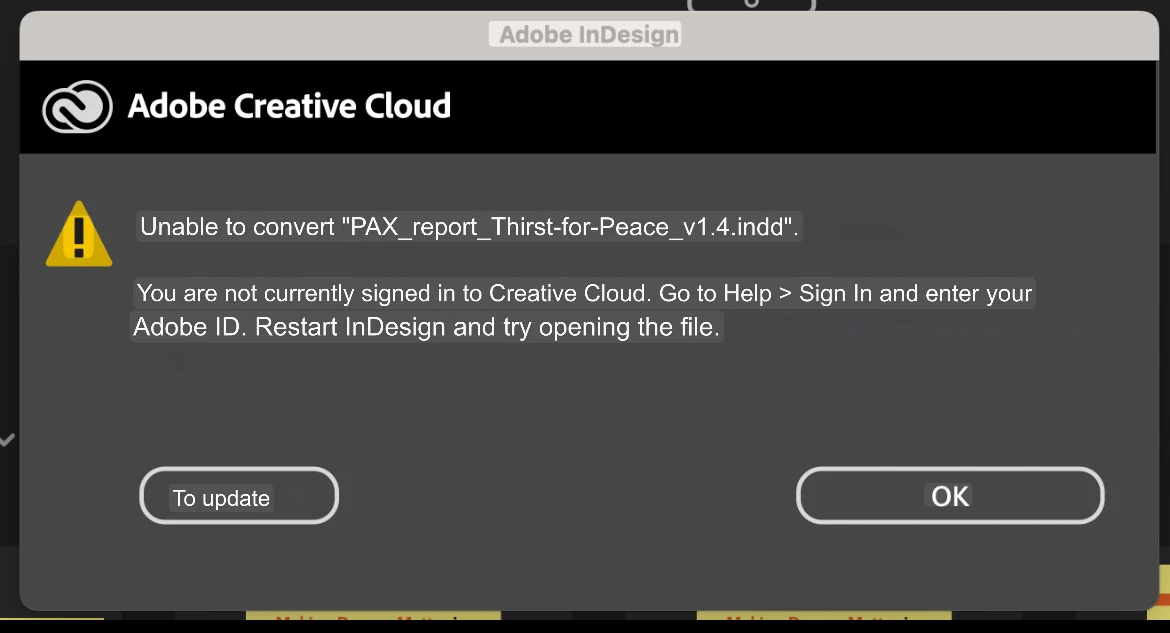
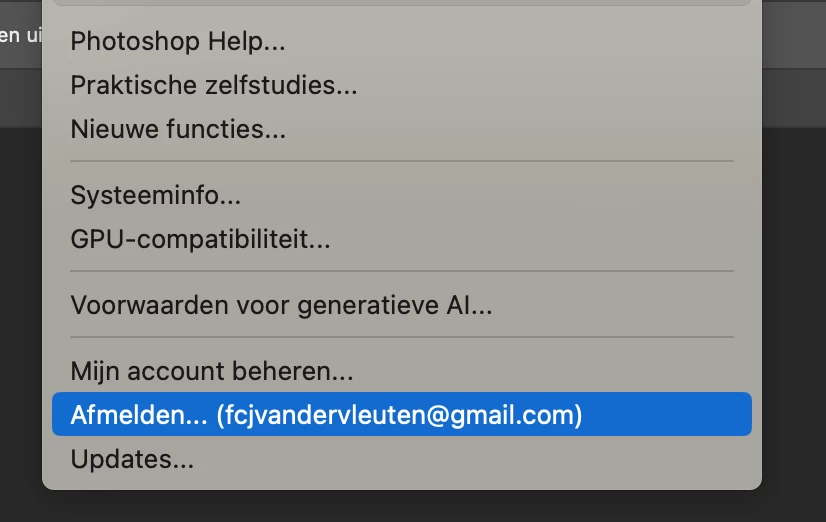
I am currently signed in!
All things that go wrong:
- I never asked to install the ENGLISH VERSION of InDesign. Never.
- I cannot open my files in 2024 Dutch version
- I am occupied for an hour for random sh!t that is not working
It is very hard to do my job this way....
<Title renamed by MOD>


 AdChoices