
InDesign 2026 CTRL+D Place Dialog Search Not Working on Windows
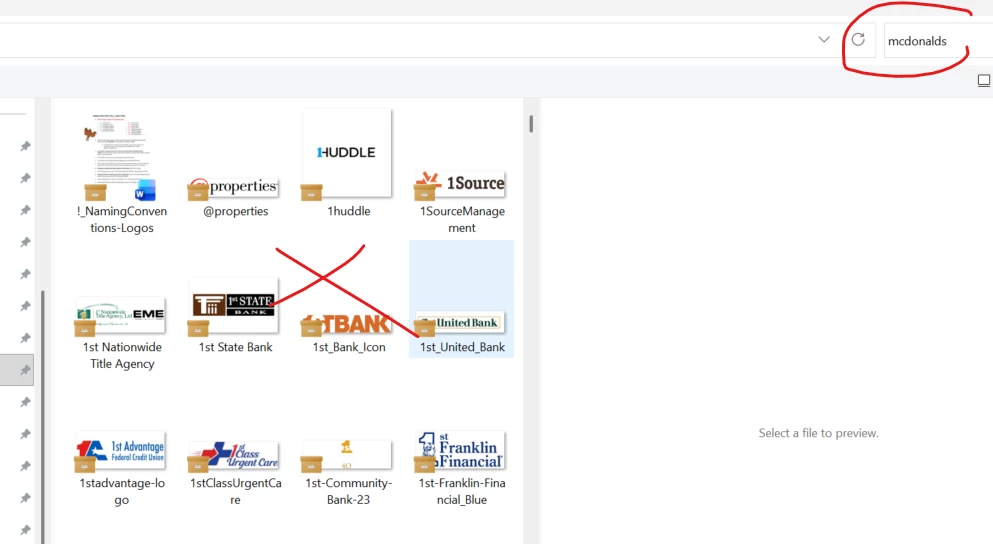
When I click CTRL+D (place tool) through InDesign and try to search something in my folders, the search tool doesn’t work. I can be in the logos folder and type in “mcdonalds” and it wont search for mcdonalds logos.
The only way I can bypass this is if I open the folder separately and not within InDesign. But doing that is super inconvenient and a pain. And this tool used to work perfectly.
Does anyone know what happened and how I can get it to work again? I tried asking this question before but they said I was in the wrong community. So then I tried copy/pasting it in this community and it said its already been answered. But no one has actually answered it for me! And I can’t delete that original comment. So I feel like I am stuck. Hopefully re-wording this question helps.


 AdChoices