
InDesign 2026 hangs on opening some documents, can't Cancel
I was forced to update to InDesign 2026. (Mac Mini, Ventura OS) It’s being extremely buggy.
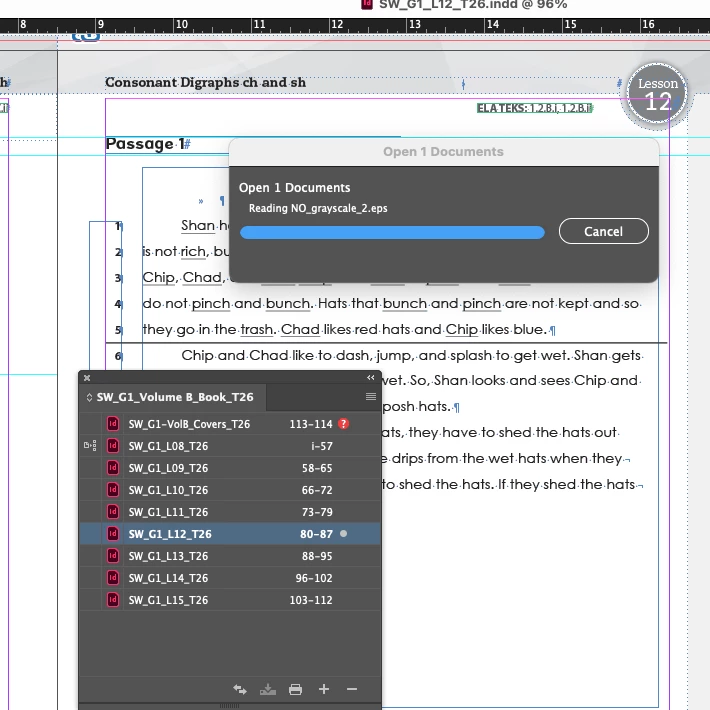
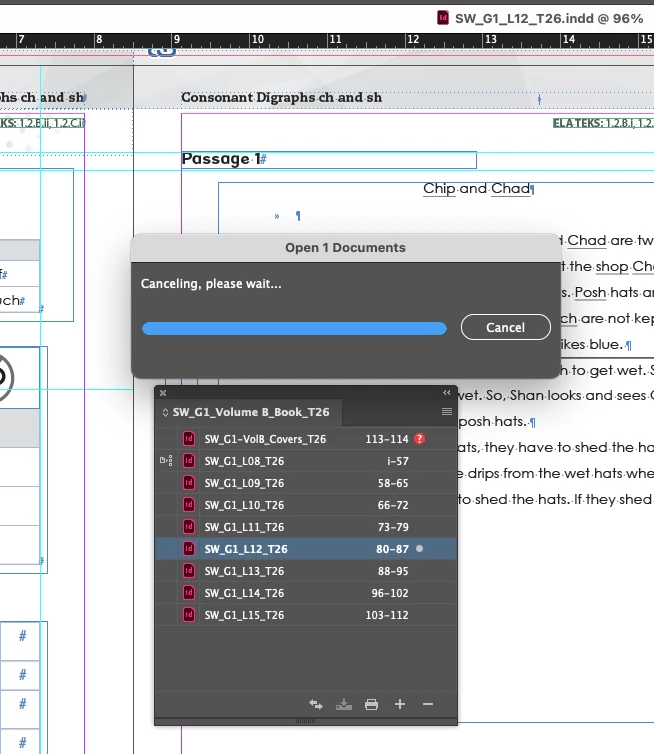
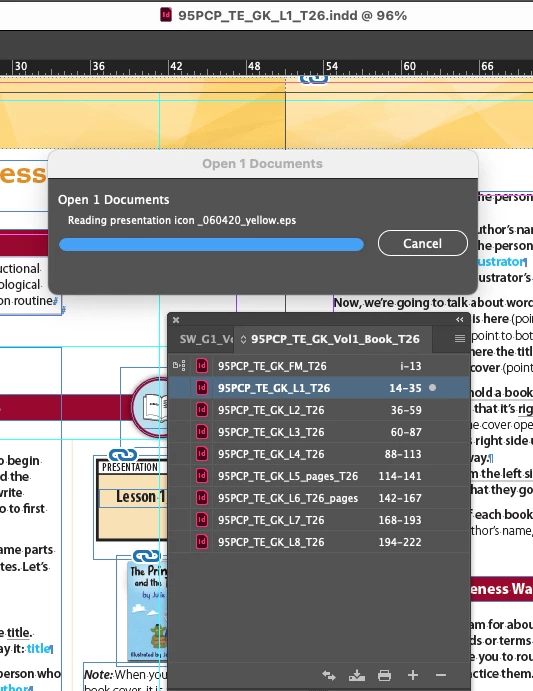
I’m now having issues where I’ll open a doc from the Book panel and the doc opens but a modal box stays up saying “Open 1 documents” and typically hangs showing the name of a placed image. Of course, as with everything CC, the “Cancel” button never actually cancels. I can’t do anything but Force Quit and then the fun of having InDesign say files may be damaged.
I’m in the middle of a colossal project and basically have to be prepared for a hard crash every moment and don’t dare leave any files open. The Book features is super buggy, but these inherited files were set up this way (due to somebody not understanding text variables for RH, so every chapter is a new volume with 6 master pages, thanks).
Has anyone experienced this and figured it out? I now do keep updating InDesign, hoping this is addressed.
I’m syncing on DropBox, I’ve selected “Make Available Offline” to hundreds of GB of files so they all should be on my hard drive. No one else has these files open. They are in a common assets folder linked to by many layouts, but it’s not the same file every time.
Thanks for any ideas. Every time it’s “reset preferences” but there is so much customization that it’s always a bummer and doesn’t help, but….


 AdChoices