
InDesign 2026 INDDC cloud file crashes InDesign and cannot be recovered
InDesign 2026 crashed while I was actively working on an INDDC cloud document.
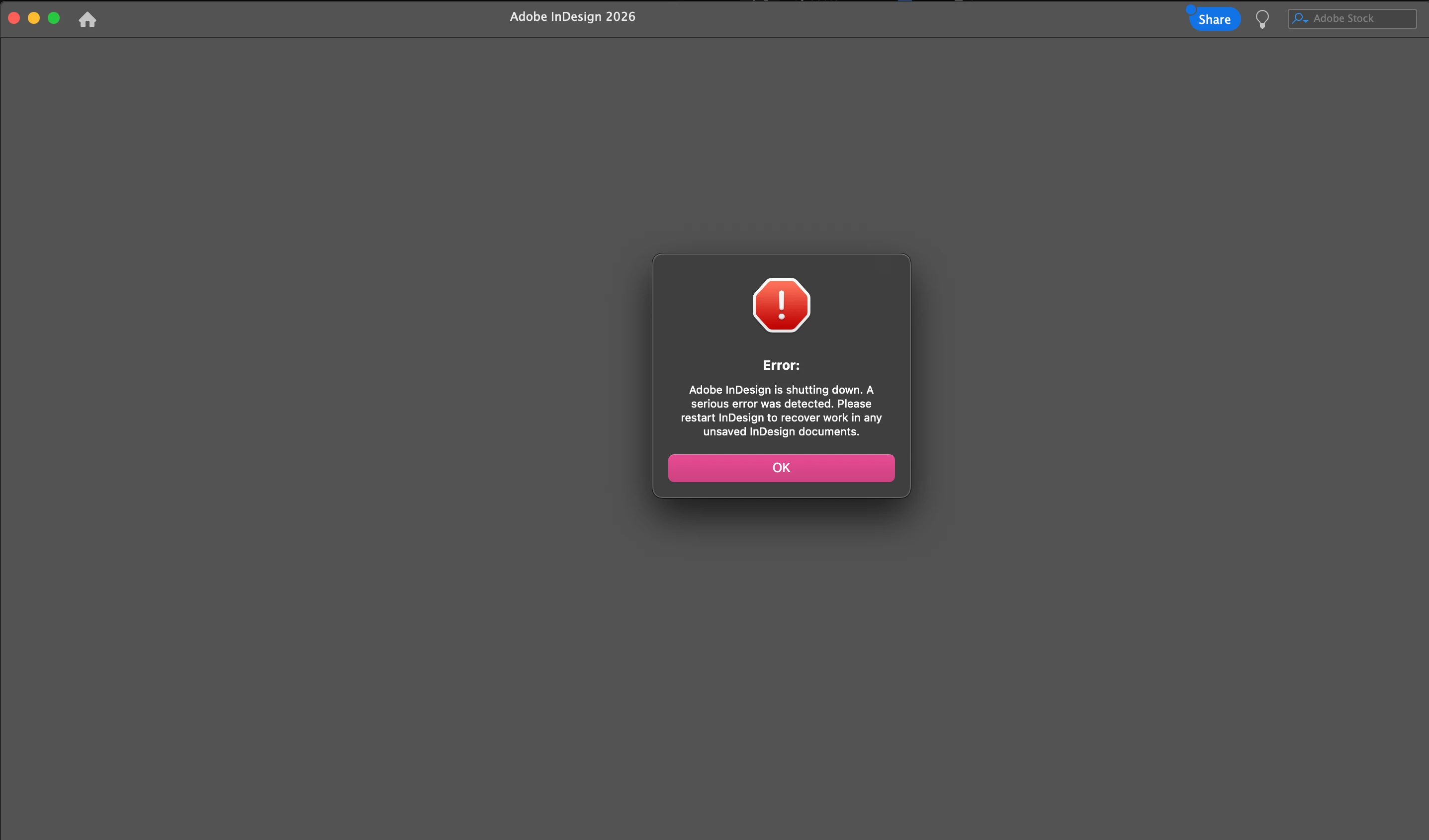
Since then, opening this file immediately causes InDesign to crash with a “serious error” message.
Other INDDC files open normally
Local .indd files open normally
Restarting macOS and InDesign does not help
The file exists only in the cloud. There is no way to open, duplicate, or convert it to a local .indd file. Adobe has also removed the ability to pause or disable syncing, so there is no recovery path when a cloud document is corrupted.
I’ve tried restarting, signing out/in of Creative Cloud, opening from Recents, force-quitting Core Sync, and going offline. None worked.
This makes INDDC unsafe for production work.
Is there any official way to recover or export content from a crashing cloud document?
Is this a known issue in InDesign 2026?


 AdChoices