Participating Frequently
November 28, 2025
Answered

InDesign 2026 - Text Wrap is not working

  • November 28, 2025
  • 1 reply
  • 282 views

I use an Apple M1 Max with Sequioa 15.5 OS. 

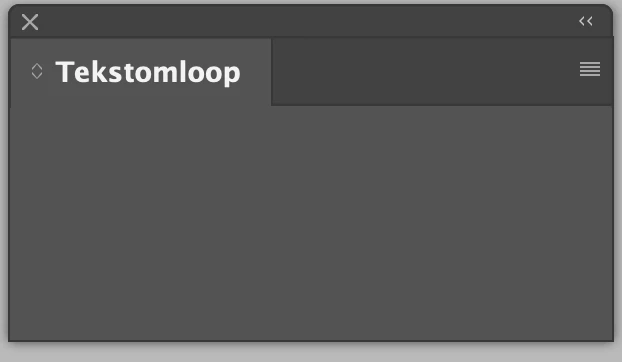
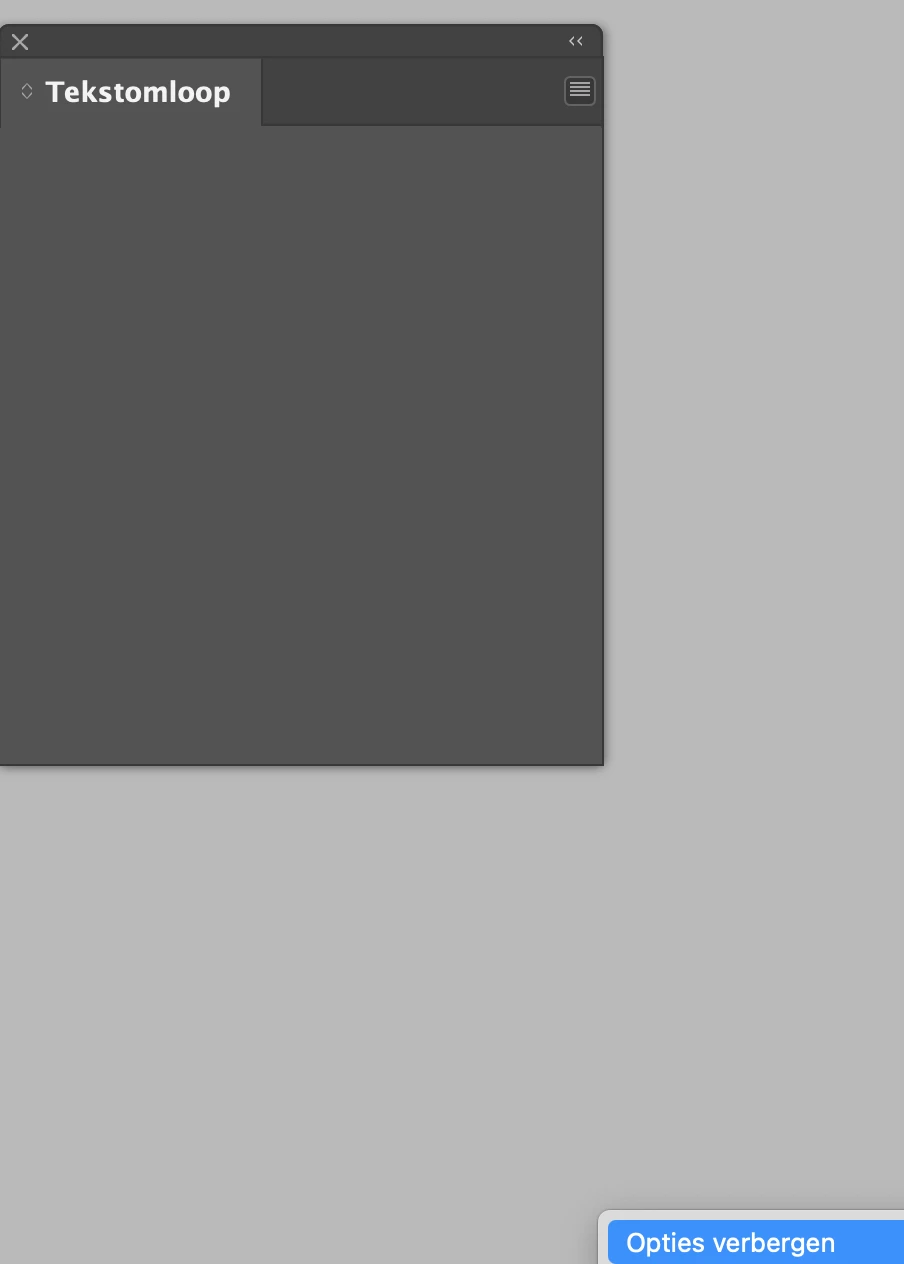
I am happy to use InDesign 2026. I don't experience the problems I had with InDesign 2025 (which were extremely frustrating). But one thing that does not seem to work in InDesign 2026 is textwrap. I can activate the text wrap panel, but I don't see any options. If I click on the menu (Hamburger) only the text 'show options' appears in a separate frame, but I can't see anything more after clicking this. Please find some screenshots below (I am using the Dutch version of InDesign).


Correct answer jmlevy

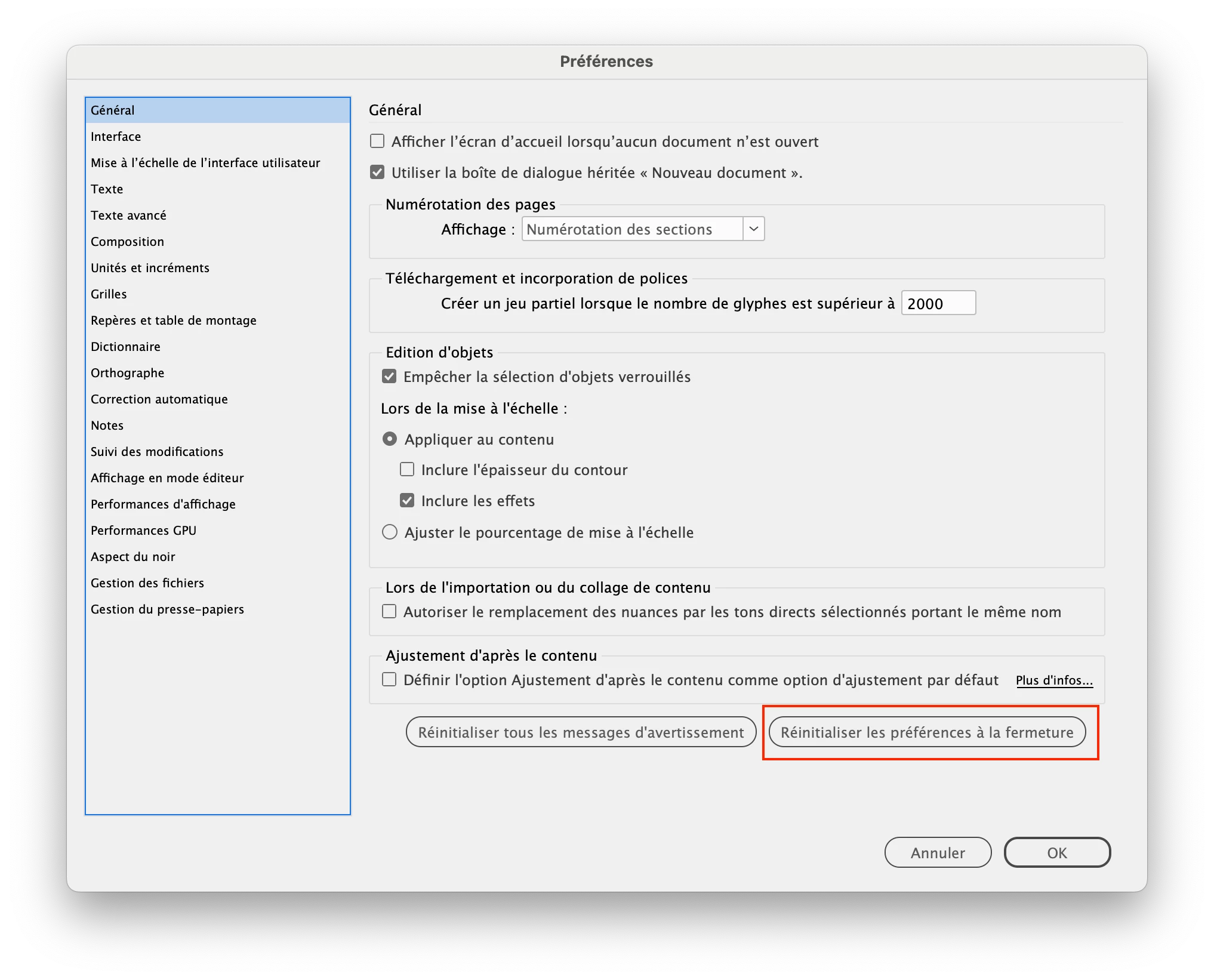
Try to reset preferences:

or quit InDesign and relaunch it while holding down the Shift, Ctrl, Alt and Cmd keys  until you see a warning message asking for confirmation.

1 reply

jmlevy
Community Expert
jmlevyCommunity ExpertCorrect answer
Community Expert
November 28, 2025

Try to reset preferences:

or quit InDesign and relaunch it while holding down the Shift, Ctrl, Alt and Cmd keys  until you see a warning message asking for confirmation.

TreonAuthor
Participating Frequently
December 2, 2025

This worked for me! Thanks a lot!