Inspiring
Nov 18, 2026 12:33 PM UTC
Answered

InDesign 25/26: 0.25 pt paragraph rule on a master page prints thicker from Acrobat Pro (PDF export is fine, other PDF software prints correctly)

Hi everyone,

I’m running into a strange issue with paragraph rules on master page text, and I’d like to know if anyone else has seen it.

Environment

  • InDesign 26 (also reproduced in InDesign 25)
  • Windows 11
  • Acrobat Pro (for printing the exported PDF)

Steps to reproduce

  1. In a master page (parent page), create a text frame and apply a paragraph rule (Rule Below or Rule Above) with a weight of 0.25 pt.
  2. Apply the master to document pages, so the text frame appears on them.
  3. Export to PDF using Adobe PDF (Print). I tested with both a custom preset and the default Adobe preset.
  4. Open the PDF in Acrobat Pro and print it.

Expected result
The paragraph rule prints at 0.25 pt, as it appears on screen in InDesign and Acrobat.

Actual result
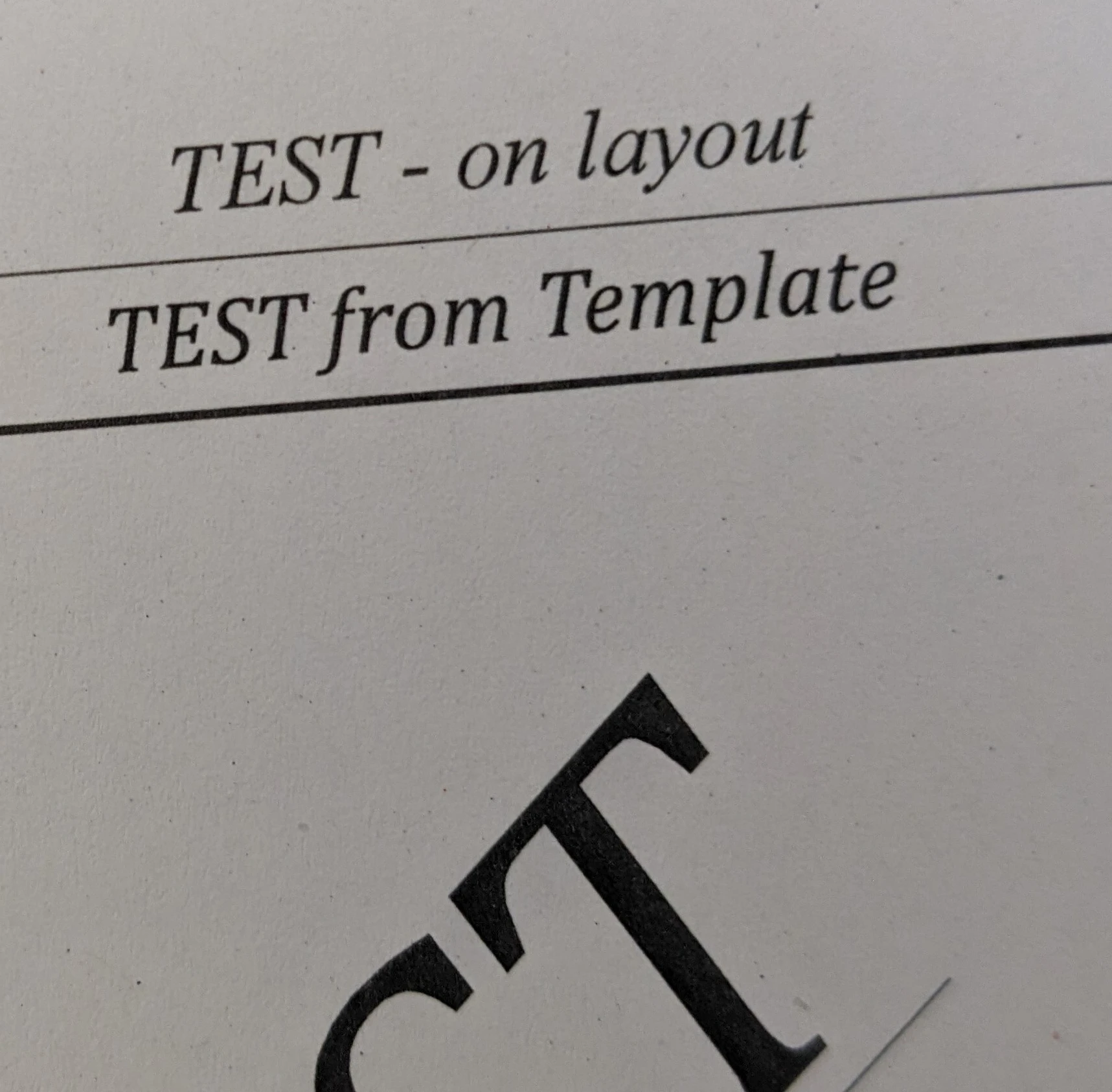
When printing from Acrobat Pro, the paragraph rule is noticeably thicker than 0.25 pt.

Additional tests

  • If I place the same text frame with the same paragraph rule directly on a document page (not on a master), the rule prints at the correct thickness from Acrobat.
  • If I print the same PDF from a different application (not Acrobat), the rule thickness is correct. So the PDF itself seems fine, and the issue only appears when printing from Acrobat Pro.
  • The problem is reproducible in a brand new blank document, so it doesn’t seem related to my specific file.
  • The issue occurs in both InDesign 25 and 26.

Attached images

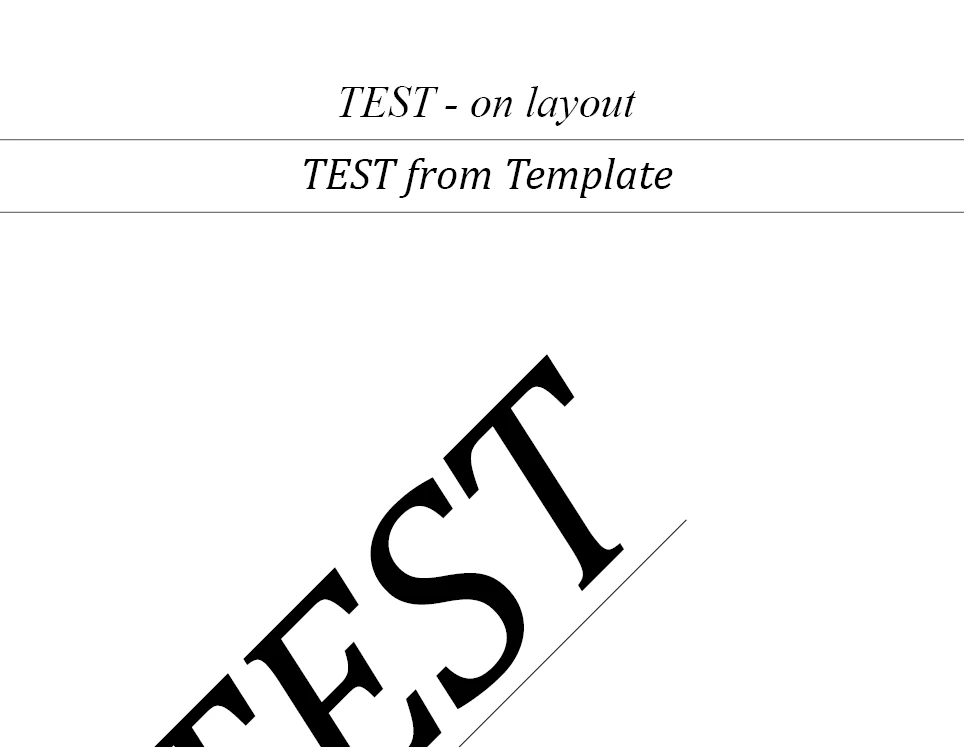
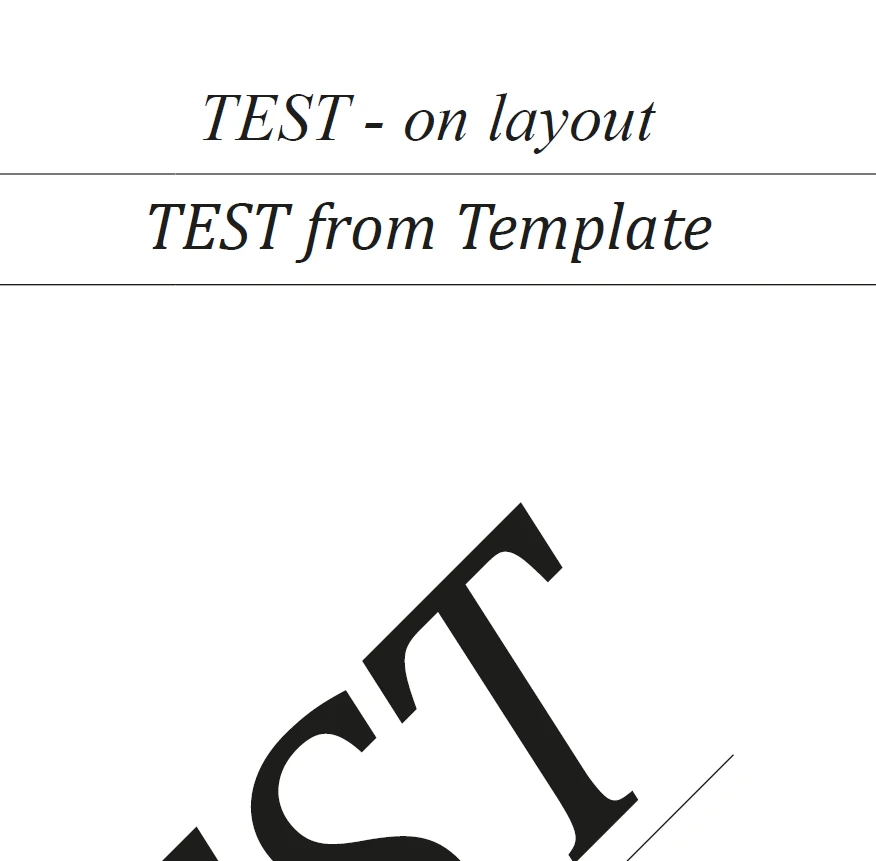
Screenshot of InDesign and Acrobat showing the rule at the correct thickness on screen.
Screenshot of Acrobat
Screenshot of InDesign


Photo of the printout from another application: the rule thickness is correct.
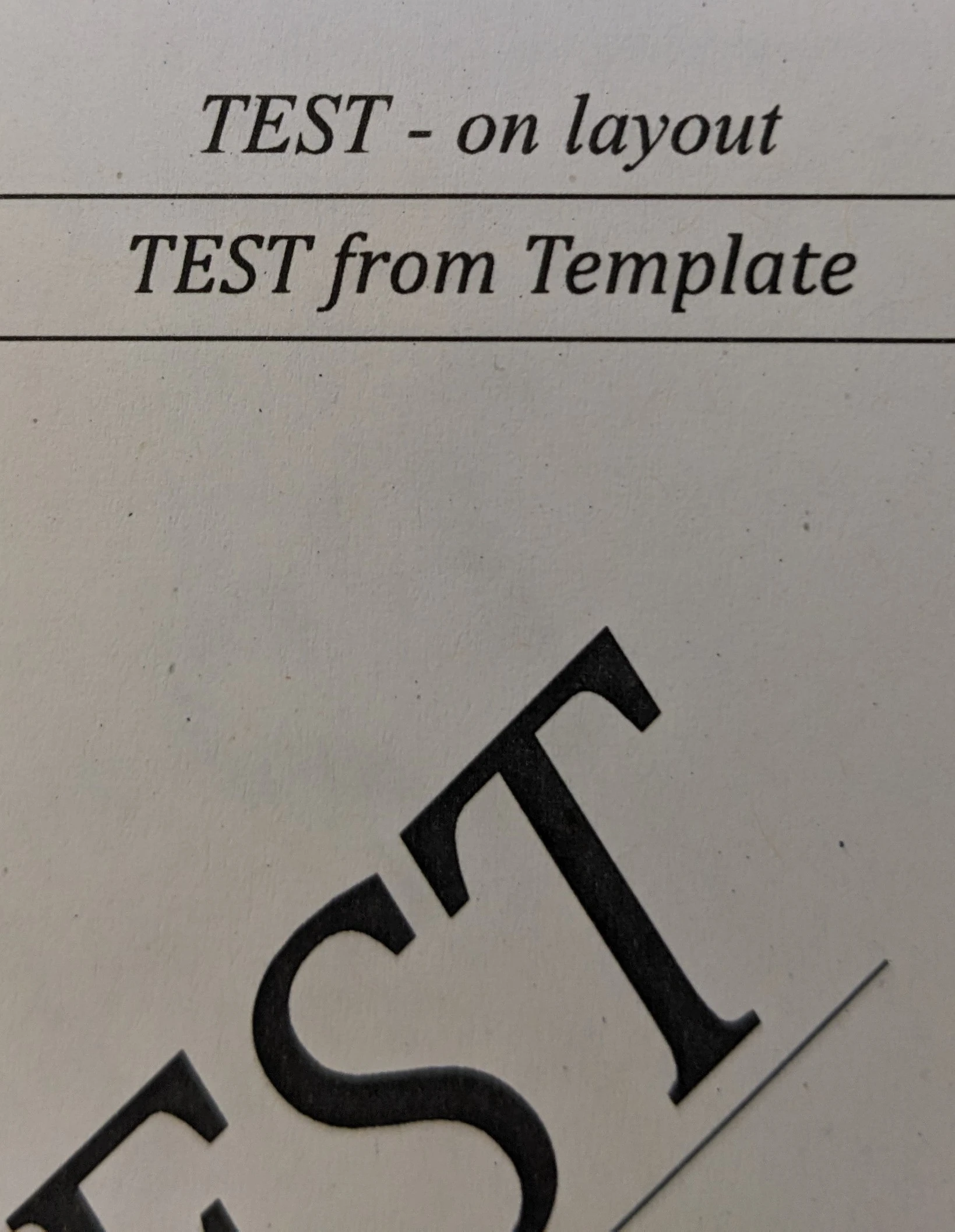
Photo of the printout from Acrobat Pro: the rule is thicker (the issue)
It seems that something in how the PDF is structured when the rule comes from a master page causes Acrobat’s print engine to render it thicker, but only for master items. Has anyone encountered this, or does anyone know of a workaround or setting (for example in Acrobat’s print dialog or Advanced settings) that could explain it?

Thanks in advance for any help!

    alexandre_5994Correct answer
    Inspiring
    Nov 19, 2026 9:38 AM UTC

    Hi everyone,

    Quick update: the issue is solved. I uninstalled and reinstalled Acrobat on my machine, and the paragraph rule now prints at the correct thickness (0.25 pt), including for items coming from master pages.

    So the problem was caused by a corrupted or faulty Acrobat installation on my workstation, not by InDesign or the PDF file itself. Resetting the preferences wasn’t enough, but a full reinstall fixed it.

    Thank you all for your suggestions and your time, they helped me narrow down the cause. For anyone who runs into the same behavior: if the PDF prints correctly from other software or from another computer, try repairing or reinstalling Acrobat.

    This thread can be considered resolved.

    10 replies

    alexandre_5994AuthorCorrect answer
    Inspiring
    Nov 19, 2026 9:38 AM UTC

    Hi everyone,

    Quick update: the issue is solved. I uninstalled and reinstalled Acrobat on my machine, and the paragraph rule now prints at the correct thickness (0.25 pt), including for items coming from master pages.

    So the problem was caused by a corrupted or faulty Acrobat installation on my workstation, not by InDesign or the PDF file itself. Resetting the preferences wasn’t enough, but a full reinstall fixed it.

    Thank you all for your suggestions and your time, they helped me narrow down the cause. For anyone who runs into the same behavior: if the PDF prints correctly from other software or from another computer, try repairing or reinstalling Acrobat.

    This thread can be considered resolved.

    Translate
    Inspiring
    Nov 19, 2026 8:15 AM UTC

    Hi everyone,

    A quick update with some additional tests.

    • I reset the preferences for both InDesign and Acrobat on my machine, but the result is the same: the paragraph rule still prints thicker from Acrobat.
    • I also sent the problematic PDF (the one that prints thick on my computer) to another user’s workstation and printed it from there. The printout is correct, with the rule at the right thickness.

    So the PDF itself is fine, and the issue seems to come from Acrobat on my machine rather than from InDesign. Since the exported file is correct and only Acrobat’s printing behaves differently, I think this topic would be better handled in the Acrobat community.

    Would it be possible for a moderator to move this thread to the Acrobat group? Alternatively, if that isn’t possible, I can create a new post there and link back to this discussion.

    Thank you all for your help so far!

    Translate
    leo.r
    Community Expert
    Community Expert
    Nov 19, 2026 9:40 AM UTC

    ​@alexandre_5994 Alternatively, if that isn’t possible, I can create a new post there and link back to this discussion.


    I think it’s a better option. This way Acrobat forum users won’t have to go through all the InDesign-specific details that seem to be irrelevant to the problem.

    Translate
    rob day
    Community Expert
    Community Expert
    Nov 18, 2026 12:57 PM UTC

    Hi ​@alexandre_5994 , Can you share your ID test file and the PDF you are exporting?

    Translate
    Inspiring
    Nov 18, 2026 1:07 PM UTC

    Hello Rob,

    You can find the two test files here: https://partage.vd.ch/u/lVT31xlU95OHVPfH/c1c03e1c-7a1e-4306-95bd-10a5b2e0978b?l

    Translate
    leo.r
    Community Expert
    Community Expert
    Nov 18, 2026 12:37 PM UTC

    Do you have Enhance Thin Lines checked in Acrobat Preferences > Page Display > Rendering?

    Translate
    Inspiring
    Nov 18, 2026 12:41 PM UTC

    Hi Leo,

    Thank you for the suggestion! I had already tried that setting. I tested with “Enhance thin lines” both enabled and disabled in Acrobat Preferences > Page Display > Rendering, and unfortunately the printed result was the same: the paragraph rule from the master page item still prints thicker than 0.25 pt.

    As a reminder, the same text frame placed directly on a document page prints at the correct thickness from Acrobat, and printing the same PDF from another application also gives the correct result. So the difference seems specific to master page items when printing from Acrobat.

    If you have any other ideas, I’d be happy to test them. Thanks again for taking the time to help!

    Translate
    nik.m
    Community Manager
    Community Manager
    Nov 18, 2026 12:47 PM UTC

    Hi, thanks for reaching out and trying the steps suggested by Leo.r.

    Could you please check out:

    1. Change the export settings. Try a different compatibility level (PDF 1.4 vs 1.7, or PDF/X-4 vs X-1a). Transparency flattening can change how Acrobat’s print engine sees these objects, so also try flattening the page.

    2. Inspect the PDF. In Acrobat, use Print Production > Preflight or the Output Preview tool to check the actual stroke width and whether the master content is in a separate group or XObject. If it reports 0.25 pt, the width is correct in the file and Acrobat’s print path is changing it at print time.


    Thanks,

    Nikunj

    Translate