
Indesign A5 Booklet Printing Issue - The booklet doesn't fit the current paper size.
Hi everyone,
Using InDesign CC.
I'm trying to print a booklet on to A4 paper. I'd like each page to be A5 size (A4 folded in half, landscape). Pages facing each other and double sided (my printer can do duplex printing).
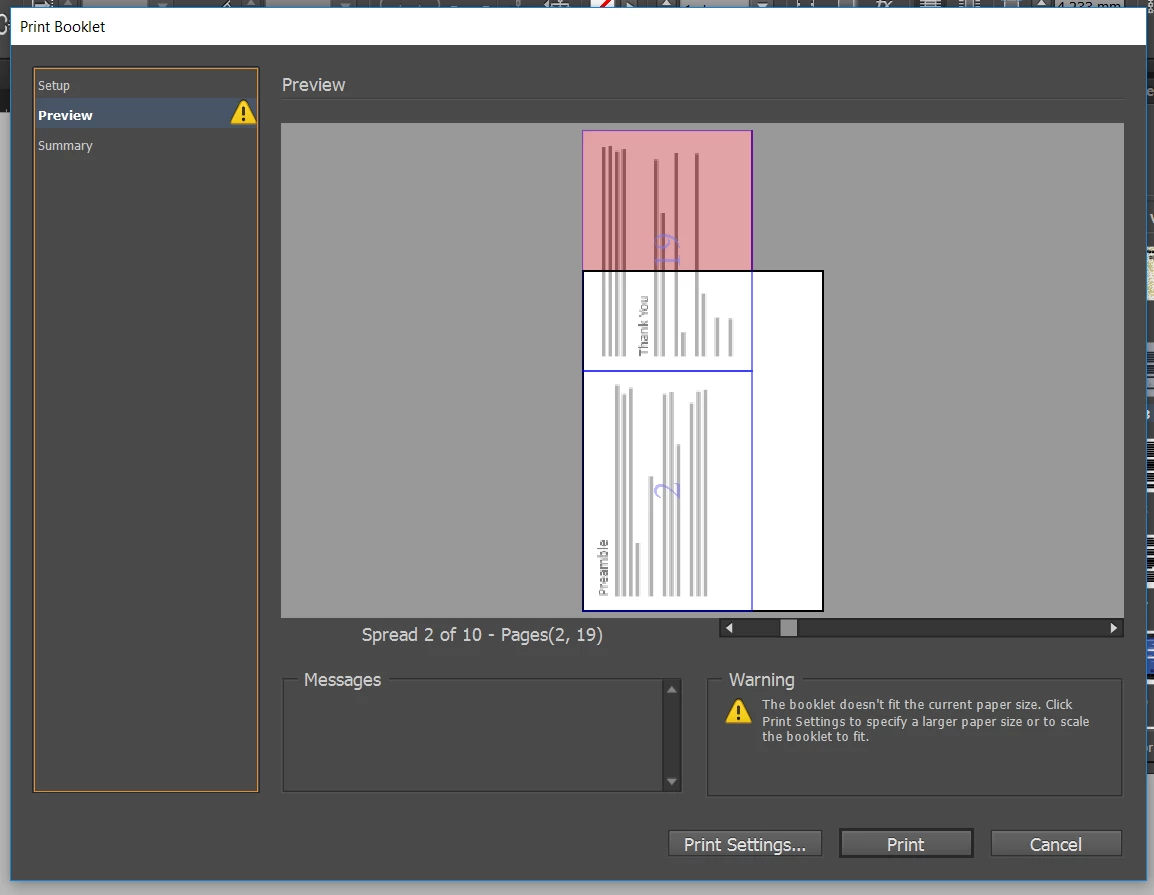
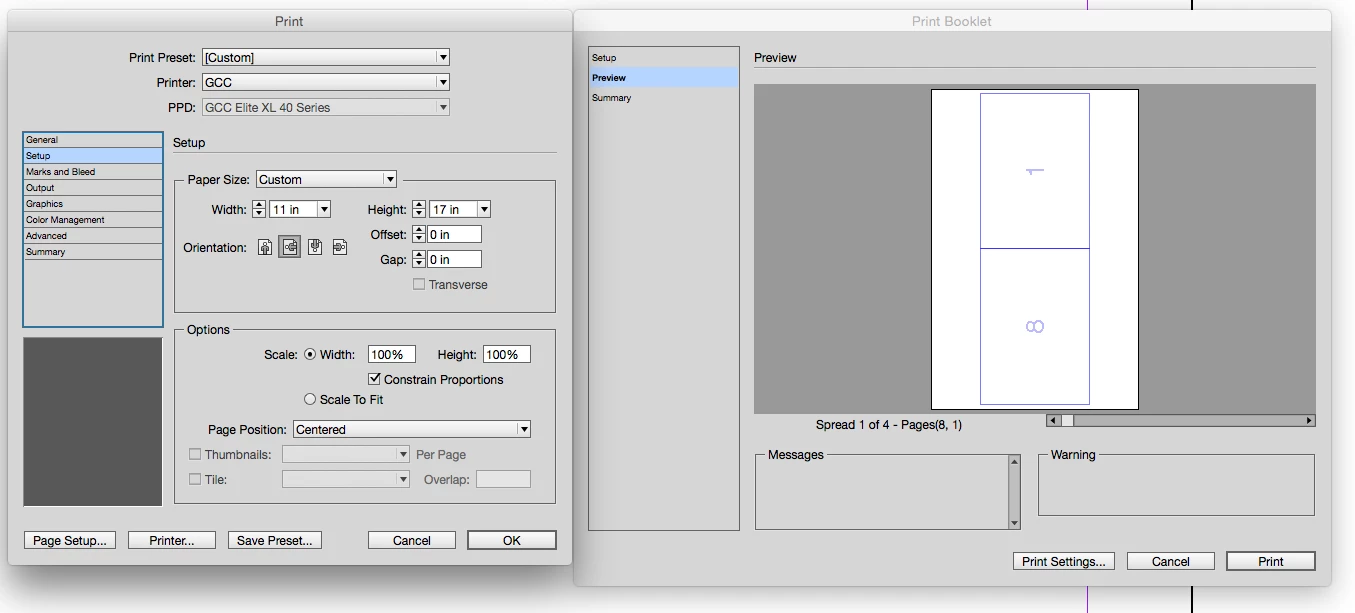
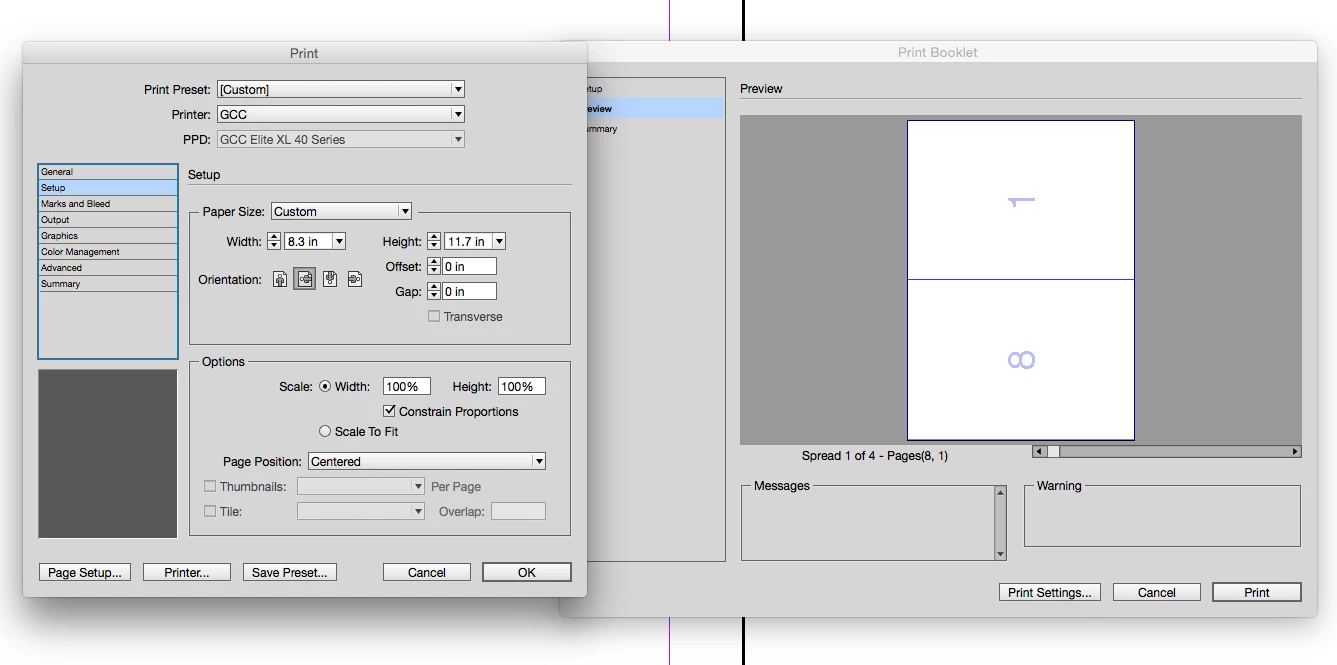
However, when i go to print booklet, the preview is all wrong - please see second screen grab below. If i export to PDF then try printing I get one page per entire A4 paper, not a booklet at all! How do i correct this? I've tried searching to solve my own issue, and either the solutions are back from CS2 era or simply don't work for me! 😞
Thanks!
Tommy
Detailed Explanation:
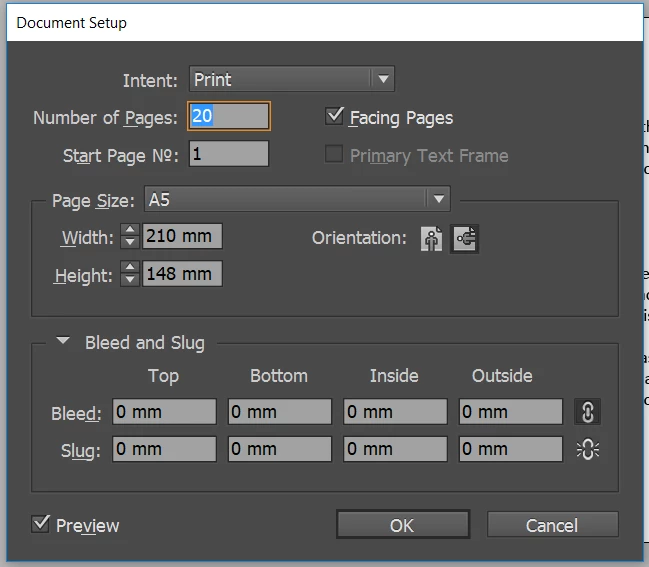
Document set up: Intent set to "print". Number of pages: 20. "Facing Pages" checkbox is ticked. Page size: A5. Orientation set to landscape. 0mm bleed and slug.
When I go file --> print booklet, i get the following error:
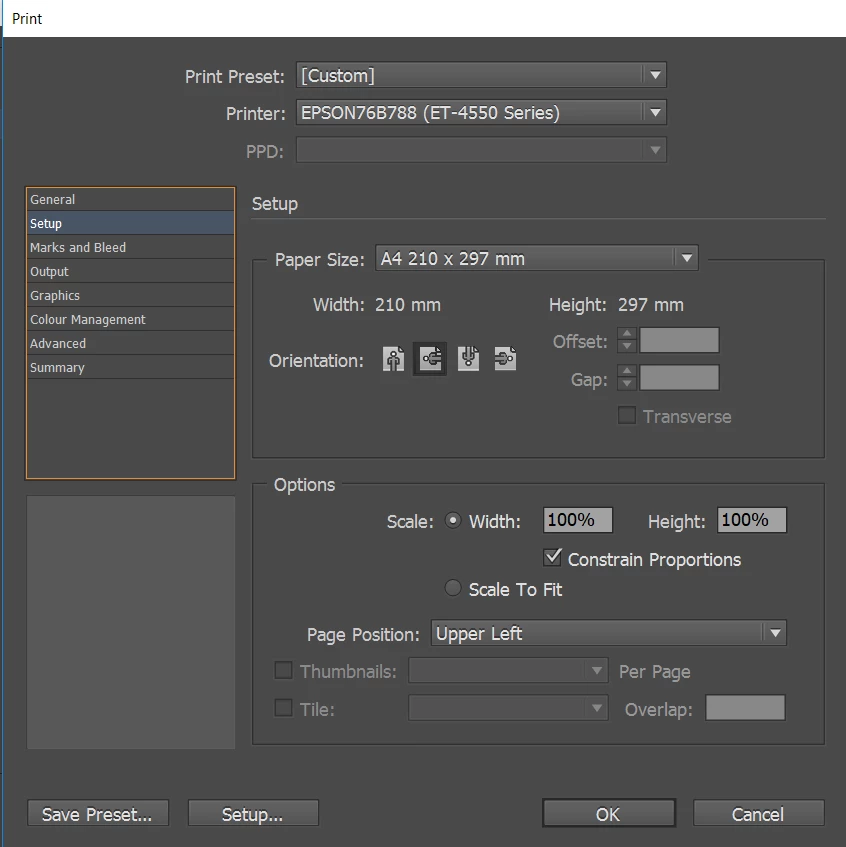
These are my print settings ("Print Settings" button in above image):
What on earth is going on? How can Indesign be this stupidly hard to use?
Here's my Summary log info (from bottom option in the left hand menu from the above photo):
Print Preset: [Custom]
Printer: EPSON76B788 (ET-4550 Series)
PPD: N/A
PPD File: N/A
Print Booklet
Booklet Type: 2-up Saddle Stitch
Auto Adjust Margins: On
Top Margin: 0 mm
Bottom Margin: 0 mm
Left Margin: 0 mm
Right Margin: 0 mm
Space Between Pages: N/A
Creep: 0 mm
Bleed Between Pages: N/A
Signature Size: N/A
Print Blank Printer Spreads: On
General
Copies: 1
Collate: Off
Reverse Order: Off
Pages: All
Sequence: All Pages
Spreads: Off
Print Master Pages: Off
Print Layers: Visible & Printable Layers
Print Non-printing Objects: Off
Print Blank Pages: Off
Print Visible Guides and Baseline Grids: Off
Setup
Paper Size: A4 210 x 297 mm
Paper Width: 210 mm
Paper Height: 297 mm
Page Orientation: Landscape
Paper Offset: 0 mm
Paper Gap: 0 mm
Transverse: Off
Scaling: 100%
Constrain Proportions: On
Page Position: Upper Left
Thumbnails: Off
Tiling: Off
Marks and Bleed
Crop Marks: Off
Bleed Marks: Off
Registration Marks: Off
Colour Bars: Off
Page Information: Off
Printer Mark Type: Default
Crop Mark Weight: 0.25 pt
Mark Offset from Page: 2.117 mm
Use Document Bleed Settings: On
Bleed Top: 0 mm
Bleed Bottom: 0 mm
Bleed Inside: 0 mm
Bleed Outside: 0 mm
Include Slug Area: Off
Output
Colour: Composite RGB
Text As Black: Off
Trapping: Off
Flip: None
Negative: Off
Screening: Default
Simulate Overprint: Off
Frequency: 70
Angle: 45
Graphics
Send Data: Optimised Subsampling
Download: Subset
Download PPD Fonts: On
PostScript®: Level 2
Data Format: Binary
Colour Management
Document Profile: sRGB IEC61966-2.1
Colour Handling: Let InDesign Determine Colours
Printer Profile: Document RGB - sRGB IEC61966-2.1
Preserve RGB Numbers: Off
Proof Profile: Document CMYK
Simulate Paper Colour: On
Advanced
Print &as Bitmap: Off
Bitmap Resolution: 300
OPI Image Replacement: Off
EPS: Off
PDF: Off
Bitmap Images: Off
Transparency Flattener Preset: [Medium Resolution]
Ignore Spread Overrides: Off
 AdChoices