
Answered
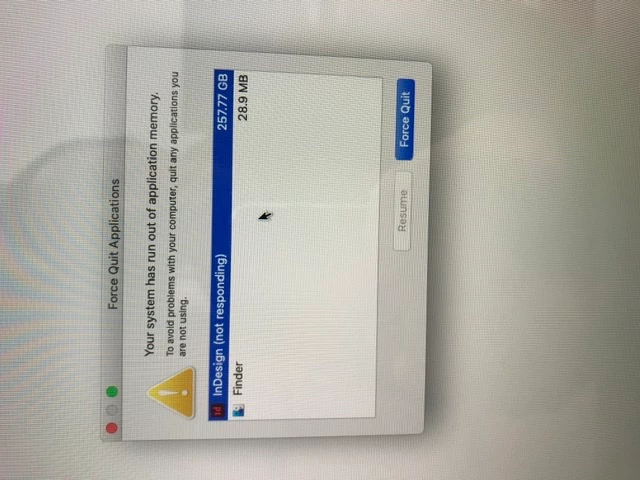
Indesign application memory issues
Hey guys.
I keep getting this issue when trying to open a CS6 f32 page indesign file. I'm not importing or re-linking images.
the file is on the desktop. So it's no longer on Dropbox.
I can open it fine in CS6 but not CC2020.
its frustrating the hell out of me. I can get it open but as soon as I try to do anything more, it's stuck in this cycle.
I can't find the cache files to delete in preference libraries.
I have uninstalled and reinstalled indesign, in the hope it might refresh but it's still not working.
Mac is a 2018 MacBook Pro with 32gb ram 512hd and dual graphics cards.
I don't know where else to turn. Other files have all been fine. It's just this one.
what suggestions do you have?
thanks
j
 AdChoices