
InDesign Beta Build Has Expired
Hello.
In the middle of working in the beta version of indesign (I have a Macbook pro 2020 with the M1 chip), I got an error notification saying InDesign Beta Build has expired. I've reached out to support, who recommended I uninstall the program and reinstall. They also recommended I log out of all adobe accounts, restart my laptop and try the reinstallation again. To no avail.
For the technical team, this is what I was doing while it happened:
1. I was reinstalling my creative cloud (it randomly stopped working and I could not repair it for a week. After countless uninstallations and reinstallations, I tried again and it worked). The error happened in the middle of the reinstallation.
2. I was activating fonts (I also tried manually dragging installed fonts into adobe/fonts in my library)
This is what the error looked like:
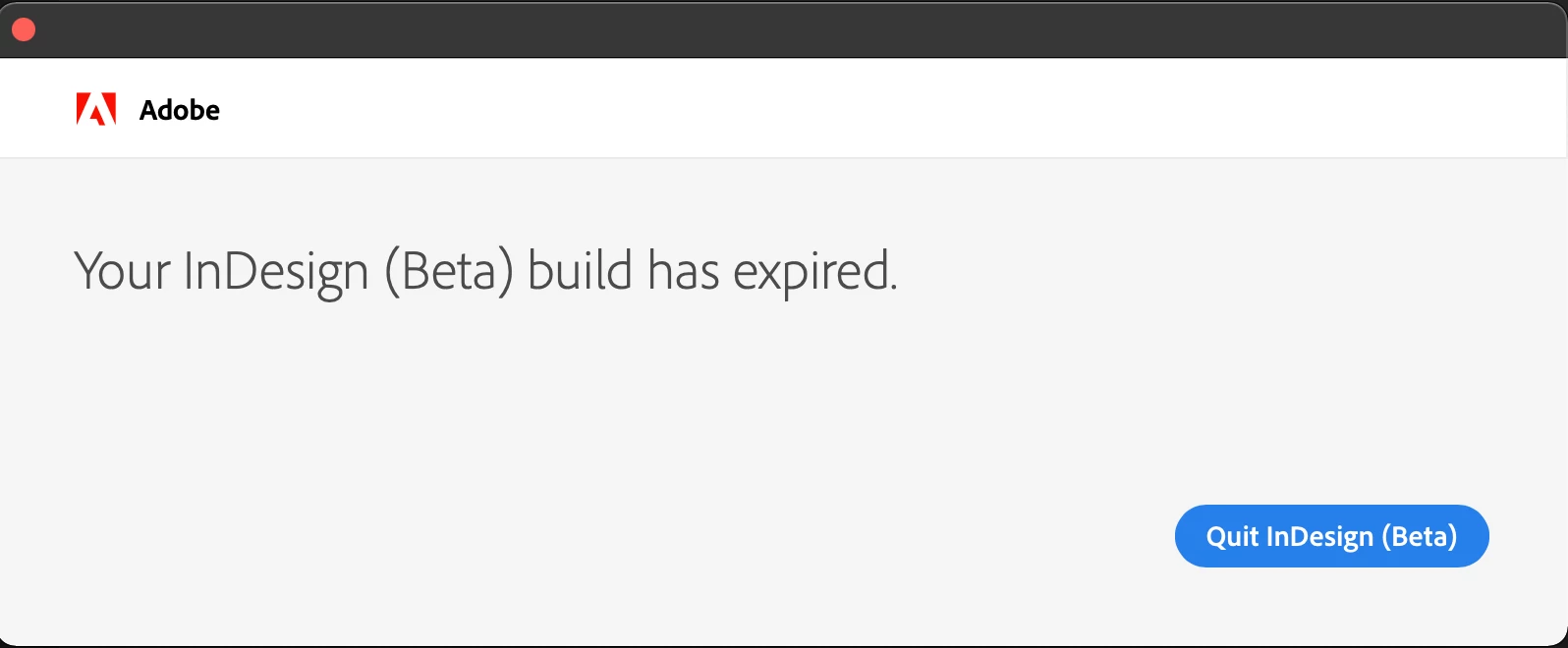
Is there any solution to this? Thank you for responses in advance.


 AdChoices