Answered
InDesign booklet: Export as PDF instead of printing
Instead of printing an InDesign booklet (with correct imposition) is it possible to instead export it as a PDF?

Instead of printing an InDesign booklet (with correct imposition) is it possible to instead export it as a PDF?
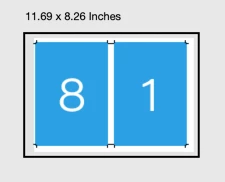
Thanks, I've removed the inside bleed but the crop marks still cause a gap in the middle.
Is it possible to add the crop marks in through Acrobat to trim off the bleed that is already on the PDF?
Hi @mttplbkp , InDesign’s Print Booklet has more imposition features than Acrobat’s Booklet—you can impose for perfect binding, set signature sizes, add a creep amount, apply printer marks.
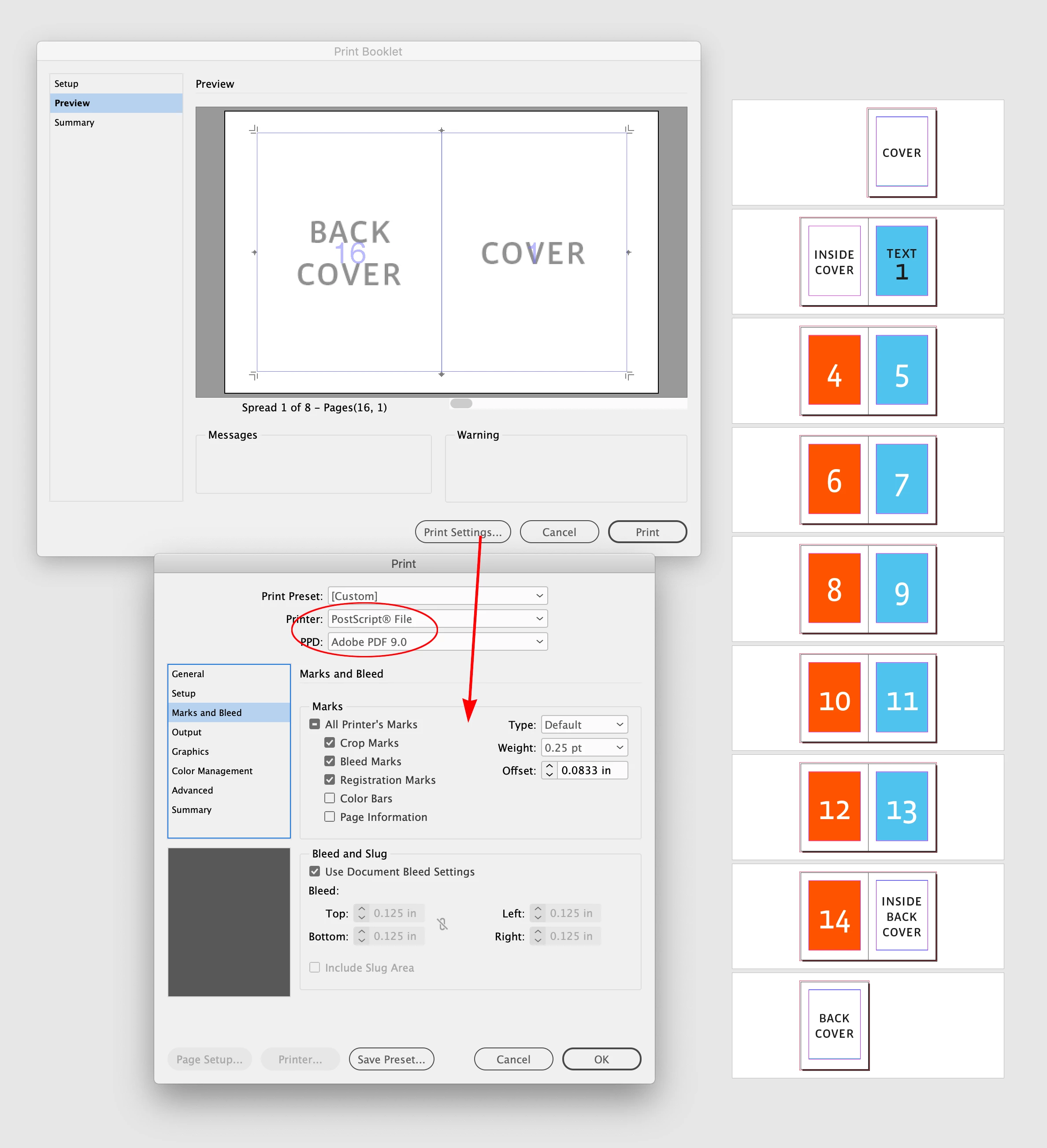
In order to Print a postcript file you need to install the Adobe PDF 9.0 PPD, which can be downloaded from this page:
https://helpx.adobe.com/indesign/kb/add-acrobat-ppd.html
Already have an account? Login
Enter your E-mail address. We'll send you an e-mail with instructions to reset your password.


 AdChoices