Known Participant
April 2, 2024
Answered

InDesign Booklet Numbering not Updating

  • April 2, 2024
  • 1 reply
  • 937 views

Hi all,

I've been using InDesign for a while, but this is my first attempt at using the booklet function to compile my design works into different portfolios targeting various fields.

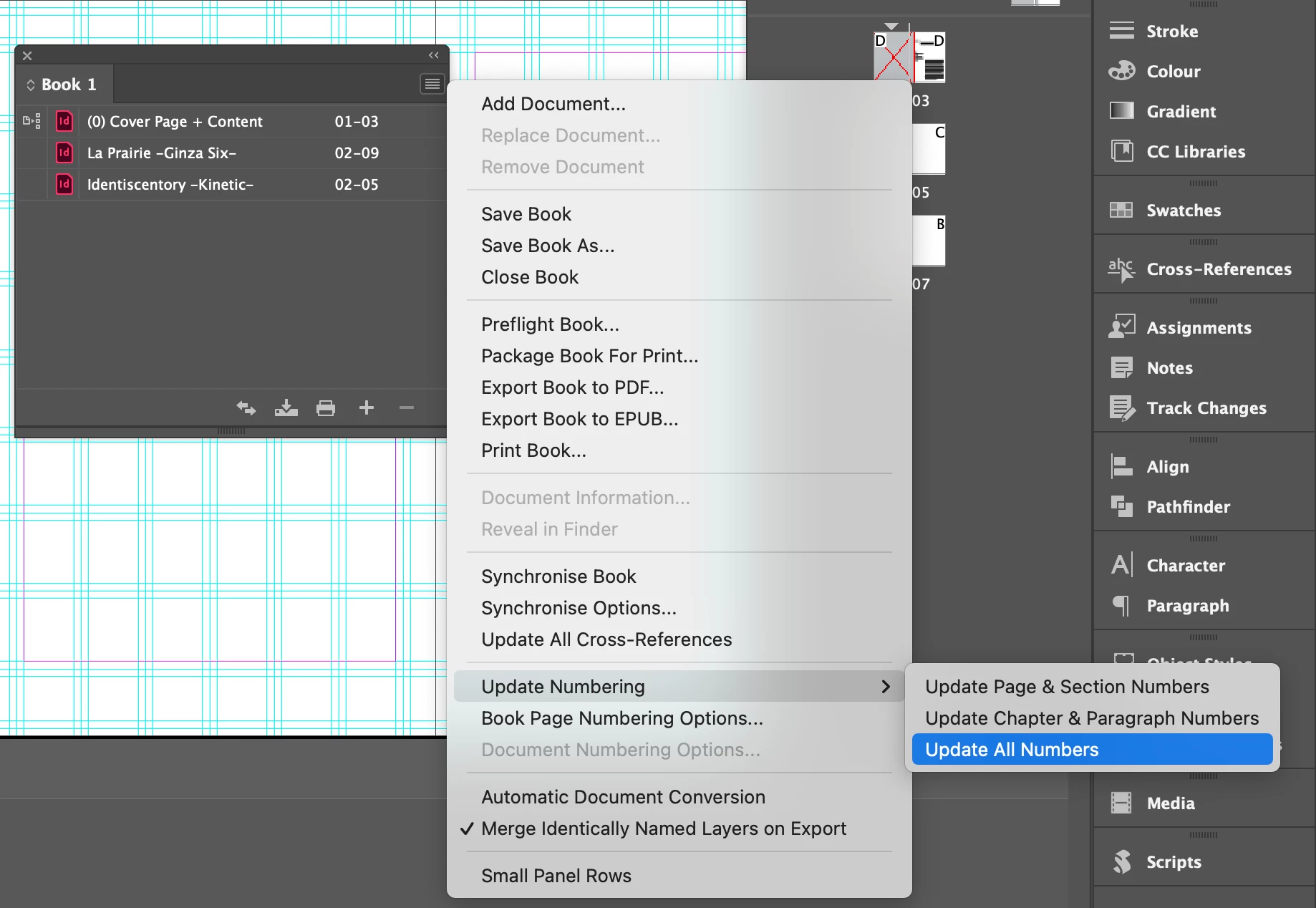
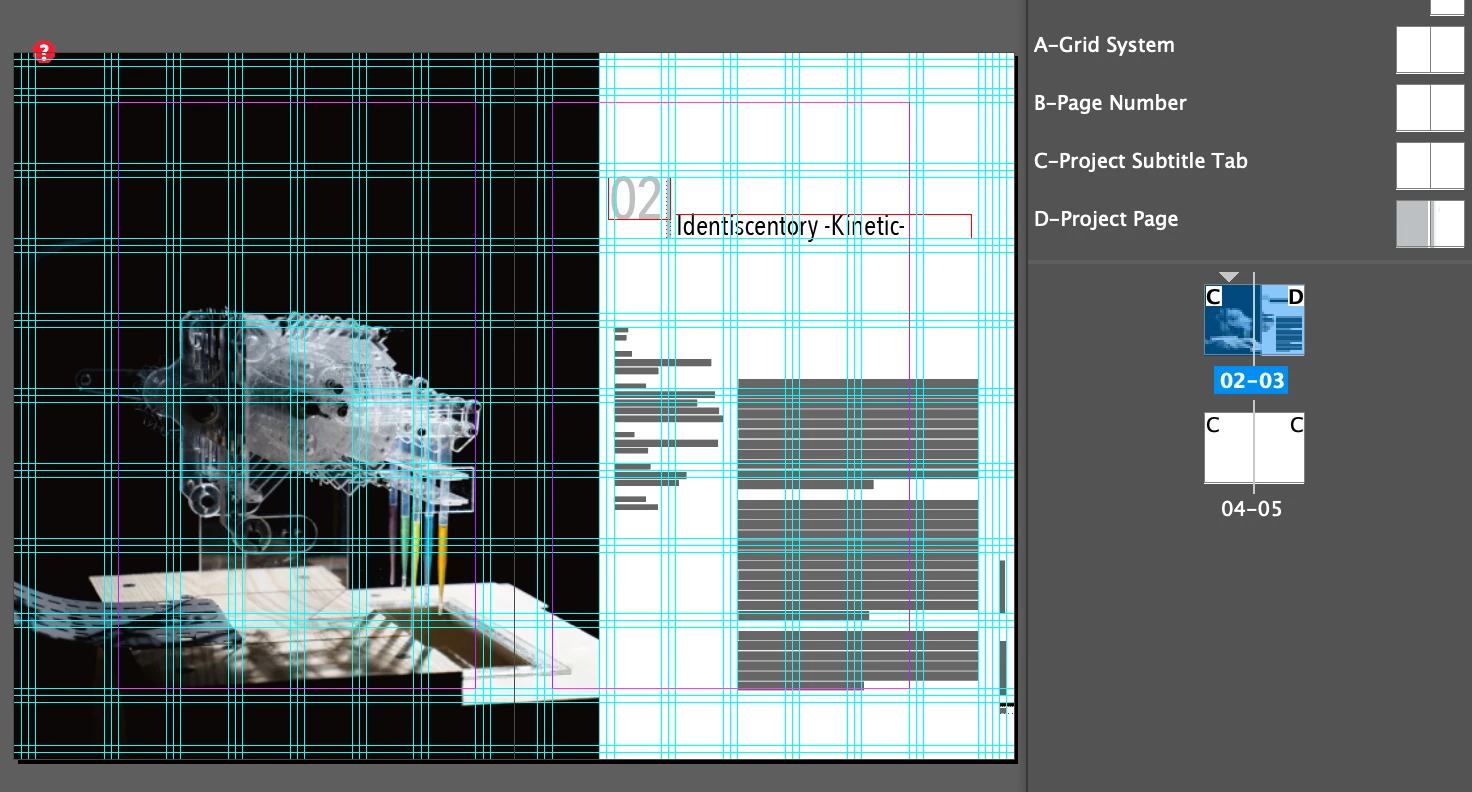
I have different documents created in spreads (see the screenshot below; that's why the pages start with 02 instead of 01), and I want to compile them when needed. I've created a booklet file and tried to update all the numbering from the book panel. However, the numbers are not updated accordingly. Technically, I believe the booklet updating numbering should sync all the page numbers and also the numbered lists I created in the paragraph style throughout the book, but nothing changed when I exported the PDF.

Does anyone have any ideas where I might be going wrong? I'm not sure if it's related to the page number for the design project document starting with 02, but it seems like I cannot update any numbers here.

Karen
This topic has been closed for replies.
Correct answer Mike Witherell

Make sure that each InDesign document is set to "Automatic Page Numbering" in the numbering and section options. If it is set to "Start Page Numbering at [a specific number]" then that would tend to supersede what the Book file is doing. 

https://helpx.adobe.com/indesign/using/creating-book-files.html

1 reply

Mike Witherell
Community Expert
Mike WitherellCommunity ExpertCorrect answer
Community Expert
April 2, 2024

Make sure that each InDesign document is set to "Automatic Page Numbering" in the numbering and section options. If it is set to "Start Page Numbering at [a specific number]" then that would tend to supersede what the Book file is doing. 

https://helpx.adobe.com/indesign/using/creating-book-files.html

Mike Witherell
Karen JRAuthor
Known Participant
April 2, 2024

Hi Mike,

I see where the issue was.

I guess I need to Allow the Page to Shuffle in order to make each document a spread (without cover page) and not interfering with the Automatic Page Numbering system!

Thank you so much!

Karen