
InDesign CC 2017 Missing Menu Bars and Icons
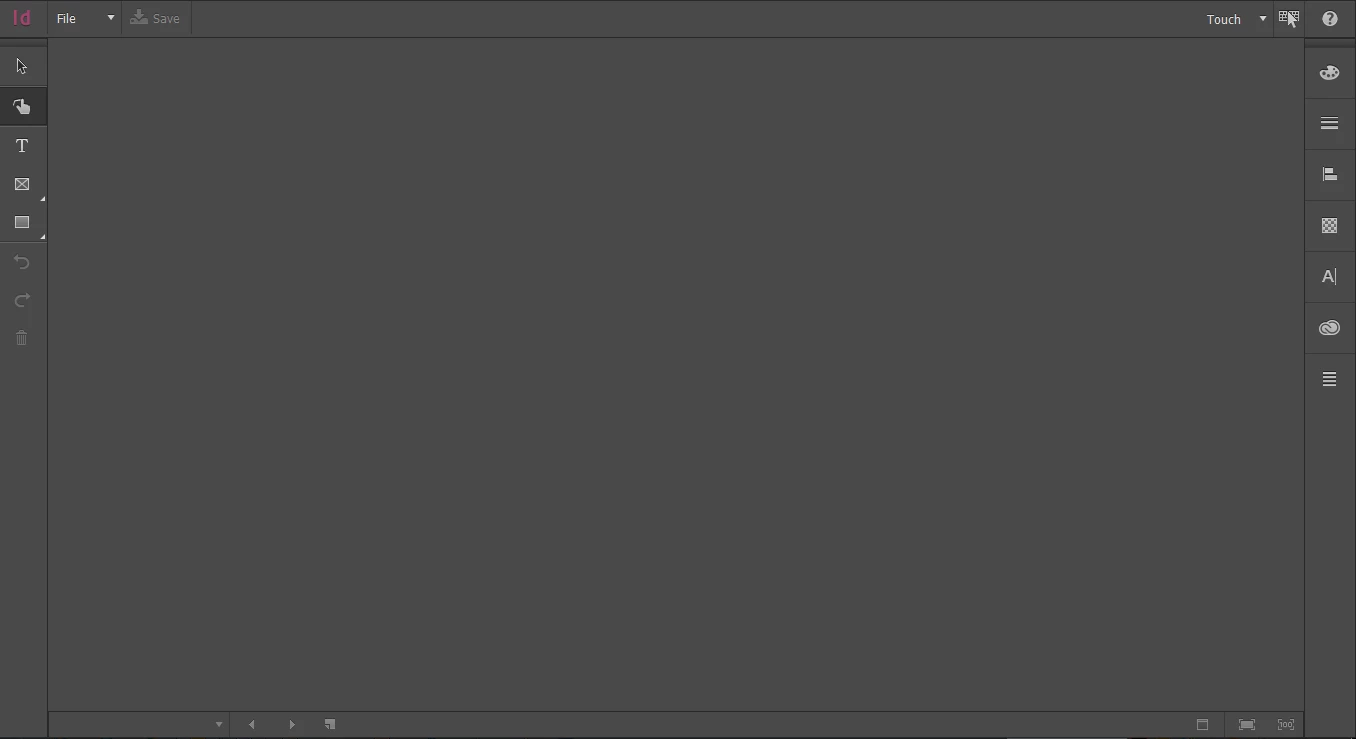
I downloaded the trial version of InDesign CC 2017. The screen looks nothing like the screens in the four tutorials I walked through. There are very few icons in the tool bars. Under the "File" selection, there is no "preferences" option. Not sure where all this stuff is or how to get it to appear. I see a "touch" option, but I'm not using my touch screen. I also see a "Help" icon, but when I click help, all I get are pictures of "Gestures" titled "Welcome to the InDesign Touch Workspace."
While my laptop has a touch screen, I've attached it to an external monitor that is not touch capable, so I do not want to use the touch option.
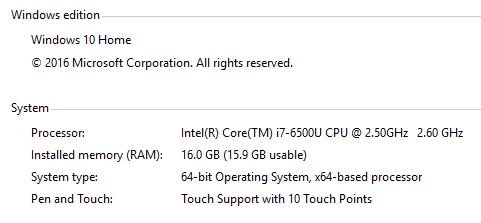
I'm working with Windows 10. Here's a snapshot of my system info:
And here is a snippet of my InDesign screen after opening. Where do I go to get the menu that non-touchscreen users would have?
 AdChoices