dylankalinas46562149
Participant
April 27, 2019
Answered

Indesign CC 2019: Transparent objects showing lines

  • April 27, 2019
  • 8 replies
  • 27785 views

Hi,

I was wondering if anyone else has ever had this problem or knows of any possible trouble shooting ideas.

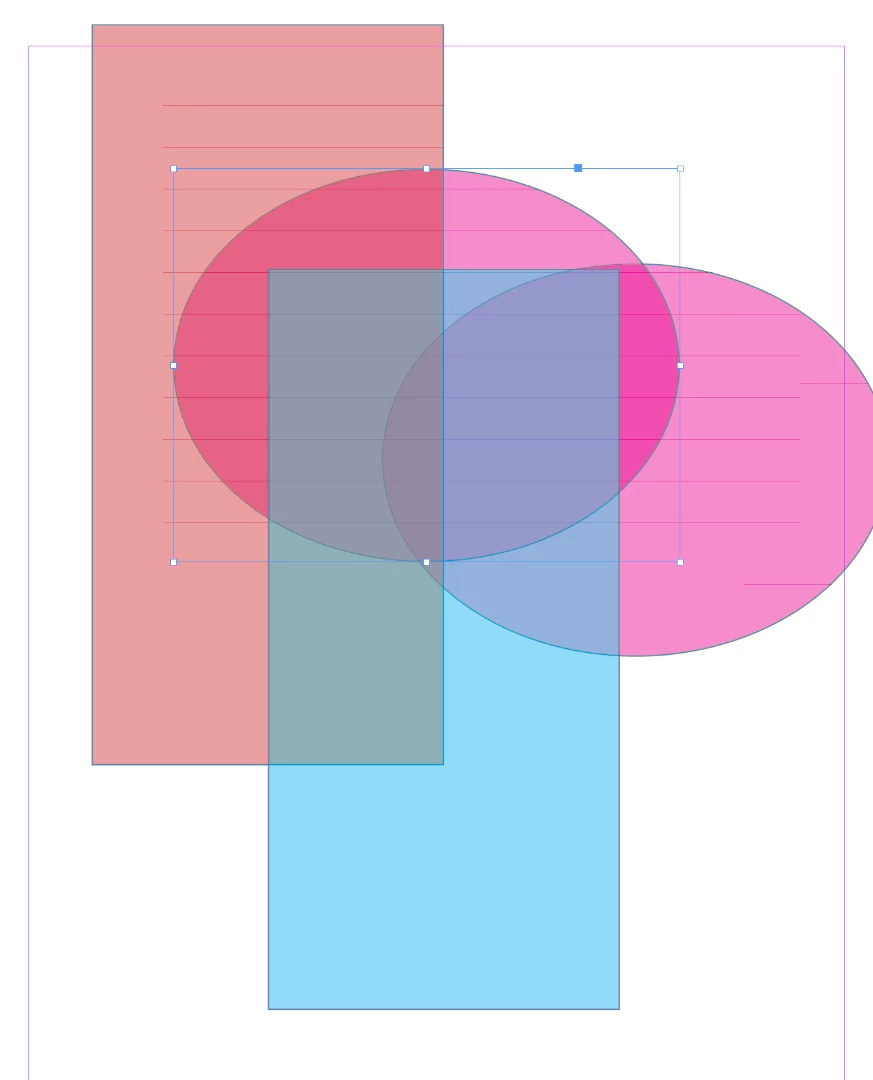
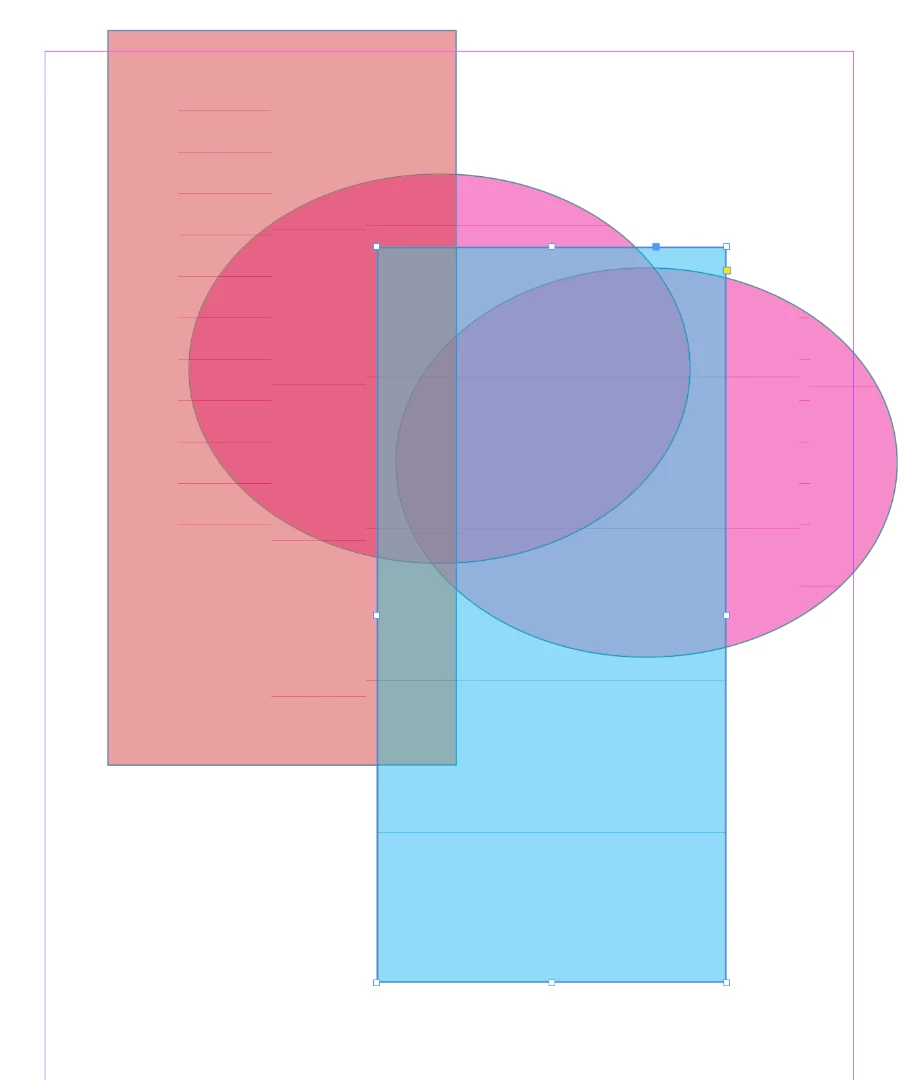
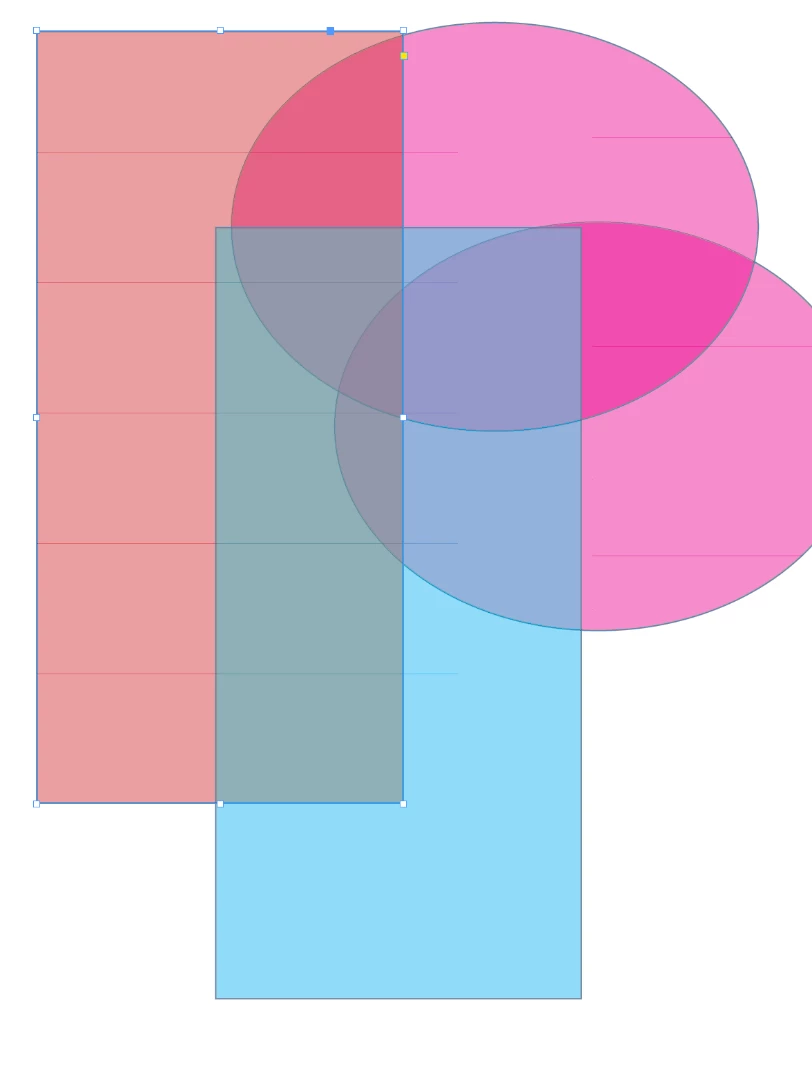
When I create an object and fill it with a color, then adjust the transparency of the object horizontal lines appear. The lines will change as I move the object or overlay it with another transparent object.

These lines do not appear when I export the composition.

I am using Windows 10. I have updated the computer and the graphics drivers.

I have uninstalled and reinstalled the program with it's default settings.

See below for examples:
Correct answer SarahBGraumann

Worth checking out, although I haven't seen any problems in any other software, and I've seen others with the same issue out there since CC2019 install. Thanks for your thoughts; I appreciate your time.

Anyone have any ideas for how to get through to Adobe? I've had chat windows open for literally days and they say "let me help you" and then disappear...


Have you tried turning on Overprint View from the View menu. Just worked for me. 🙂

8 replies

Participant
March 24, 2020

Ok! I was having this issue too. New HP 24" 4K monitor on Windows 10, showing the horizontal lines whenever I reduced opacity on an element within InDesign.


I got on chat with Adobe tech support, and after more than an hour, the technician found a solution! Here it is:


Close down InDesign. Navigate to where the InDesign.exe file is on your computer. Mine was a standard install, so it was located in "This PC -> (C:) -> Program Files -> Adobe -> Adobe InDesign 2020"


Right click on the "InDesign.exe" file and select "Properties" at the bottom of the list. Then click on "Change settings for all users". Then click on "Change high DPI settings". Then make sure "Override high DPI scaling behavior." is checked. And change "Scaling performed by" to "System" in the drop down menu.


Then I think we restarted InDesign, or did we restart thte whole computer? I don't remember, but the issue was GONE! So happy with the result. So I had to share.

Participant
March 24, 2021

I LOVE you!!!! This has been plaguing me since I upgraded my computer!!!

Participant
March 24, 2021

It's so satisfying when you find the solution to really obscure questions like this. I'm glad you found it too! Happy designing friend.

Participant
December 26, 2019

Open Preferences >> UI Scaling either uncheck the Option  "For High-PPI Displays, scale the the user interface" or choose 

Scale to lower Supported scale factor. then restart indesign.

Participant
May 16, 2021

I was experiencing the same issue as OP. This fix worked for me! Thank you.

Participant
May 16, 2021

Happy to help! 

Participant
October 24, 2019

I'm having this exact same problem.  Has anyone found any fixes for it?

Participant
November 4, 2019

I'm having the same issue!!!!

alisona68897270
Known Participant
August 12, 2019

This is what the lines look like now on the page. They shift around when moving through the document. Adobe customer non-support has not been helpful at all; I can't get a response from their chat window even.

Steve Werner
Community Expert
Community Expert
August 12, 2019

Possibly a graphics card problem?

alisona68897270
Known Participant
August 12, 2019

Worth checking out, although I haven't seen any problems in any other software, and I've seen others with the same issue out there since CC2019 install. Thanks for your thoughts; I appreciate your time.

Anyone have any ideas for how to get through to Adobe? I've had chat windows open for literally days and they say "let me help you" and then disappear...

marliton
Community Expert
Community Expert
August 12, 2019

Hi. Have you tried to export to PDF? If the PDF doesn't show the same problem, then it's an InDesign preview problem.

Marlon Ceballos
alisona68897270
Known Participant
August 12, 2019

Thanks. The lines do not show up on PDFs, so it's not a problem for printing. I realize that it is a preview problem which I am trying to solve. The lines are distracting to me and my clients when trying to view a book in preview mode. I often sit with clients with the document open in InDesign so we can make changes on the fly, and I'm tired of trying to explain to them that the lines won't be there in the final product. Preview should show me what the page will look like when finalized. This is a recent issue that has shown up only since installing CC2019.

Frans v.d. Geest
Community Expert
Community Expert
August 12, 2019

GPU rendering on (mac)? Try turning it off or choose Preview on CPU.

alisona68897270
Known Participant
August 12, 2019

Thanks, but I'm on a PC...? I am in Preview mode.

Frans v.d. Geest
Community Expert
Community Expert
April 27, 2019

Change your preferences for delay for screen draw when moving, set it to delayed.

alisona68897270
Known Participant
August 12, 2019

I have the same issue with transparent objects. Prefs were already set to delayed and this is in Preview mode. These lines just showed up in CC2019. Anyone?

Steve Werner
Community Expert
Community Expert
August 12, 2019

The only line I see in your screen capture is the bounding box of the picture on the left. It appears when it is selected, even in Preview view. Choose the Selection (black arrow) and click on the picture to deselect. It will NOT print.

Steve Werner
Community Expert
Community Expert
April 27, 2019

Try choosing Preview mode to see if they appear. I think you just have Normal mode selected with Show Frame Edges turned on (View > Extras > Show/Hide Frame Edges).

alisona68897270
Known Participant
August 12, 2019

I have the same problem and the lines show up in Preview mode too.