ElephantRattle
Participant
March 8, 2018
Answered

InDesign CC table won't align

  • March 8, 2018
  • 2 replies
  • 3870 views

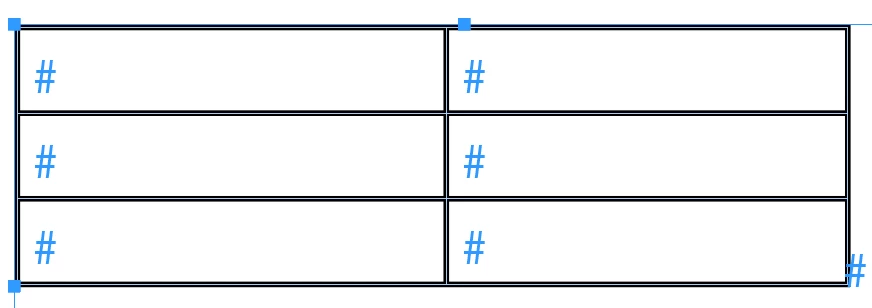
The white row, I split it vertically to create a new column. Now when I hold down shift and slide the cell border, it won't align with the ones above and below. Please help.


    This topic has been closed for replies.
    Correct answer Barb Binder

    Split cell vertically makes an entirely new column, but merges cells to do it—Table > Insert > Column is a more straightforward approach.

    With that very cropped screen shot, I can't see why that narrow column was added. If it is too late to undo—and based on what I can see—I would:
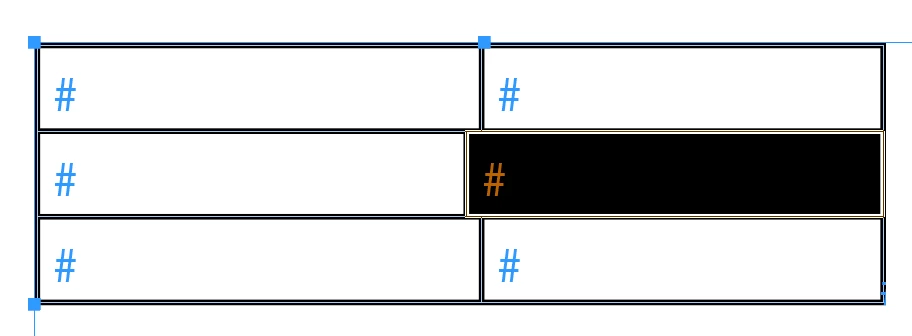
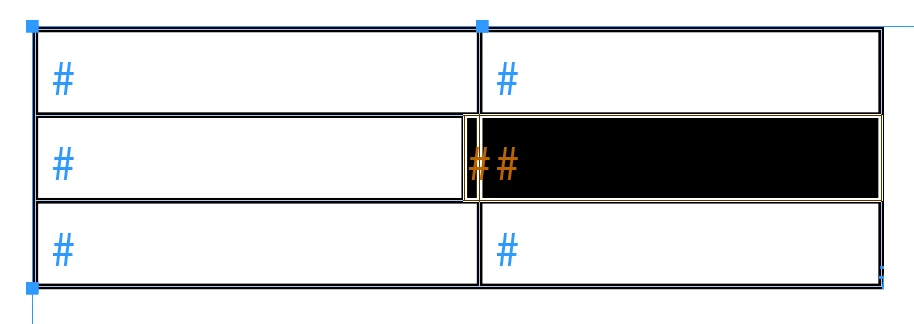
    1. Select the merged cells on the right
    2. Table > Unmerge Cells
    3. Hover above the very narrow cell at the top of the table and click the select the column
    4. Table > Delete > Column

    ~Barb

    2 replies

    Participant
    January 11, 2023

    is there any other way than this? i mean shortway like drag and align?

    BobLevine
    Community Expert
    Community Expert
    January 11, 2023

    You just replied to a five year old discussion. Please start a new one with full details of what you're trying to accomplish. I'm locking this one.

    Barb Binder
    Community Expert
    Barb BinderCommunity ExpertCorrect answer
    Community Expert
    March 8, 2018

    Split cell vertically makes an entirely new column, but merges cells to do it—Table > Insert > Column is a more straightforward approach.

    With that very cropped screen shot, I can't see why that narrow column was added. If it is too late to undo—and based on what I can see—I would:
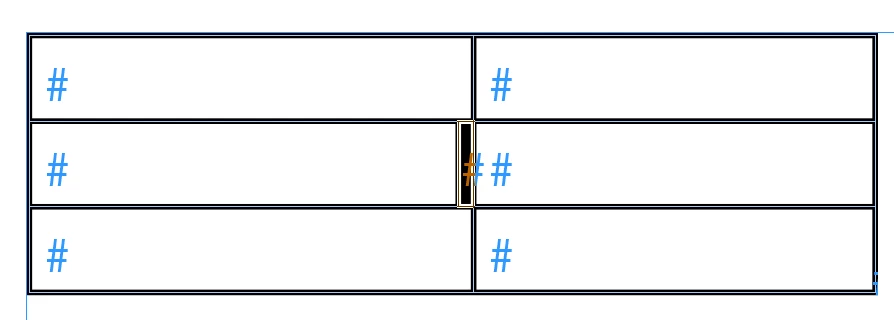
    1. Select the merged cells on the right
    2. Table > Unmerge Cells
    3. Hover above the very narrow cell at the top of the table and click the select the column
    4. Table > Delete > Column

    ~Barb

    ~Barb at Rocky Mountain Training
    Community Expert
    March 8, 2018

    Hi Barb,

    be cautious what you are doing with text contents.

    Unmerging the selected cell will force text contents to the left cell:

    Regards,
    Uwe