Inspiring
November 12, 2018
Answered

InDesign CC2019 Hangs for about 30 seconds when editing text for the first time

  • November 12, 2018
  • 2 replies
  • 437 views

Hi there!

When I open an InDesign file and edit the text for the first time, InDesign will hang (with spinning wheel of death) for about 30 seconds to a minute.

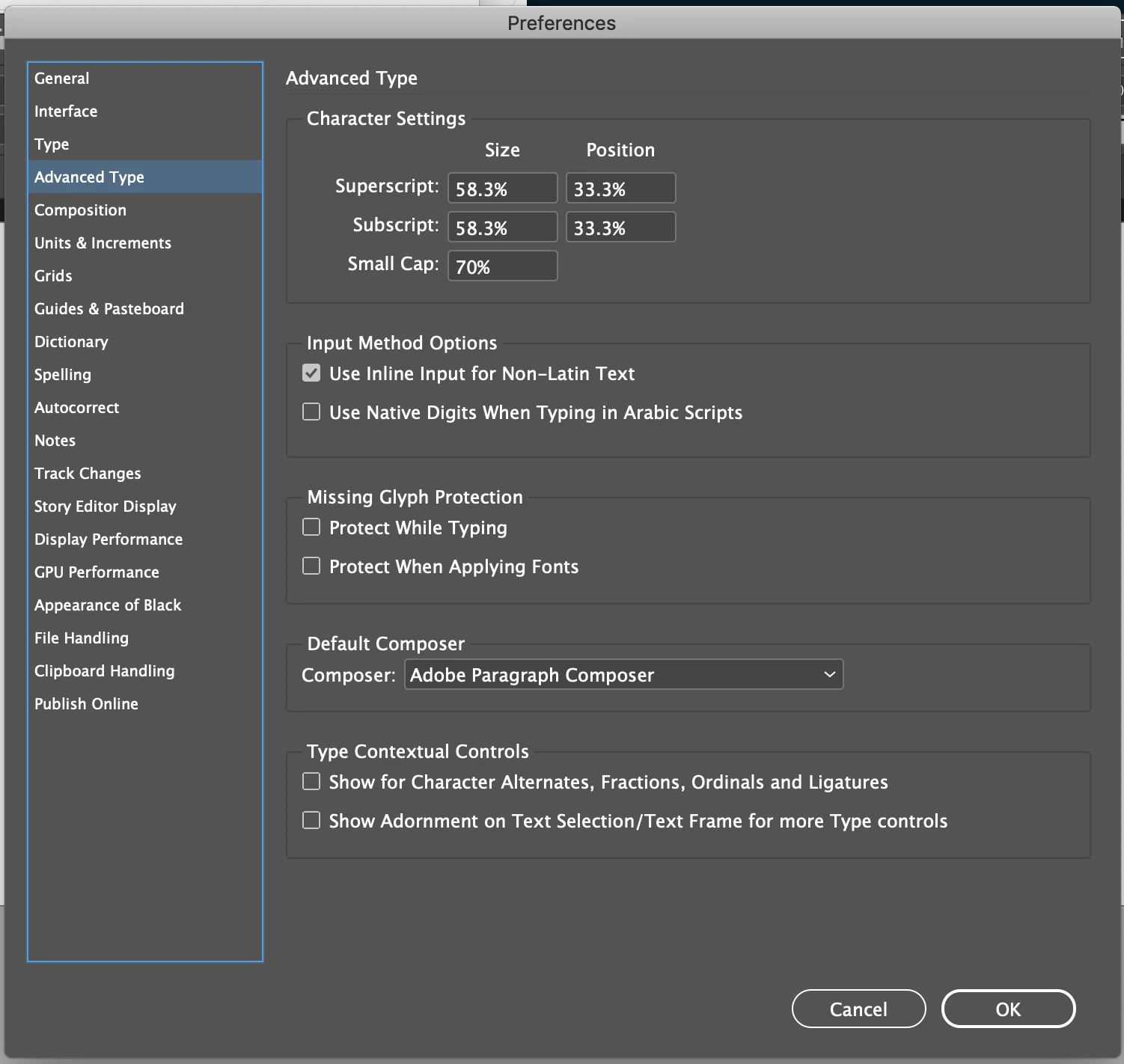
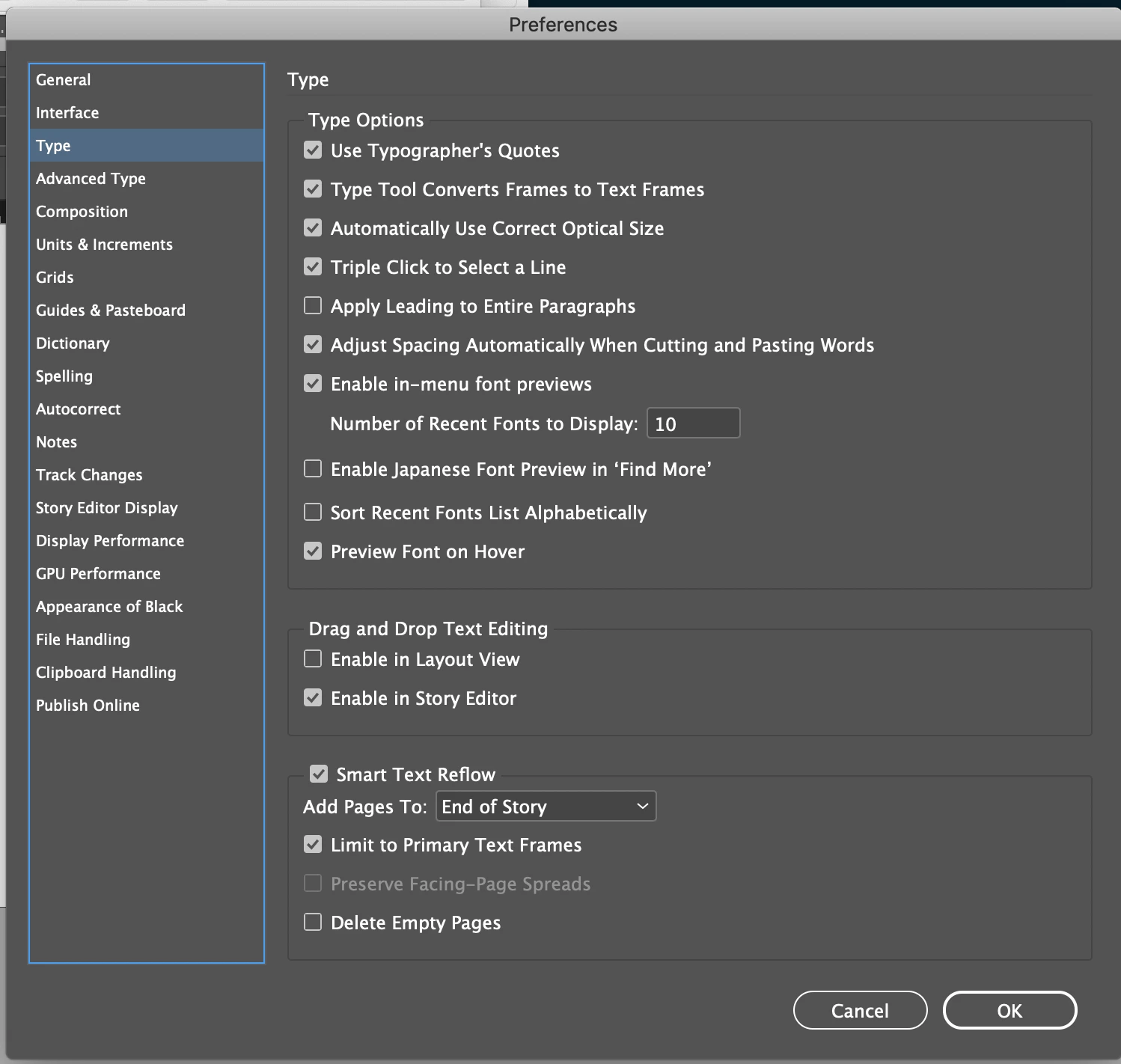
Any ideas? I've tried suggestions for similar problems seen in CC 2017 (turning off both check boxes under "Type Contextual Controls" in Advanced Type Preferences) according to the forum search and it hasn't worked.

Thanks!

Specs:
Brand new MacBook Pro (macOS Mojave, v10.14, 32 GB RAM) running InDesign CC 2019 v. 14.0.
    This topic has been closed for replies.
    Correct answer zacrizy

    Using Frans search suggestion I've found this:

    Problem with changing the cursor to text – Adobe InDesign Feedback

    But it seems like it's still an ongoing issue with no solution. Hope that helps anyone else with this issue! So hard to filter thru all of the different posts on the forum.

    2 replies

    zacrizyAuthorCorrect answer
    Inspiring
    November 12, 2018

    Using Frans search suggestion I've found this:

    Problem with changing the cursor to text – Adobe InDesign Feedback

    But it seems like it's still an ongoing issue with no solution. Hope that helps anyone else with this issue! So hard to filter thru all of the different posts on the forum.

    BobLevine
    Community Expert
    Community Expert
    November 12, 2018

    This has been discussed to death. Please search the forum.

    zacrizyAuthor
    Inspiring
    November 12, 2018

    Can you point me to an article in particular? All searches that I've found have either been for really outdated versions of InDesign, or just haven't helped.

    (been looking this up for way too long )

    Thanks!

    Frans v.d. Geest
    Community Expert
    Community Expert
    November 12, 2018

    As Bob said, discussed to death. Search on text delay etc,