Participant
June 24, 2020
Question

Indesign CC2019- Missing fonts and links

  • June 24, 2020
  • 1 reply
  • 147 views

Hi all,


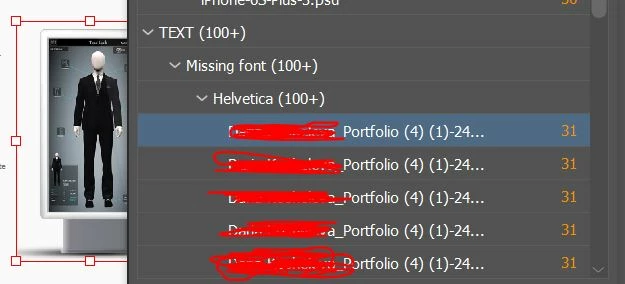
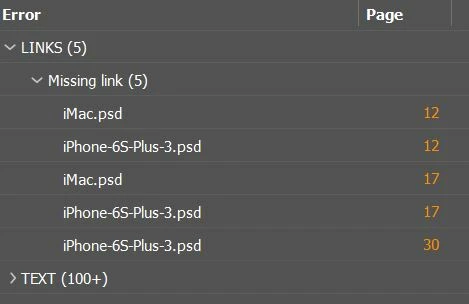
I worked with the file 6 months ago. I don't remember that I replaced any related files or make any other related changes (or updates on PC or etc) in this period. Nevertheless, once I opened the file and I have a lot of error (attached) that I can't fix in any way. (btw Helvetica family font is installed on my PC)

Please help me to fix these issues.
This topic has been closed for replies.

1 reply

Mike Witherell
Community Expert
Community Expert
June 24, 2020

You likely do not have a font named Helvetica unless it is a very old font PostScript T1. Very old fonts are not welcome on your computer. You might have received an ID file that originated on a Mac.


The new font you should  install is called "Helvetica-Neue" family. This font should be installed and called for within your Paragraph Styles. If you install the new font, you can do a Find/Replace and trade out the old font for a correct new font.

Mike Witherell