Chris Panny
Inspiring
April 20, 2018
Question

InDesign CC2108 Export To Reflowable ePUB Converts Jpeg to PNG

  • April 20, 2018
  • 1 reply
  • 473 views

I'm running Windows 10 64bit InDesign CC 2018

I am working on an InDesign document that is getting exported to reflowable ePUB 3. The document has some PNG and some JPG files.

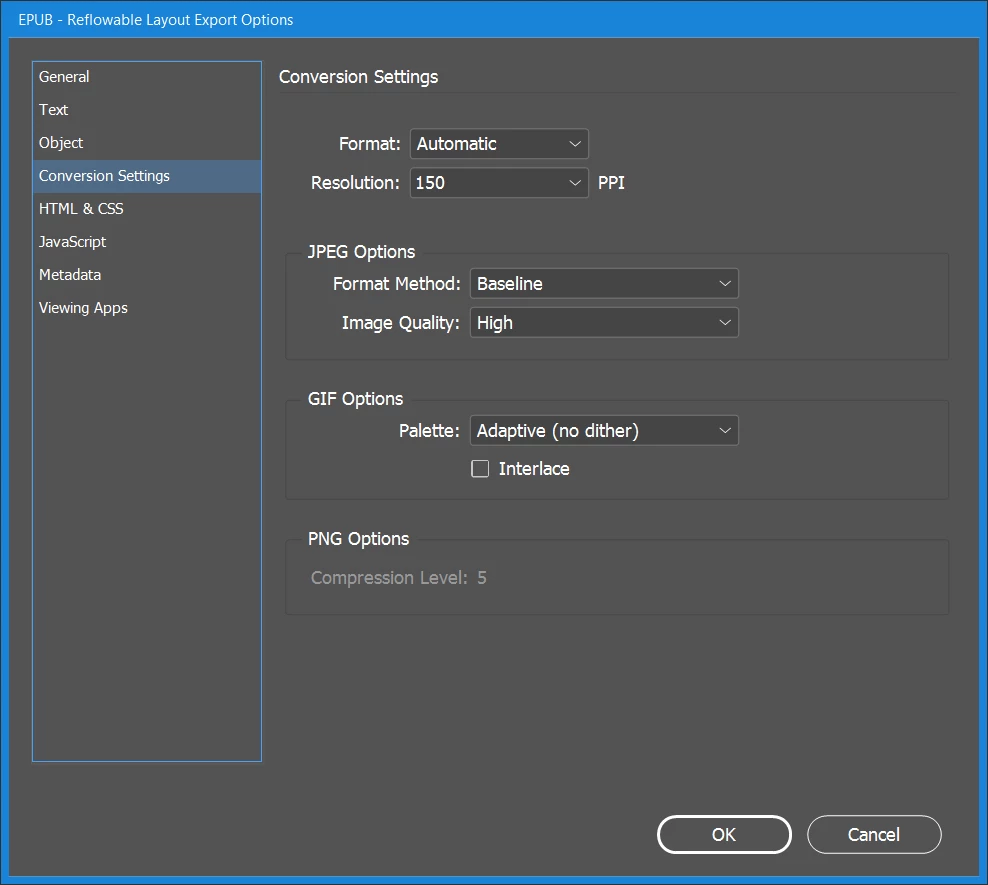
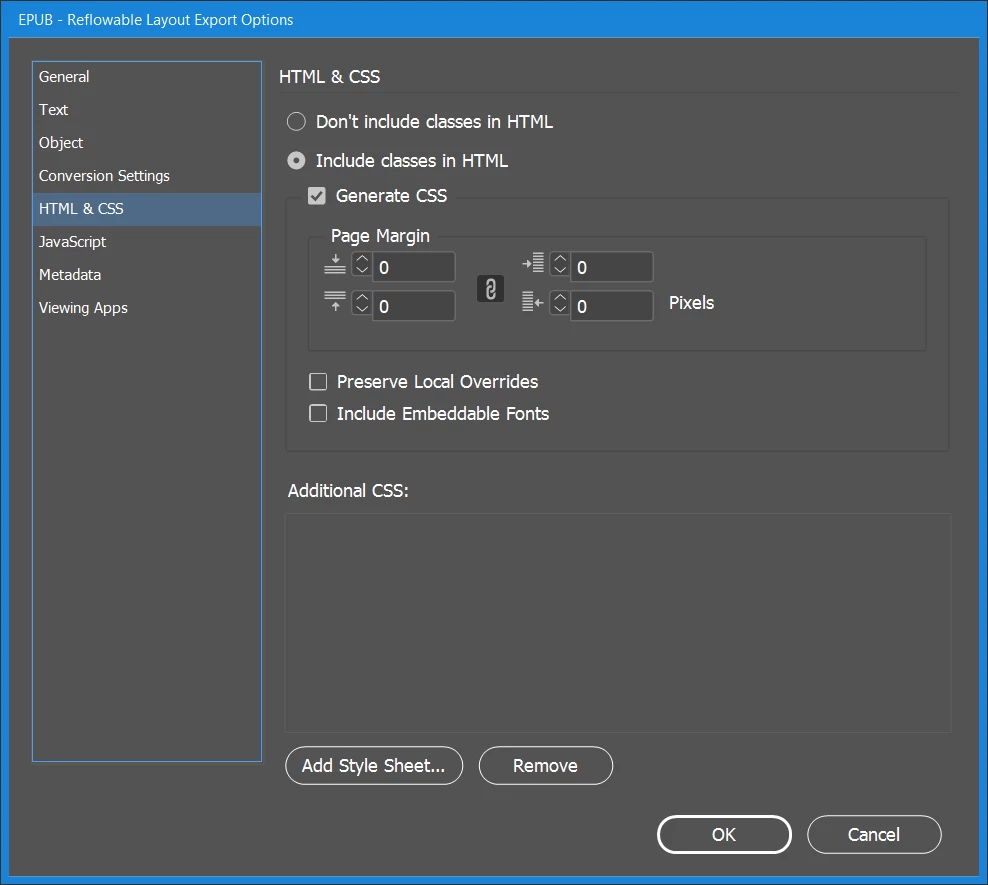
For some reason, when it exports, my jpegs are getting converted to PNG, which is increasing the file size beyond what I want. (I can see this when I crack open the ePUB with eCan Crusher.) My Conversion settings are set to Automatic. I have object styles for both formats (Preserve Appearance From Layout = Default). I need my jpegs to stay as jpegs. Any ideas why this is happening? Let me know if you need more information.
This topic has been closed for replies.

1 reply

Derek Cross
Community Expert
Community Expert
April 20, 2018

Try changing Automatic to JPG in the Format drop-down, under the Conversion Settings tab.

Chris Panny
Inspiring
April 20, 2018

It works, but this converts my real png files to jpeg, which loses the transparency they have.

I did some more testing:

Bridge and InD report the source files as .jpg

Reset Export - Conversion Settings back to Automatic

Opened up the jpegs in PS

Save As .jpeg

relink in InDesign and export - still converts these to png

Save As .jpg (overwrite existing)

relink in InDesign and export - still converts these to png

Saved As PSD

relink in InD (swapped out jpg with psd) - export still converts psd to png

Changed the Object Style - Preserve Appearance from Layout to: Rasterize Container - JPEG

This worked. I've never had to do this before. Still not sure why InD wouldn't export them in their original format, but at least this method works.

It's only an island if you look at it from the water.